
Everything your photography business needs, in one place.
Take enquiries, plan shoots, send contracts and invoices, and share galleries. Each client gets their own portal, where they can see their schedule, invoices and photos.
-
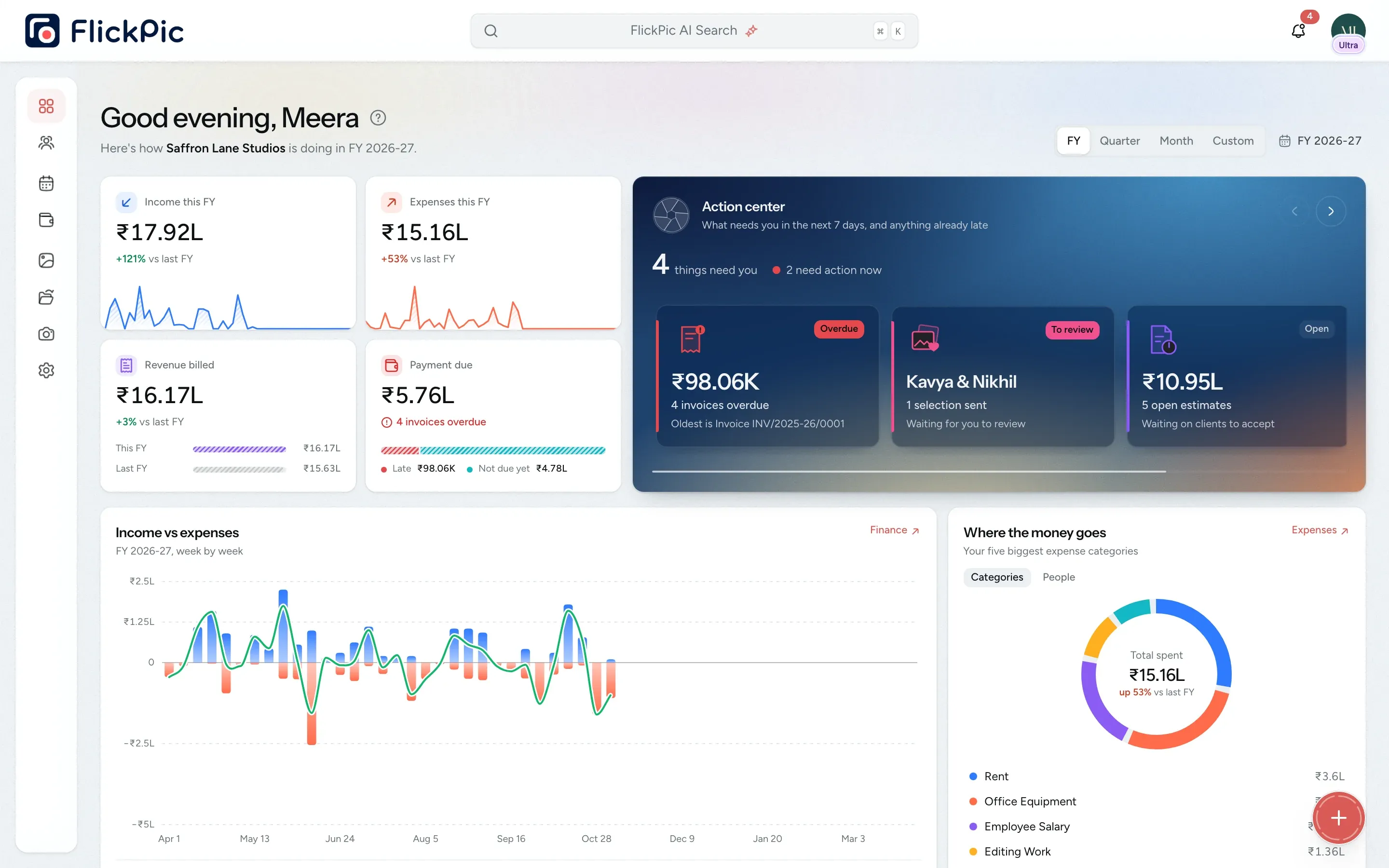
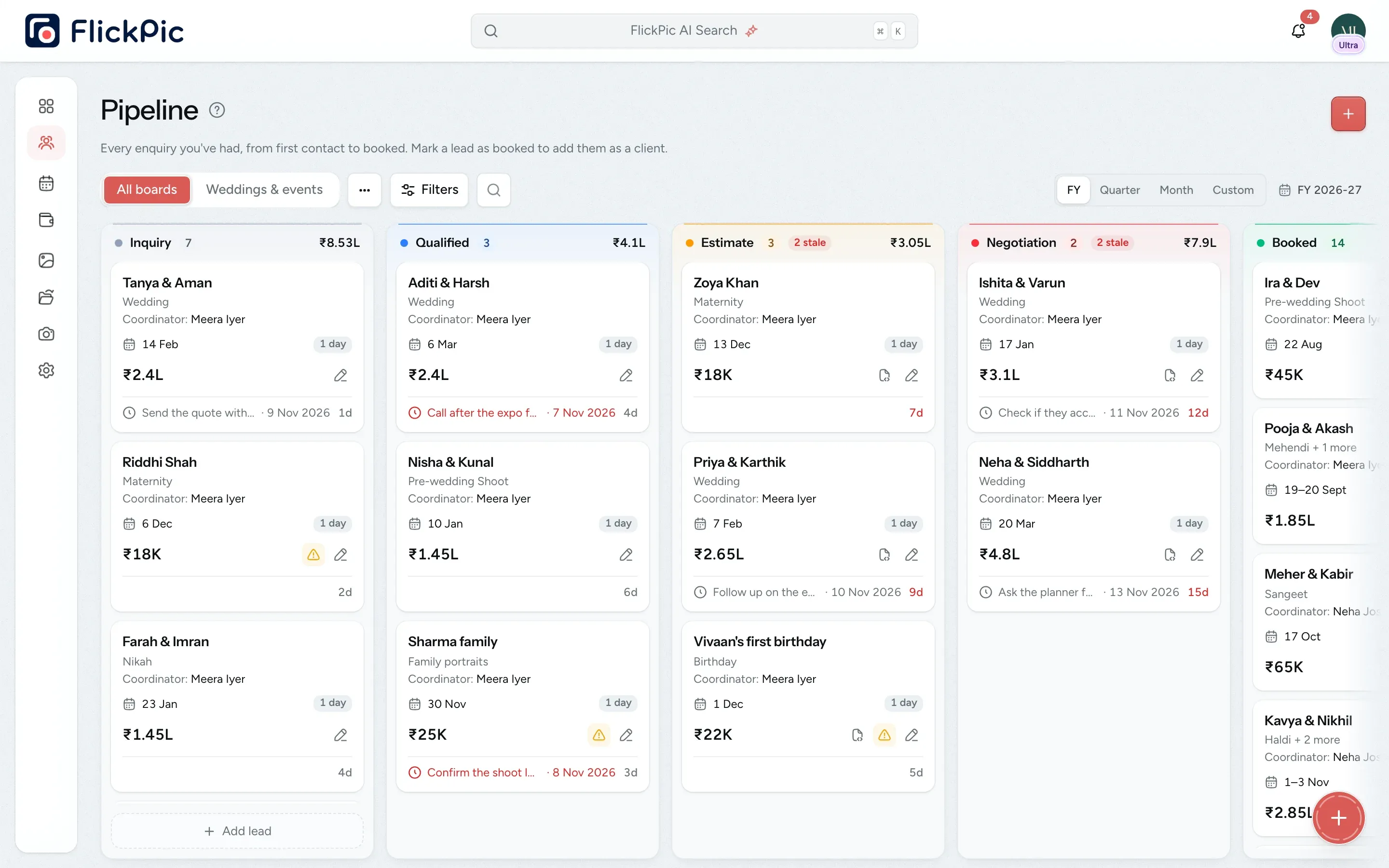
Enquiries
Track enquiries on one board and get follow-up reminders.
-
Bookings
Plan shoot dates, crew and equipment for every booking.
-
Galleries
Share galleries where clients choose their favourites and download the final photos.
-
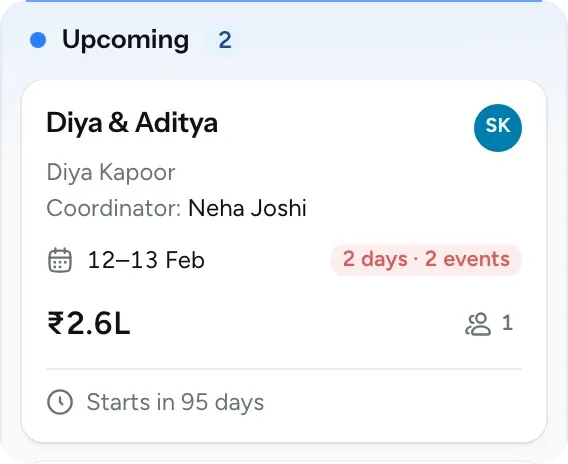
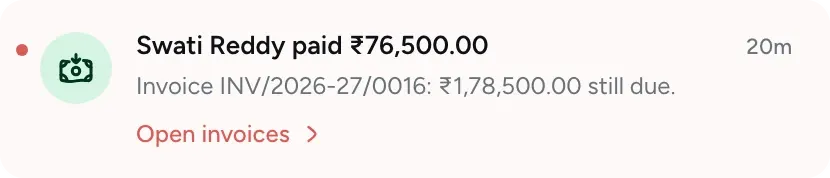
Invoices
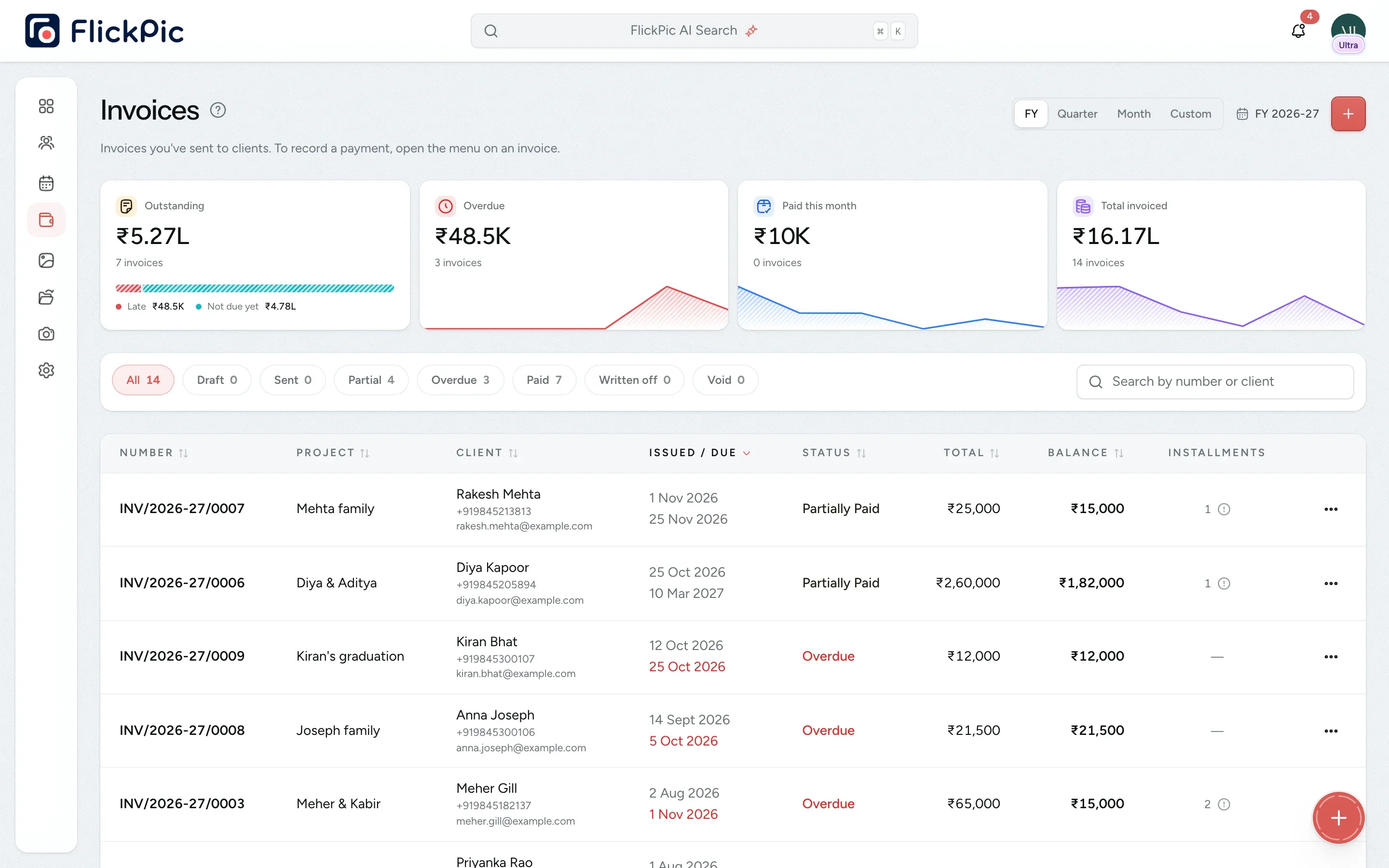
Create GST invoices and record part payments. FlickPic sends the payment reminders.
All of this is available today
- Client galleries
- Photo selection
- PIN-protected links
- Enquiry tracking
- Enquiry forms
- Projects
- Contracts
- Quotes and invoices
- FlickBox drive
- Watermarking
- Equipment tracking
- Team and roles
- Audit log
- Expenses
- Photo sets
- WhatsApp updates
- Instant access removal
- Notifications
- Bulk downloads
- Payments
Every booking, from enquiry to delivery
These are the steps of a typical booking, and FlickPic handles each one.
-
Enquiry
Record each new enquiry and track it on your board.
-
Booking
Confirm the event dates, the package and who is shooting.
-
Contract
Send the contract and let your client sign it online.
-
Shoot
Plan each shoot day with its schedule, crew and equipment.
-
Invoice
Send invoices, track payments, and remind clients.
-
Gallery
Share galleries for clients to select their favourites.
Eight tools you can replace with one app
FlickPic does the job of each of these tools and keeps everything in one list of clients and projects. Add a couple once, and their contract, invoices and gallery are all kept on the same project.
Try it free 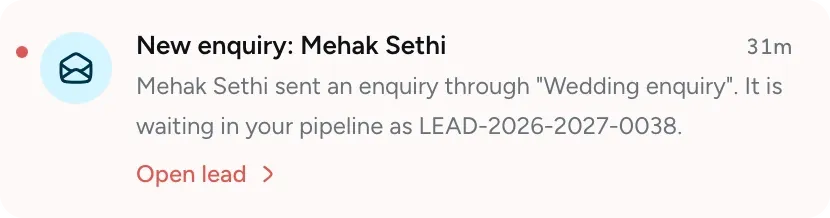
- Instead of Google Forms use Enquiry form
- Instead of DocuSign use Online contracts
- Instead of Excel use Projects
- Instead of Google Calendar use Shoot calendar
- Instead of Pixieset use Client galleries
- Instead of WeTransfer use File sharing
- Instead of Google Drive use FlickBox
- Instead of Invoicing software use GST invoices
How a booking moves through FlickPic
Follow one couple from their first enquiry to the profit you made on their shoot. Each step uses the details from the step before it.
-
Enquiry
Step 1 / 6New enquiries come in through your form
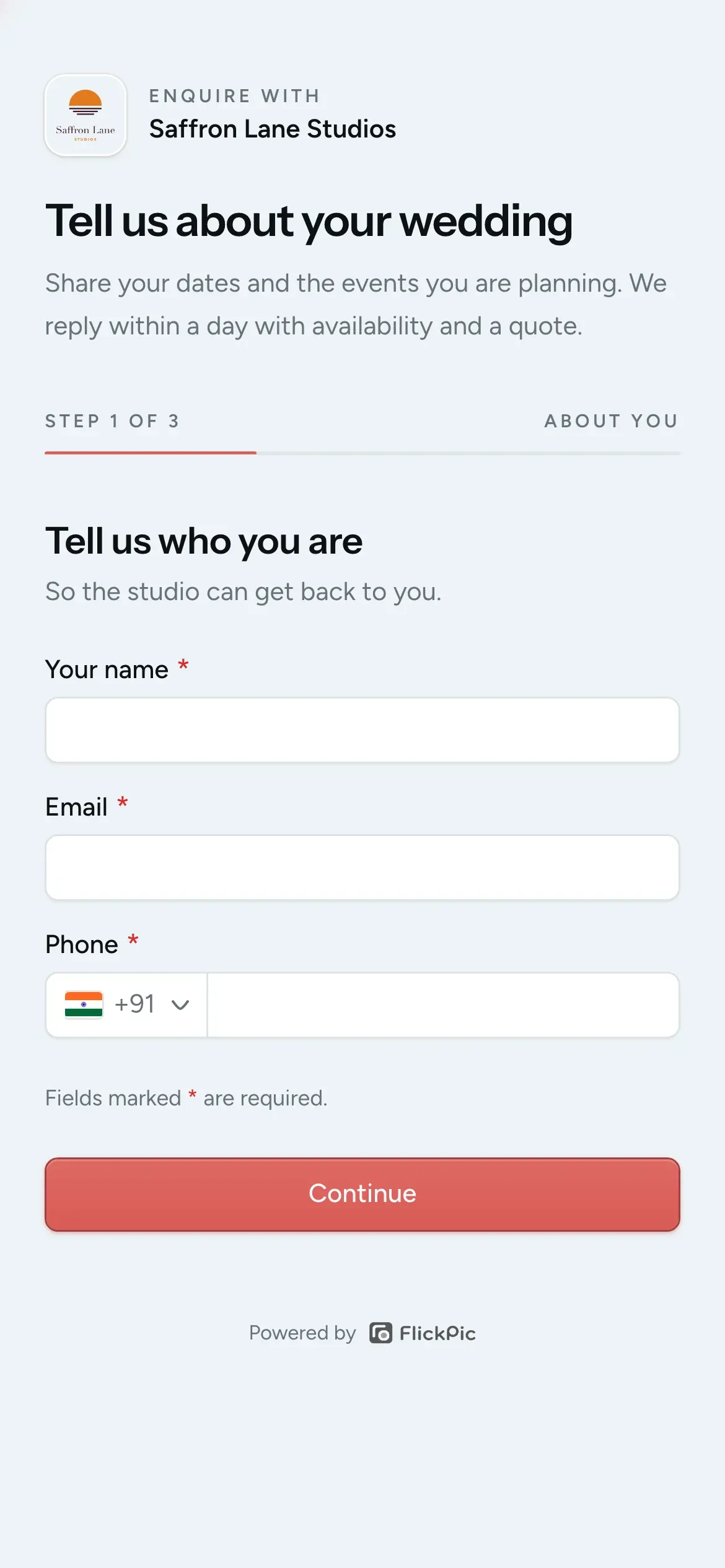
A couple fills in your enquiry form on their phone. The enquiry appears on your board as a lead, with their contact details, event dates and venues.
You get an email and an app notification.
See enquiries and bookings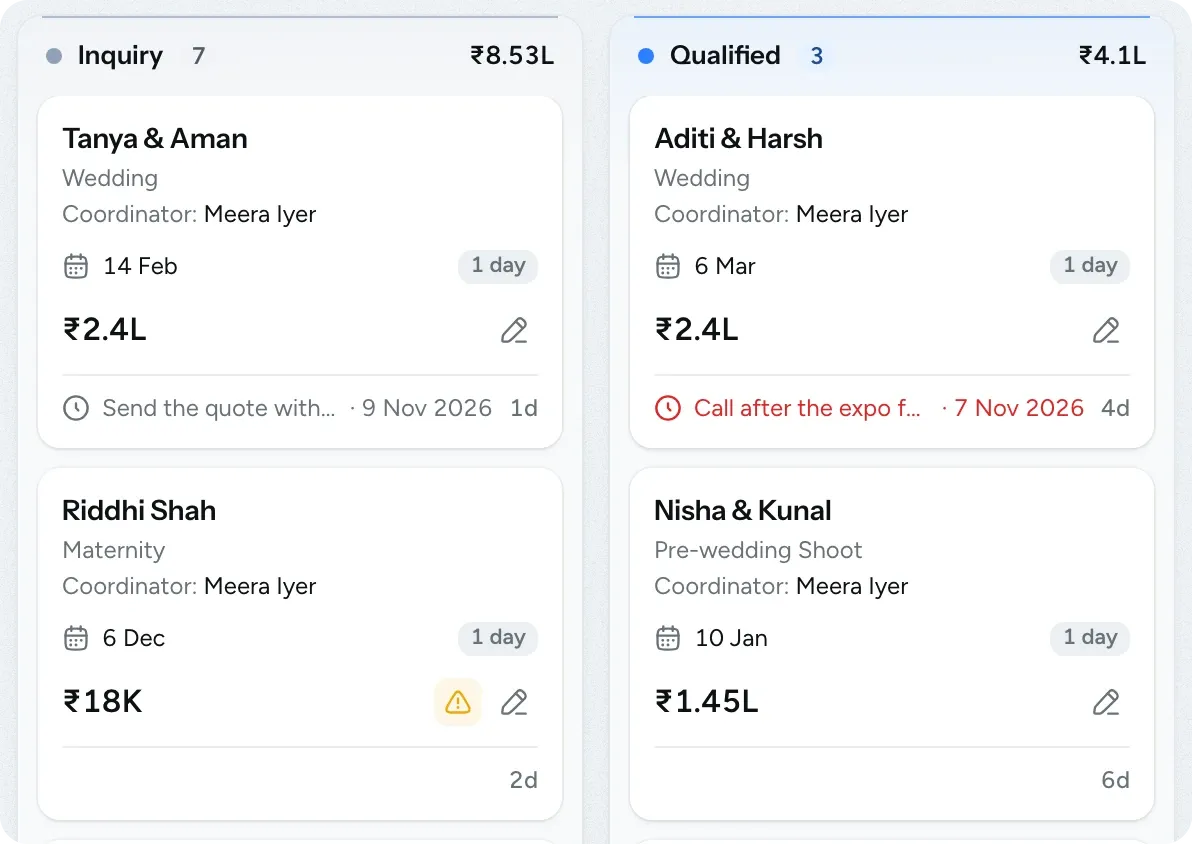
-
Client
Step 2 / 6Booked enquiries become clients
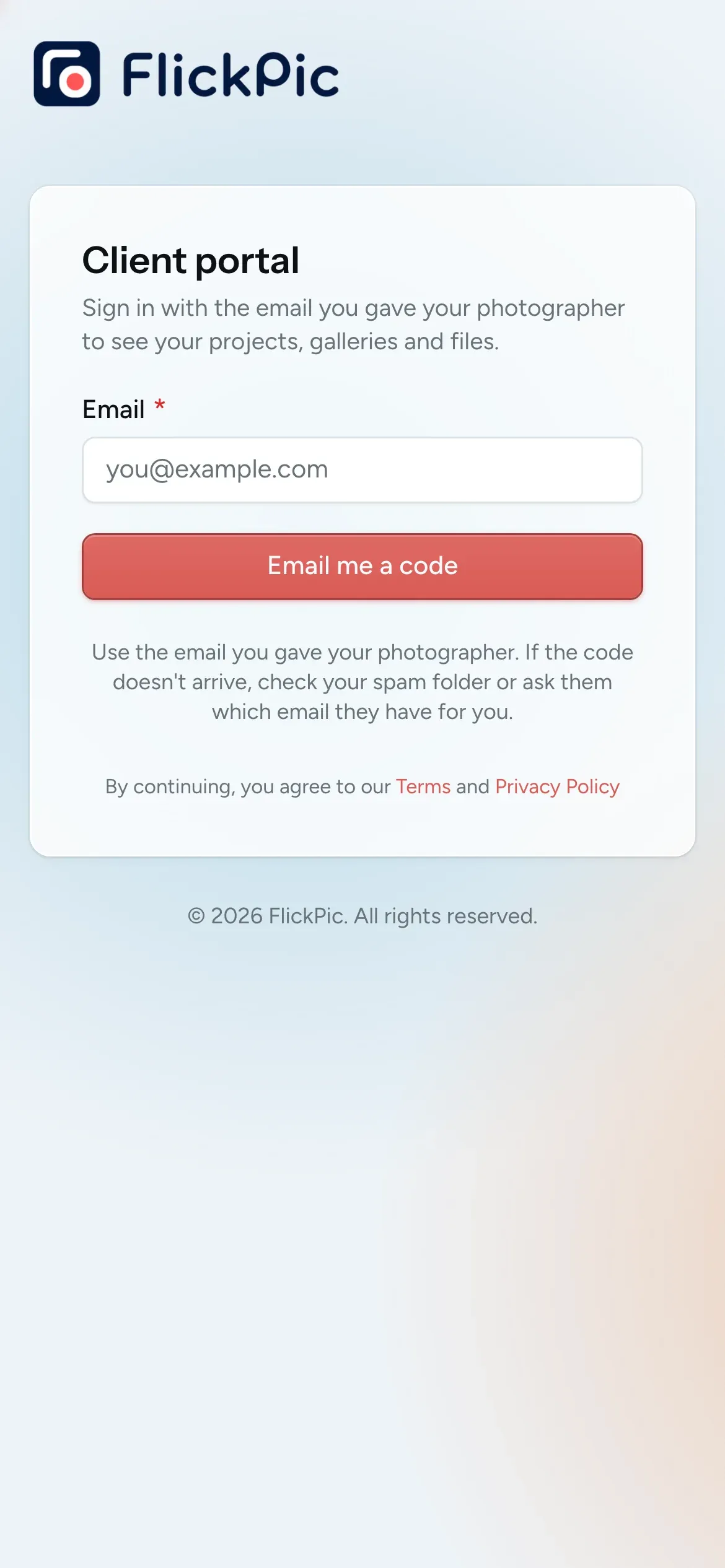
When you drag the card to Booked, FlickPic adds the couple to your clients with the details they gave you and invites them to their client portal.
Returning clients aren't added twice.
See enquiries and bookings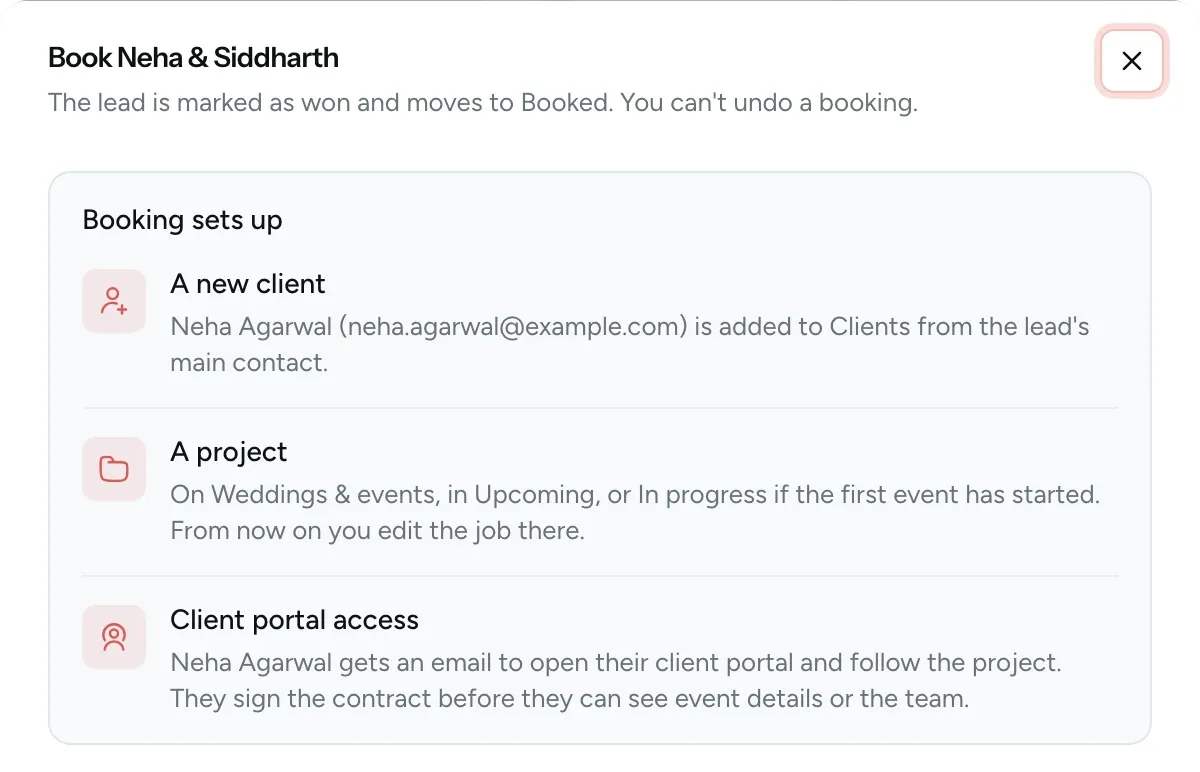
-
Project
Step 3 / 6Every booking gets its own project
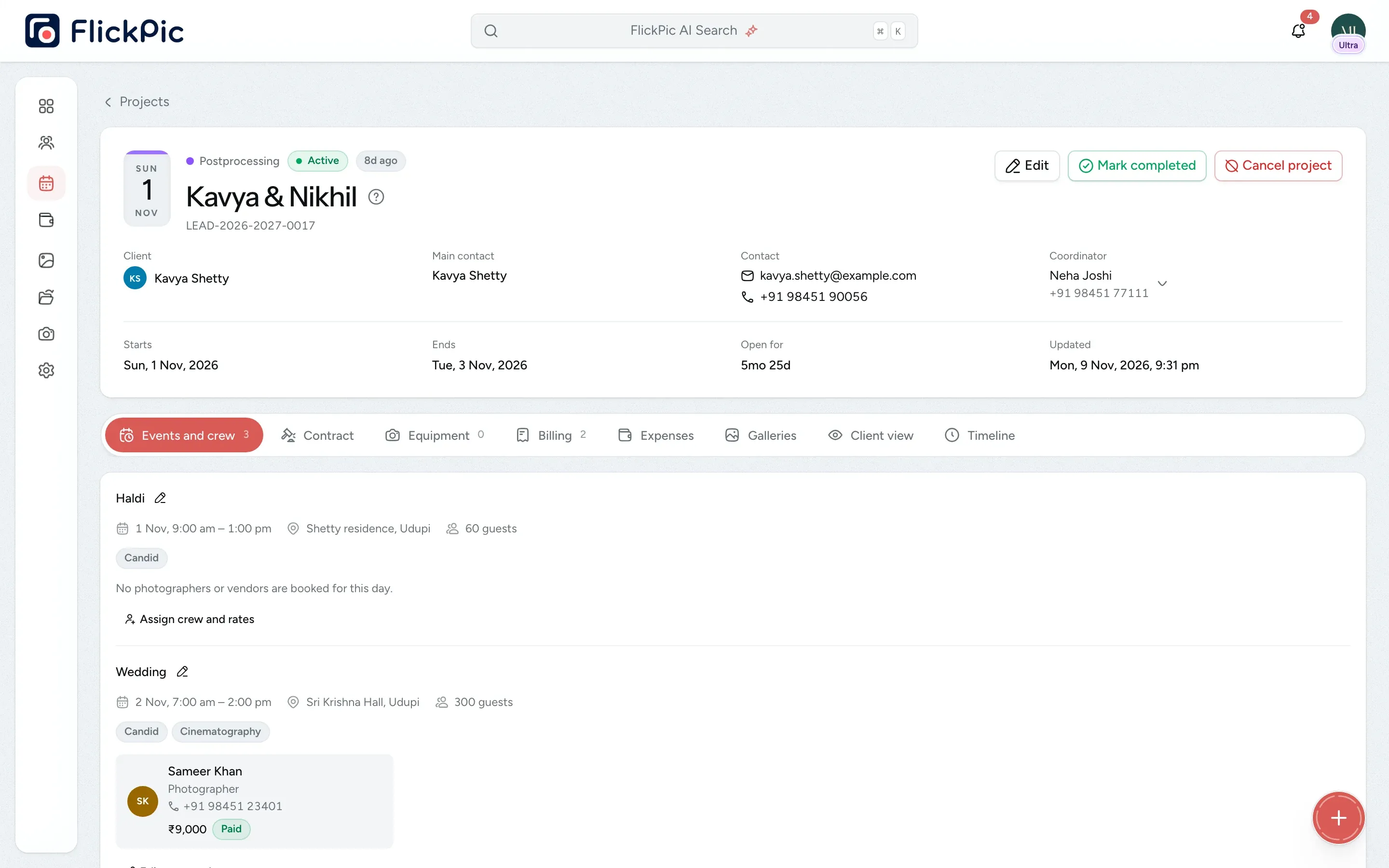
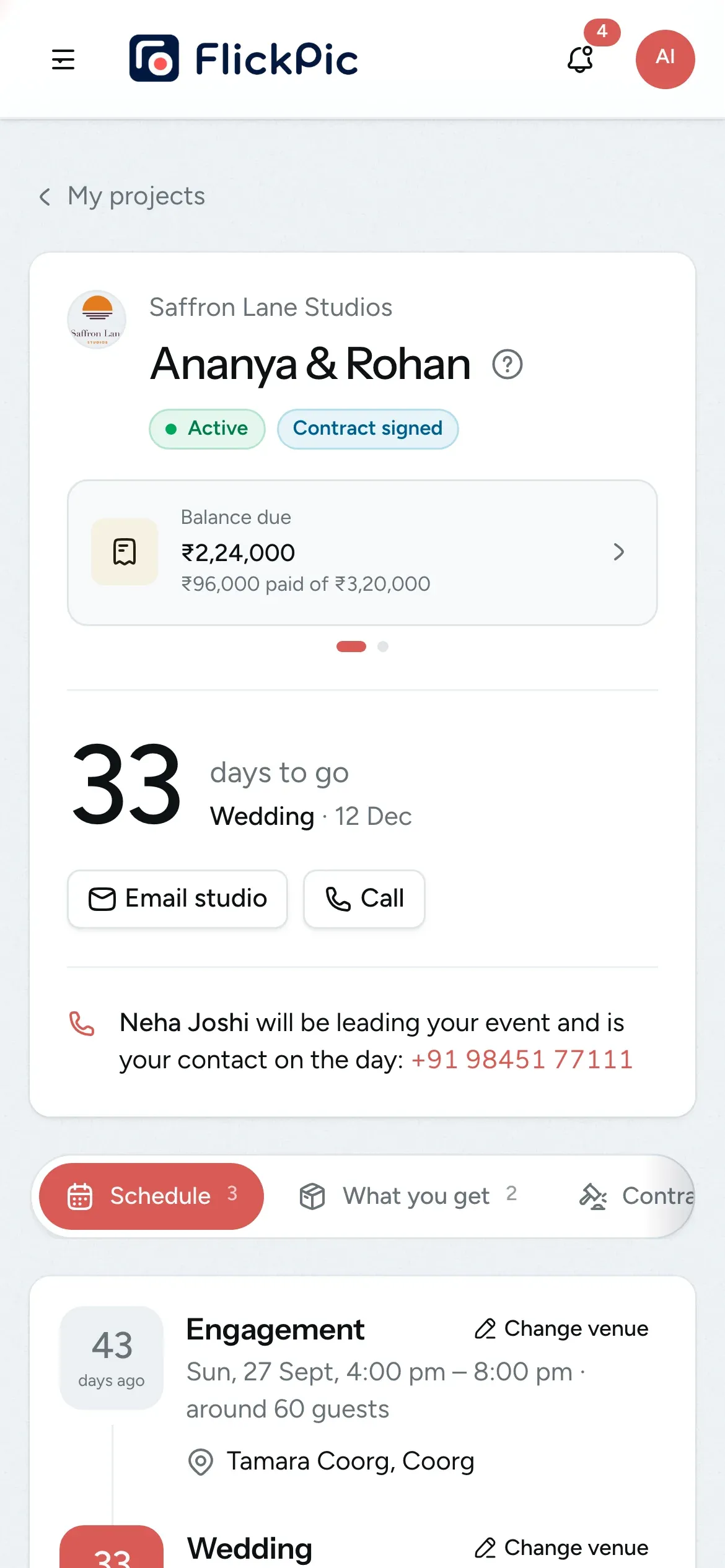
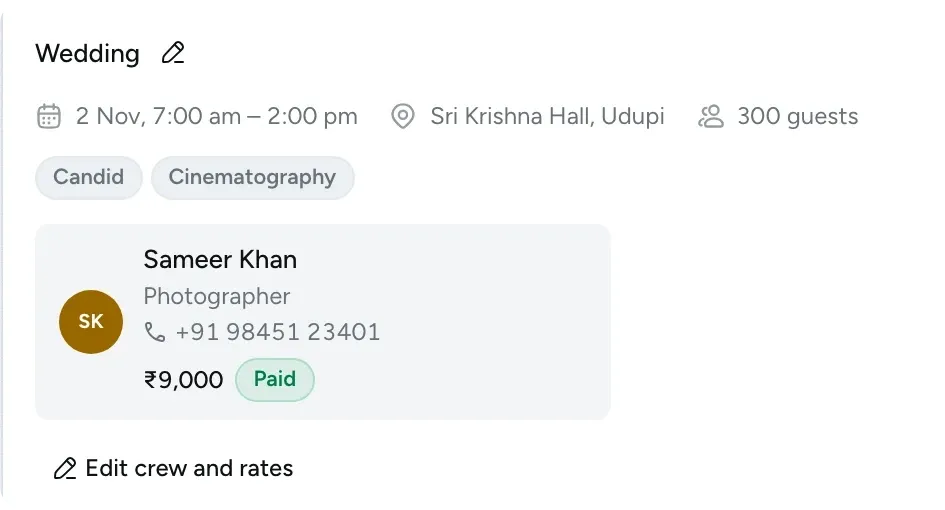
Plan each day's crew, equipment and vendors on the project page. If a photographer is already booked elsewhere that day, you'll see a warning.
You can keep separate boards for weddings and other work.
See projects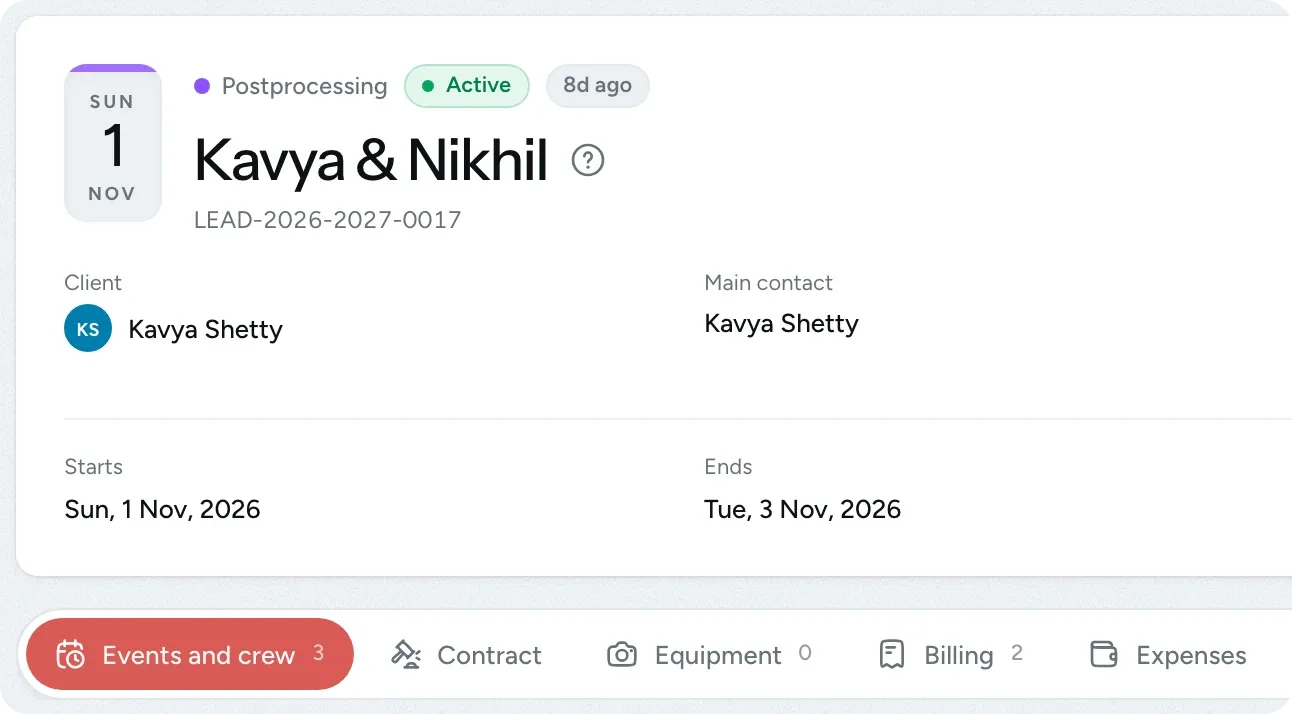
-
Invoice
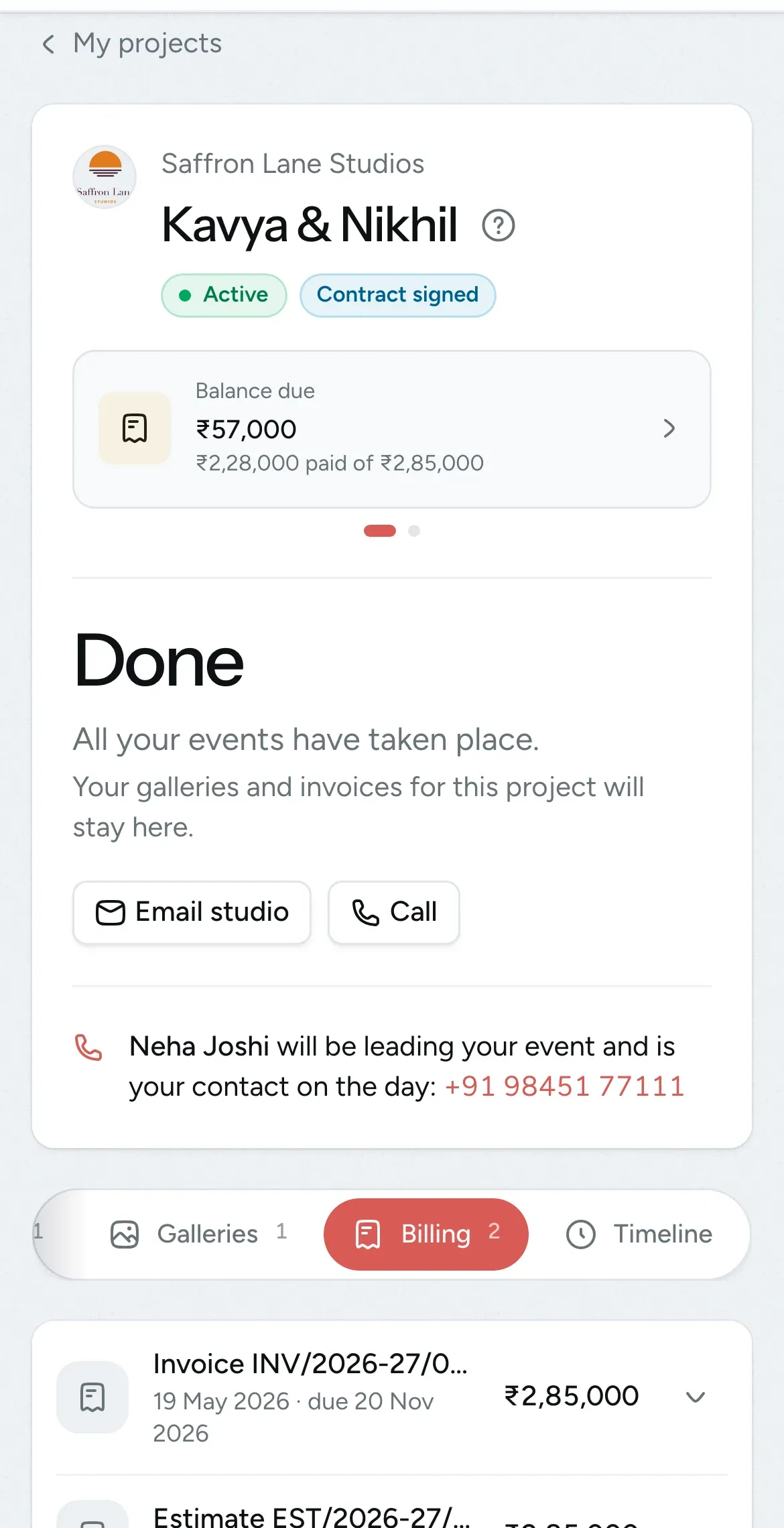
Step 4 / 6Invoice the couple and get paid
Turn the estimate into an invoice in one click, with GST included. Record part payments as they come in and see how much is still due.
Payment reminders are sent before, on and after the due date.
See invoices and payments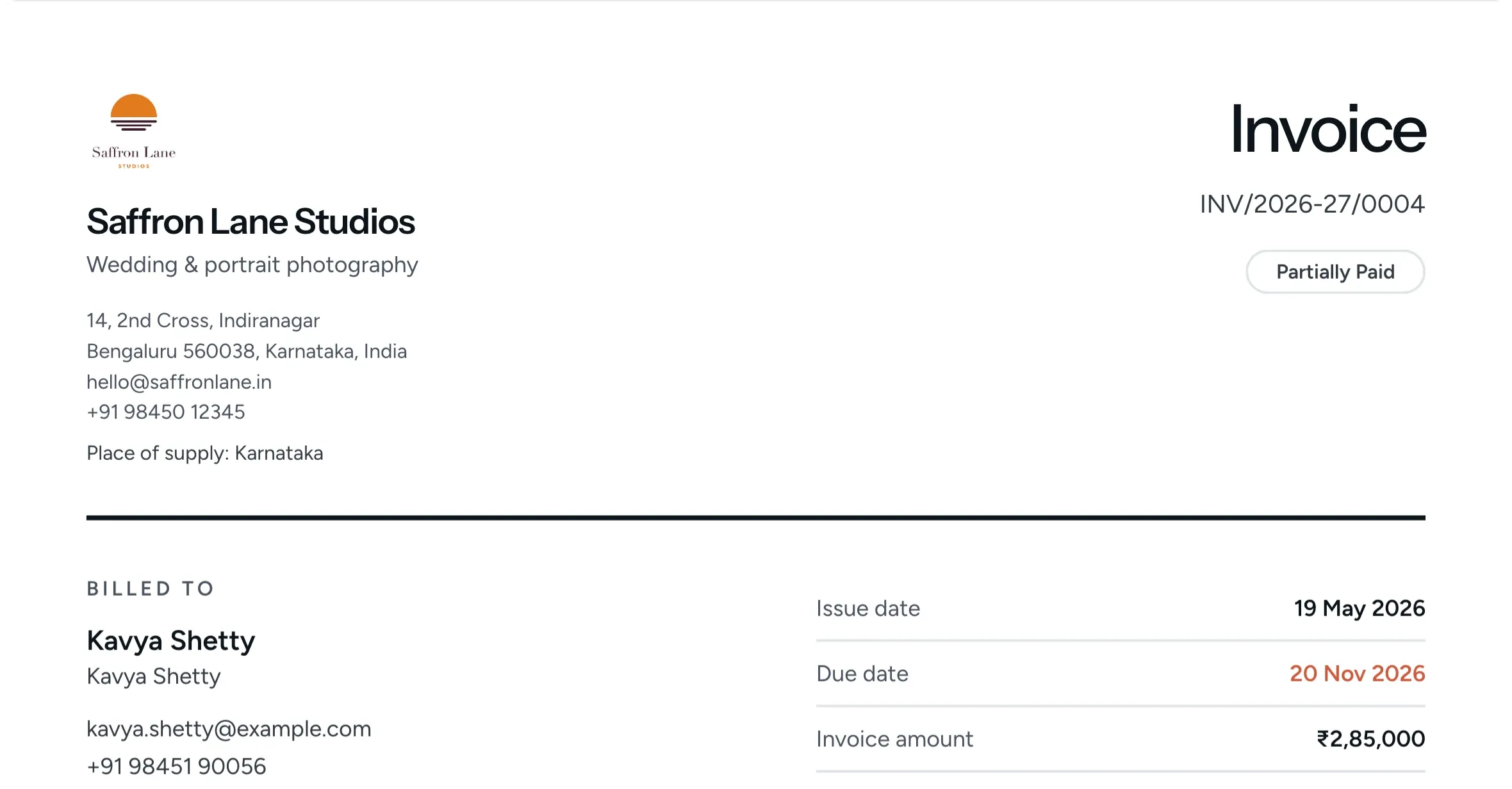
-
Gallery
Step 5 / 6Share the photos in a private gallery
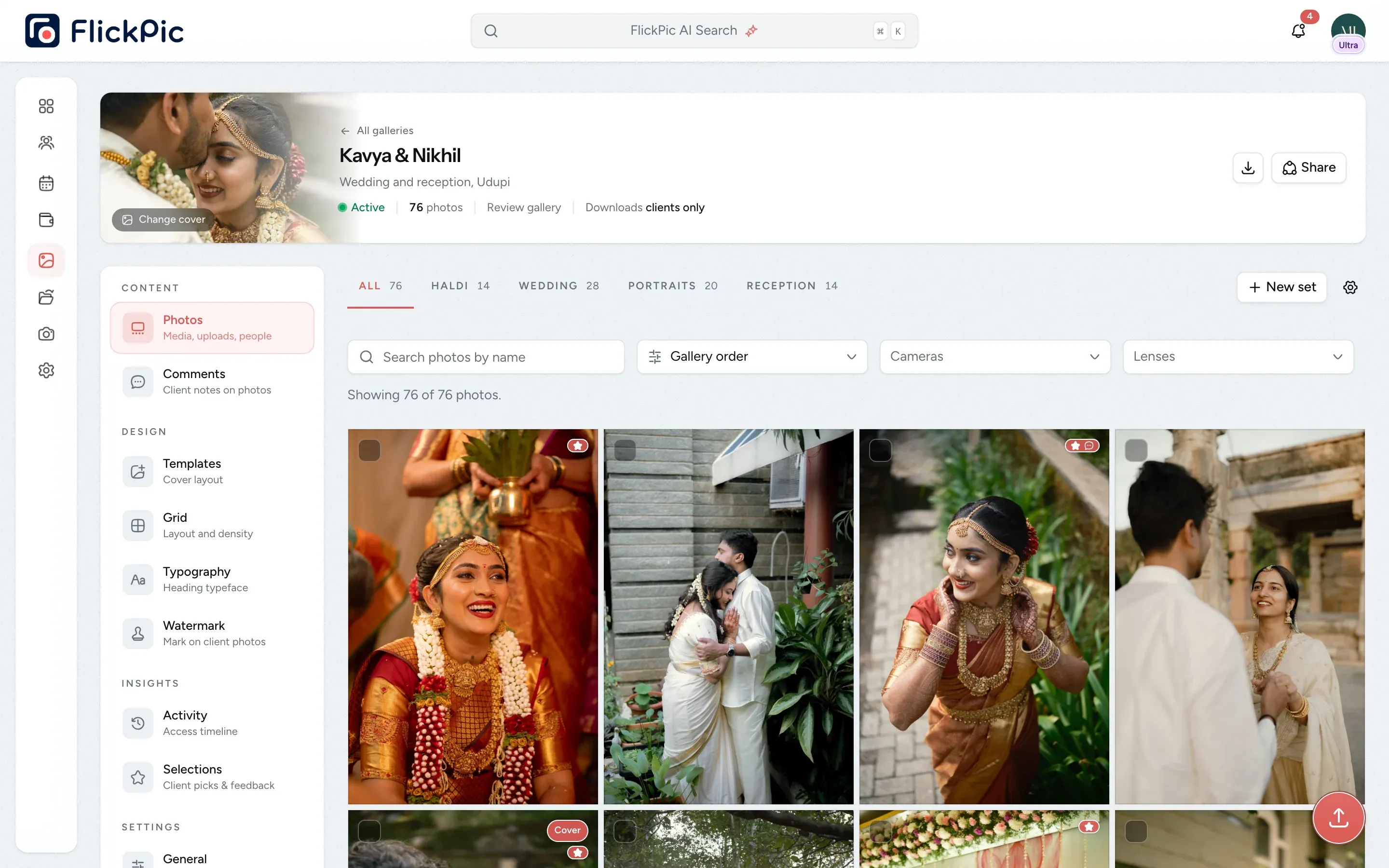
The couple picks their favourite photos in a review gallery, and you're notified when they submit their selections. Then you deliver the final photos in a private delivery gallery.
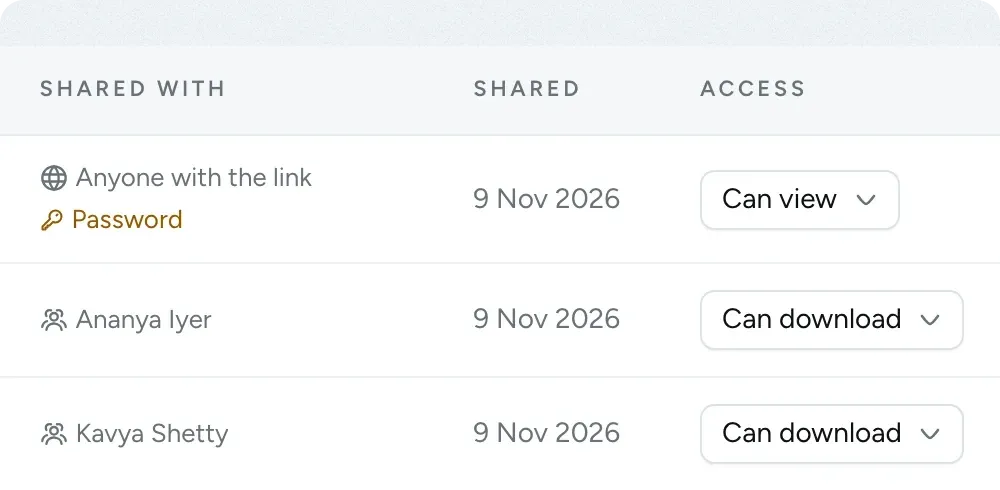
Removing someone's access takes effect immediately.
See client galleries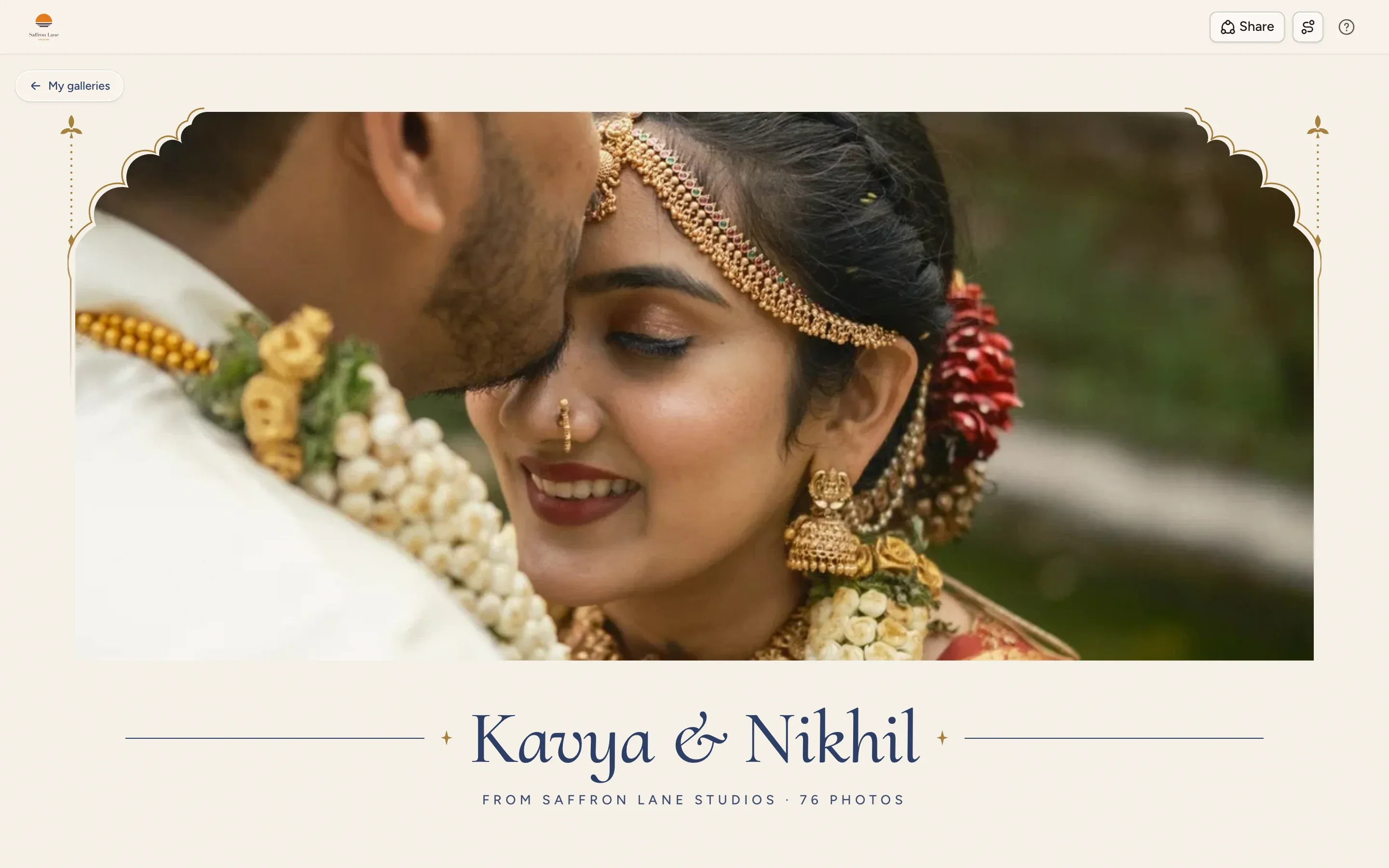


-
Profit
Step 6 / 6See how much each shoot earned
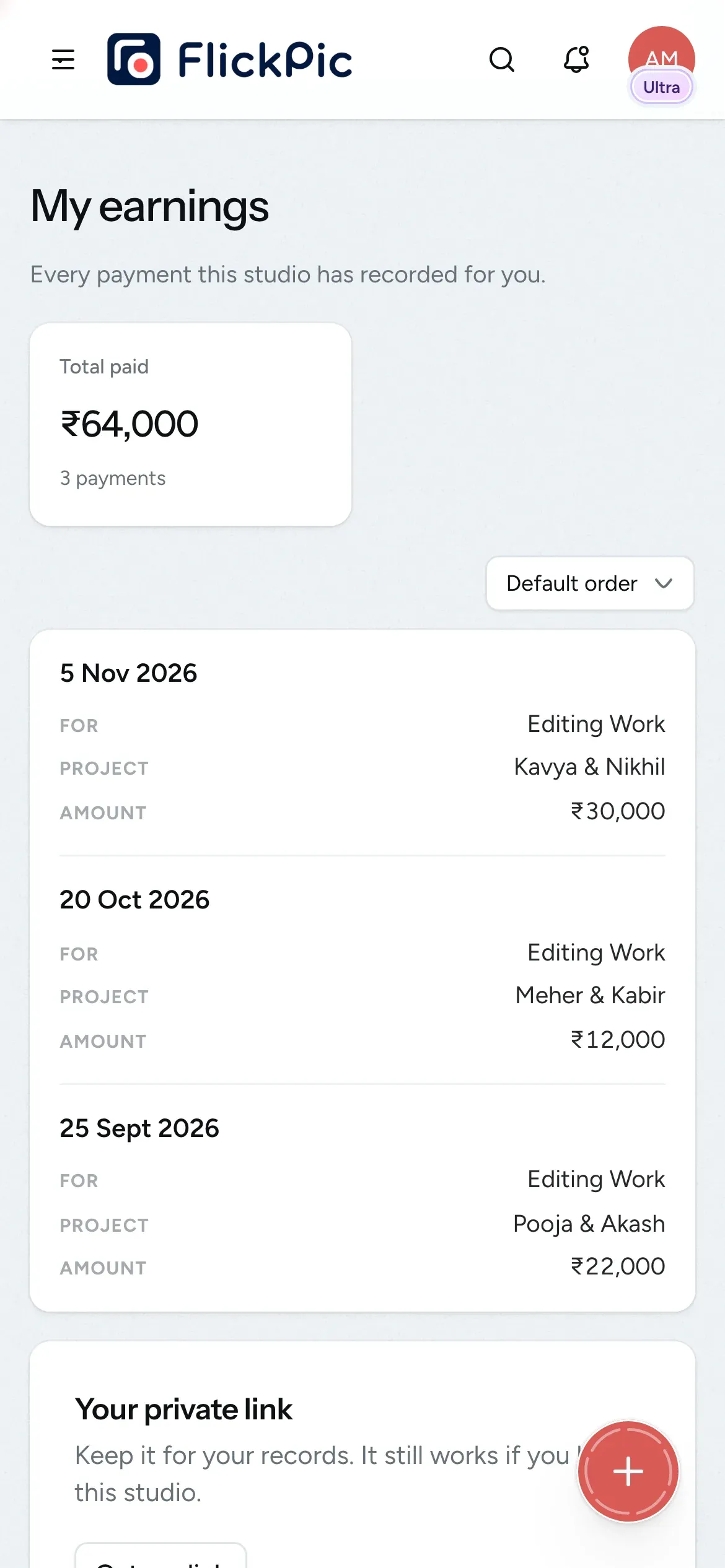
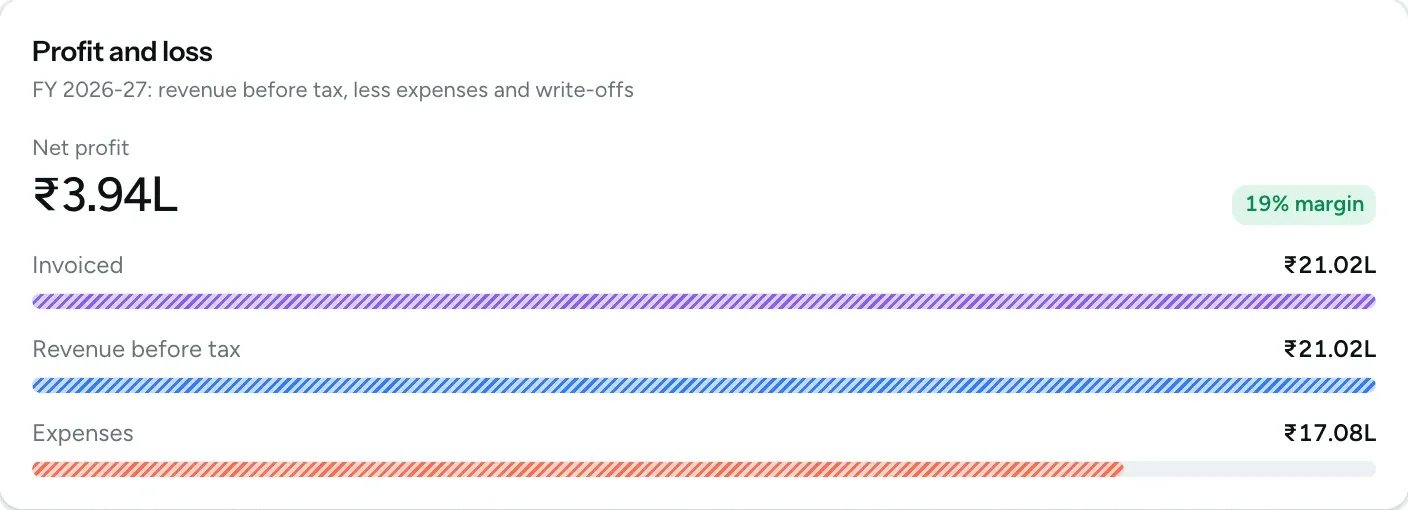
Add crew fees, travel and other costs to the project, and FlickPic shows the profit and margin for each job.
Crew members can see their own payments.
See expenses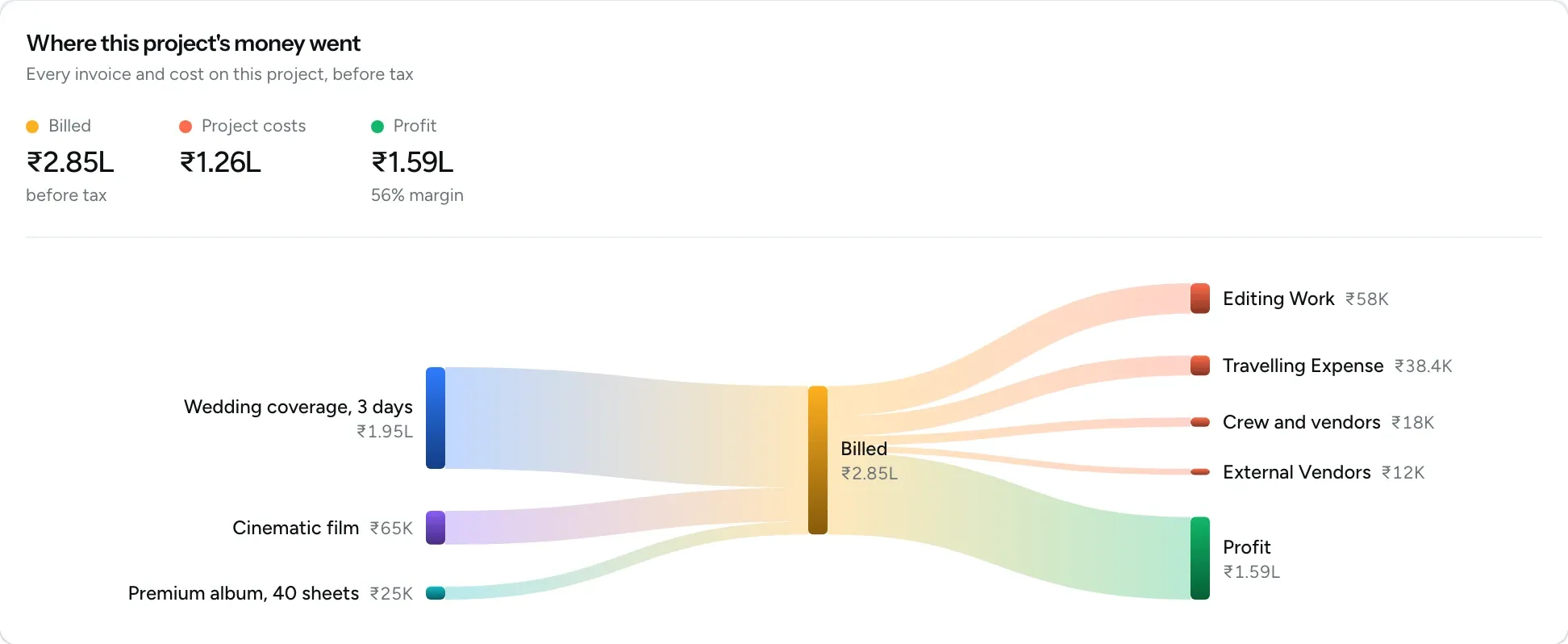
Give every client an experience that reflects your studio
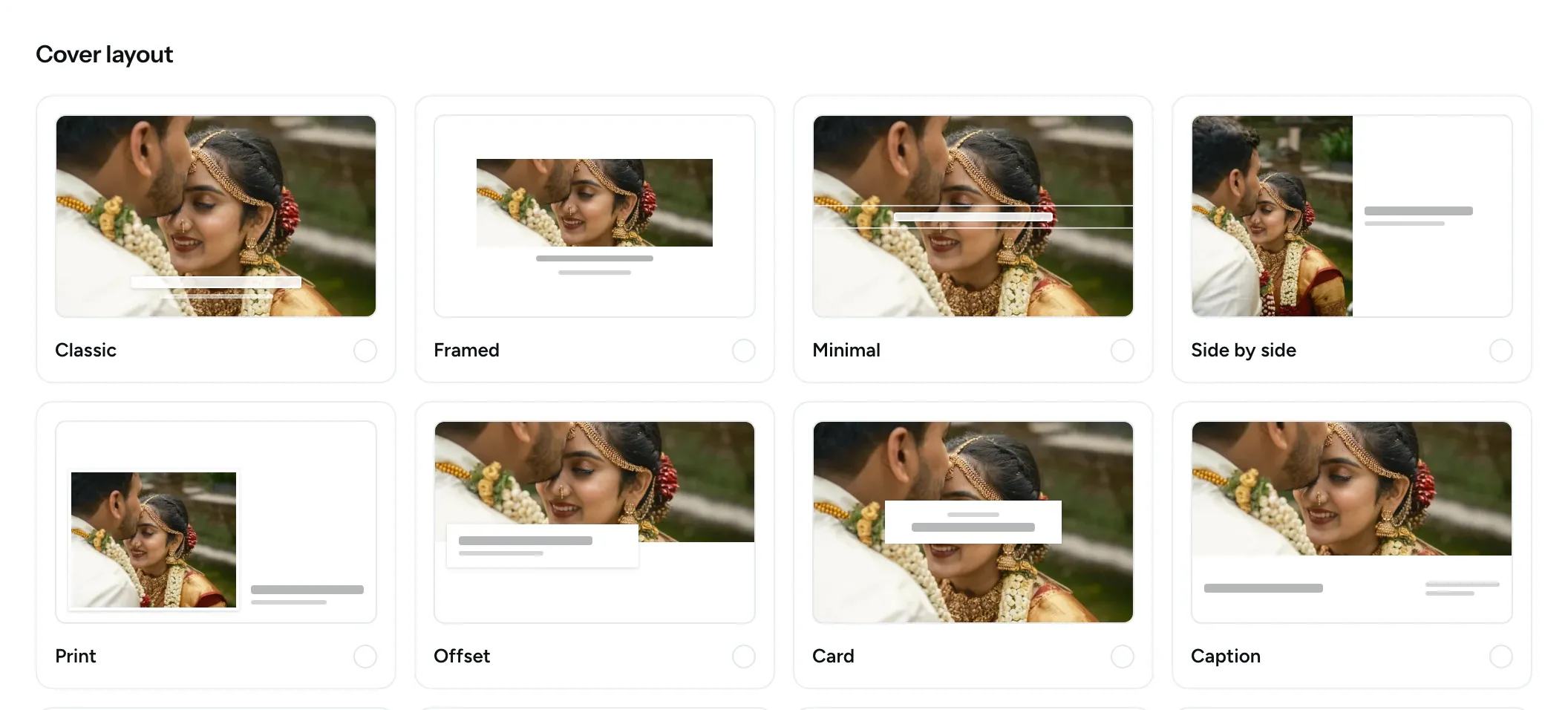
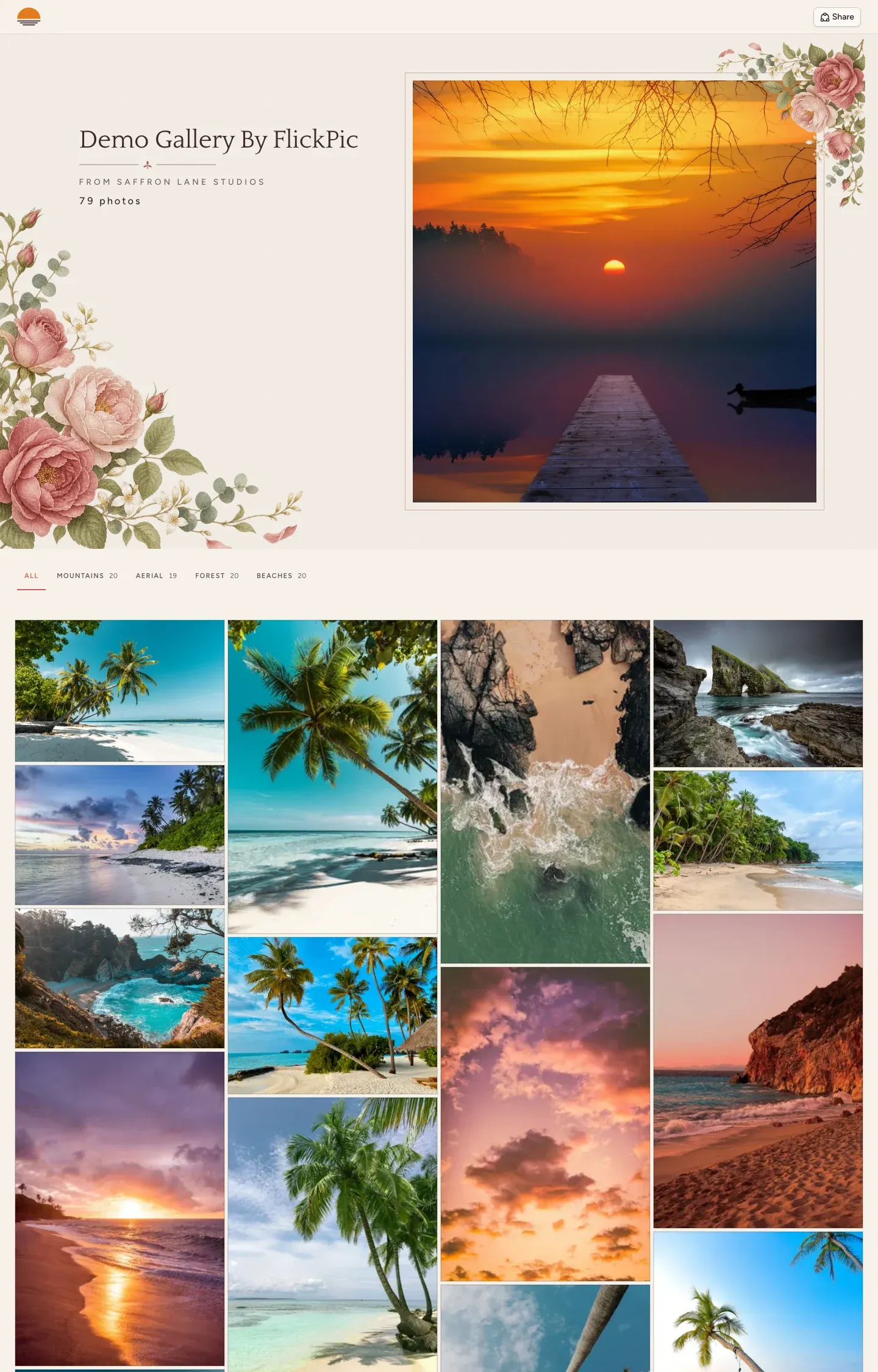
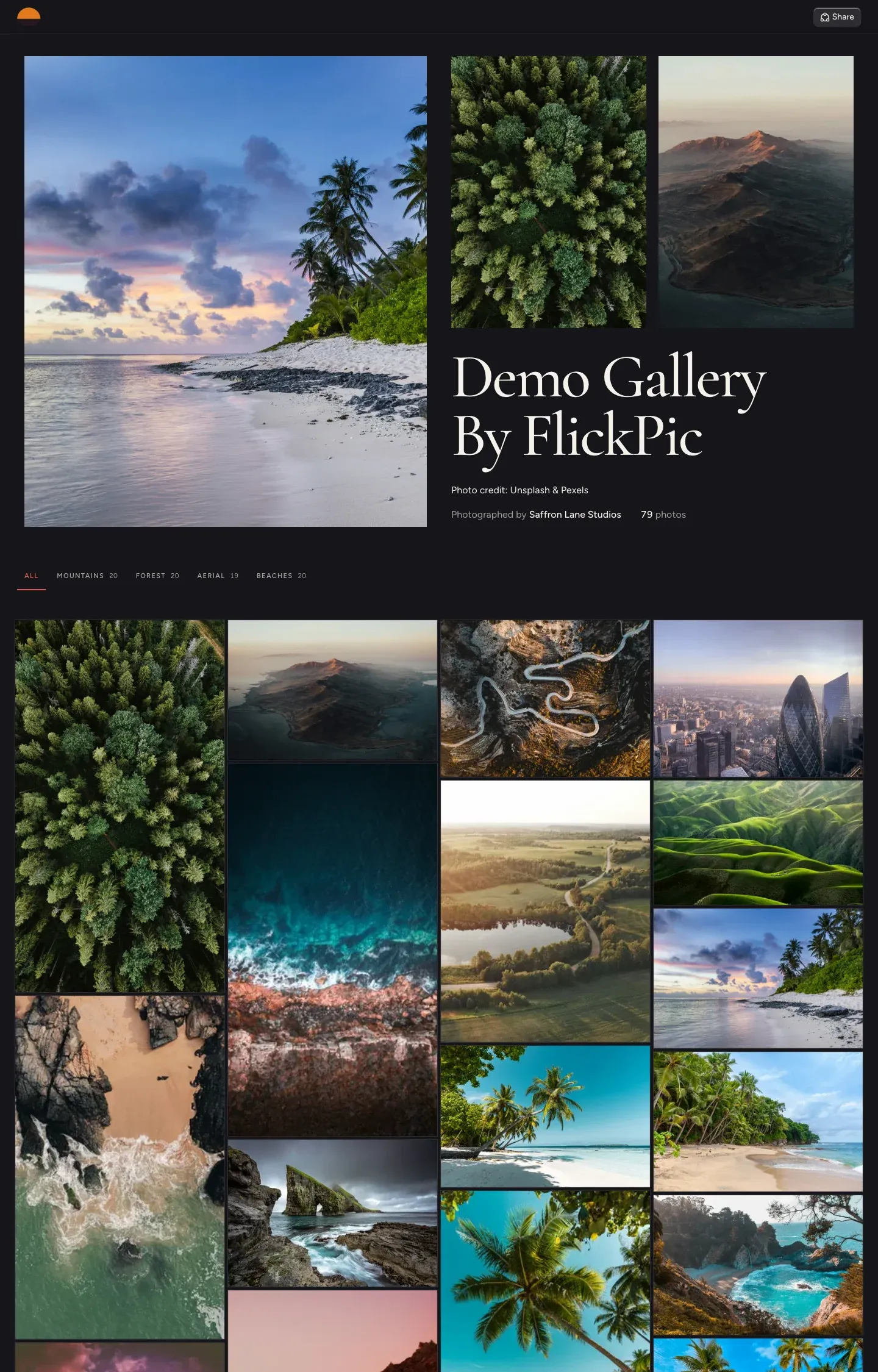
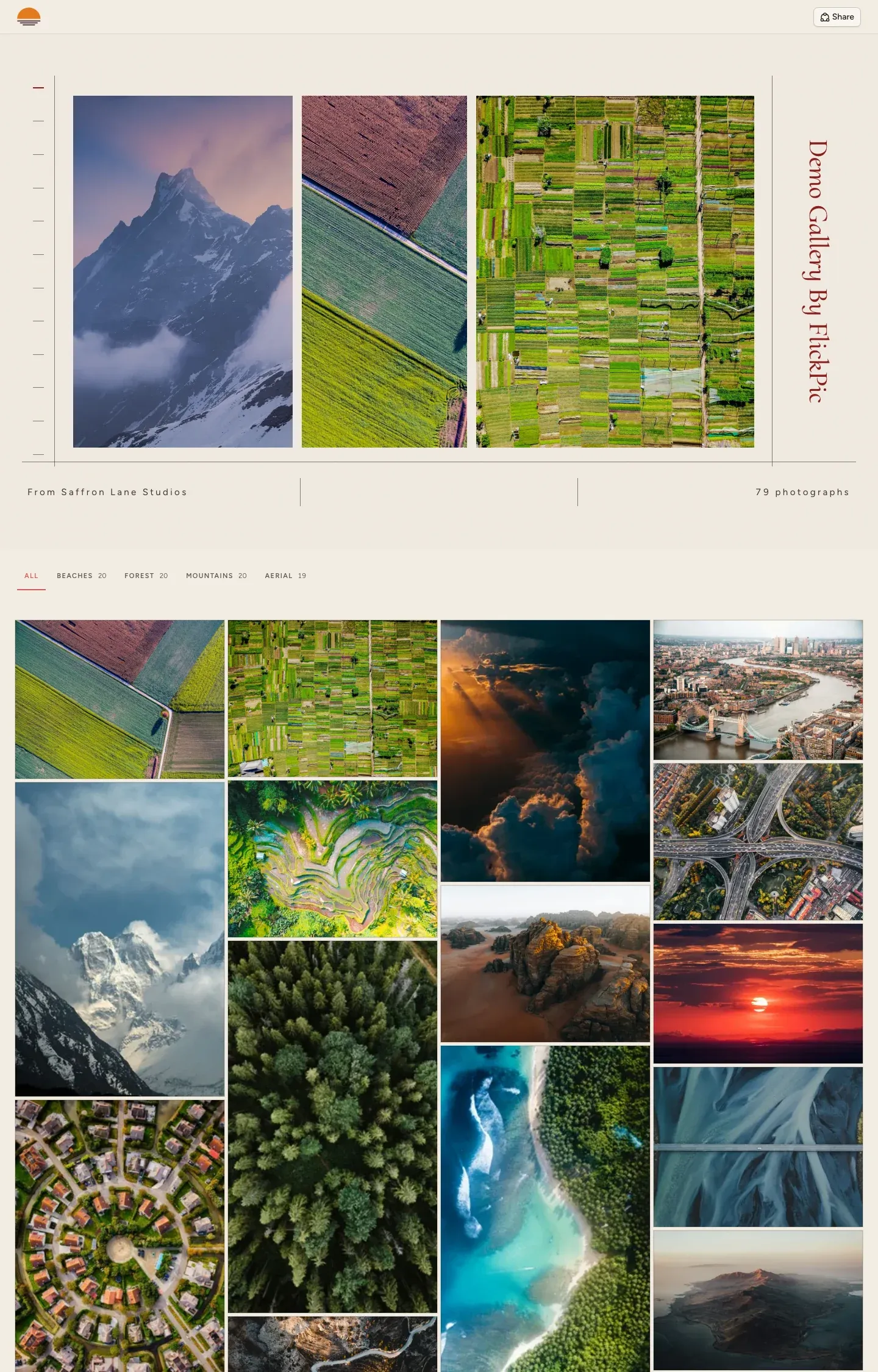
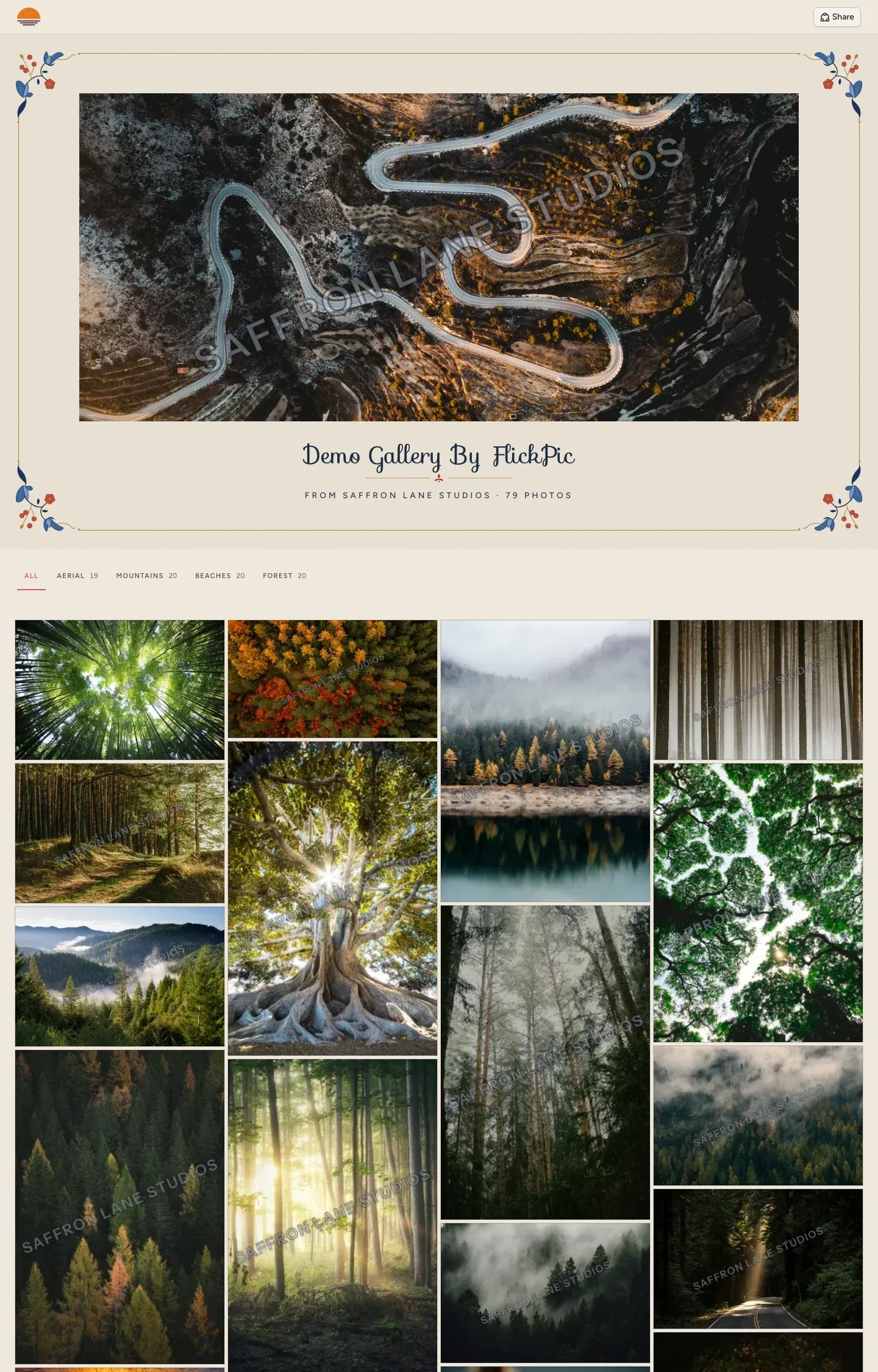
Your clients can view their photos, choose their favourites, check their schedule, sign their contract and see their invoices in one place. You decide how each gallery looks, from the cover template and the title font to the photo grid, so every couple gets a gallery that feels made for them.
- Your studio's name and logo appear on every project and gallery
- Choose the cover template, title font and photo grid for each gallery
- Clients can choose their favourite photos on a phone or a computer
- Clients sign in with a code sent to their email, so there's no password to remember

Your brand, your style
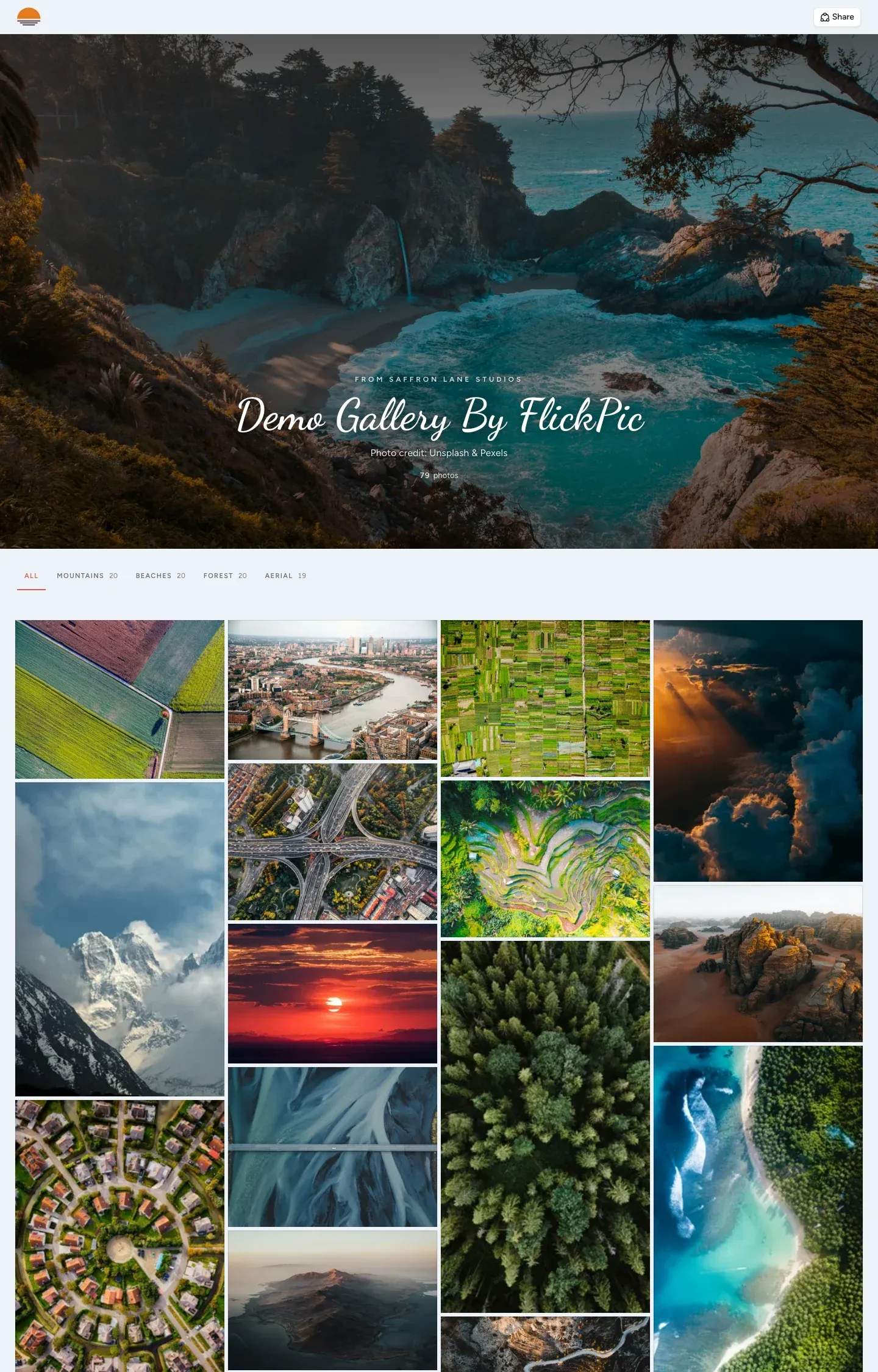
Open a demo gallery
Five galleries from our demo studio, each using a different one of the 16 templates. They open in a new tab.
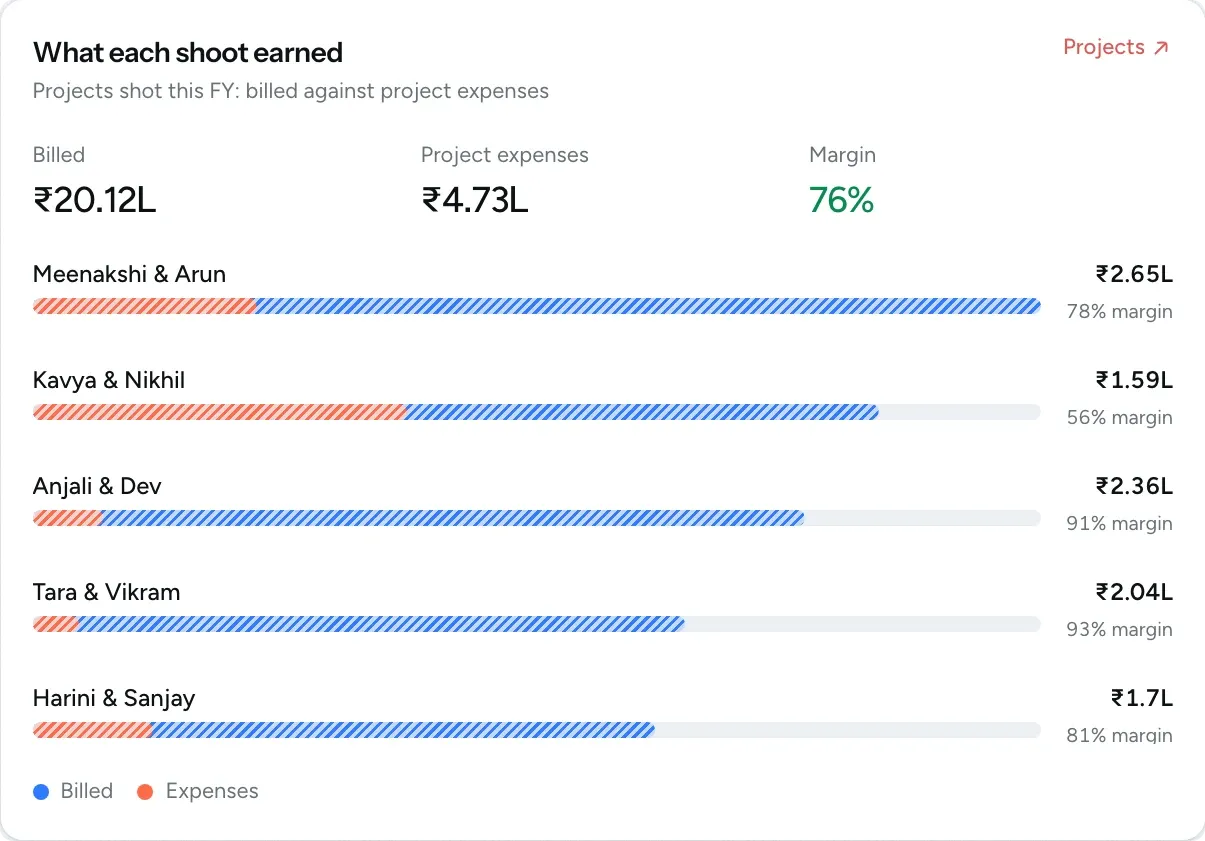
See what you earn and spend
From the first estimate to the last payment, and every cost along the way, your studio's money stays on the booking it belongs to.
- Estimates and invoices Turn a quote into a GST invoice and download either as a PDF.
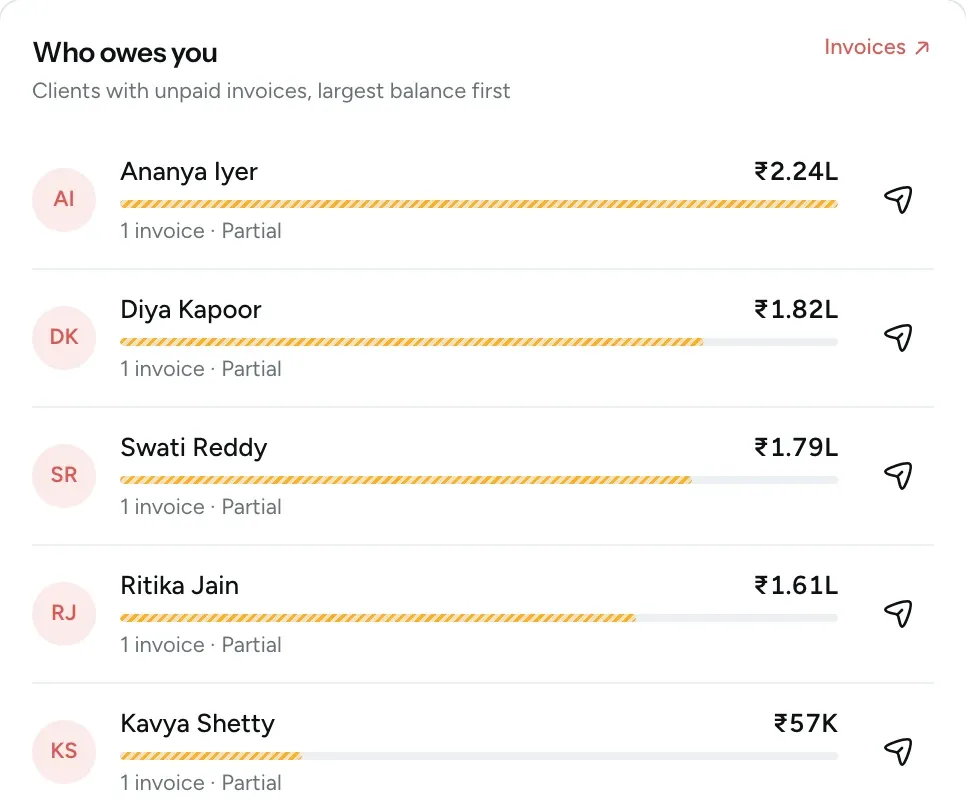
- Payments and balances Record part payments and see who owes you. Clients get a reminder before, on and after the due date.
- Expenses Record each cost with its receipt and link it to a shoot. Rent and salaries repeat on their own.
- Profit on every shoot See what each shoot was billed, what it cost and the margin you kept.
Find anything in your studio
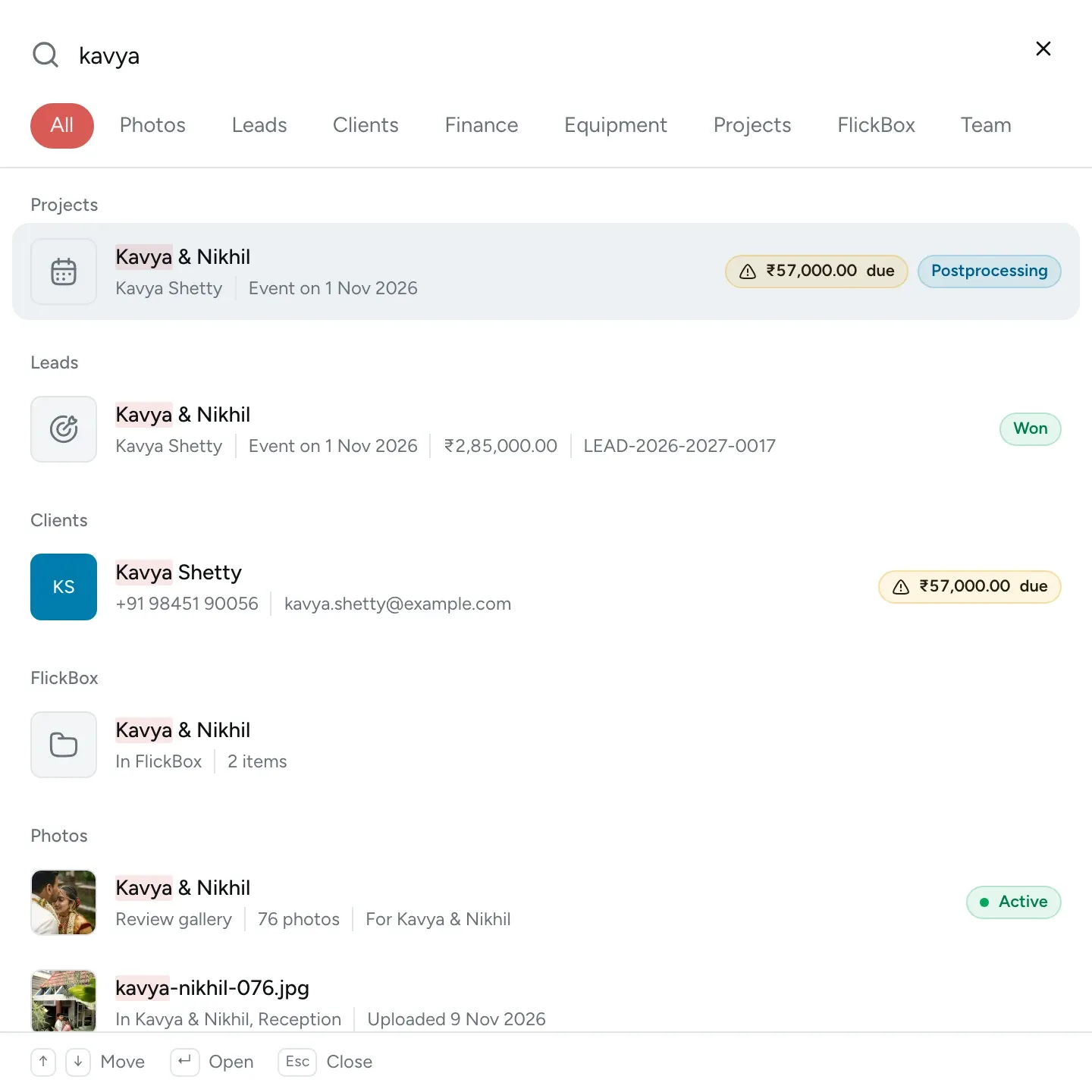
After a year of bookings, the enquiries, invoices, files and photos pile up, and finding one of them takes longer every month. FlickPic searches all of it at once. Type a couple's name, an invoice number or a photo's file name, and each person sees only what their role allows.
⌘K from any page
- Leads
- Clients
- Projects
- Galleries
- Photos
- Invoices
- Estimates
- Expenses
- Equipment
- FlickBox files
Your clients' photos stay private and in your control
Choose who can open each gallery, give your team only the access they need, and see who did what.
How we protect your data-
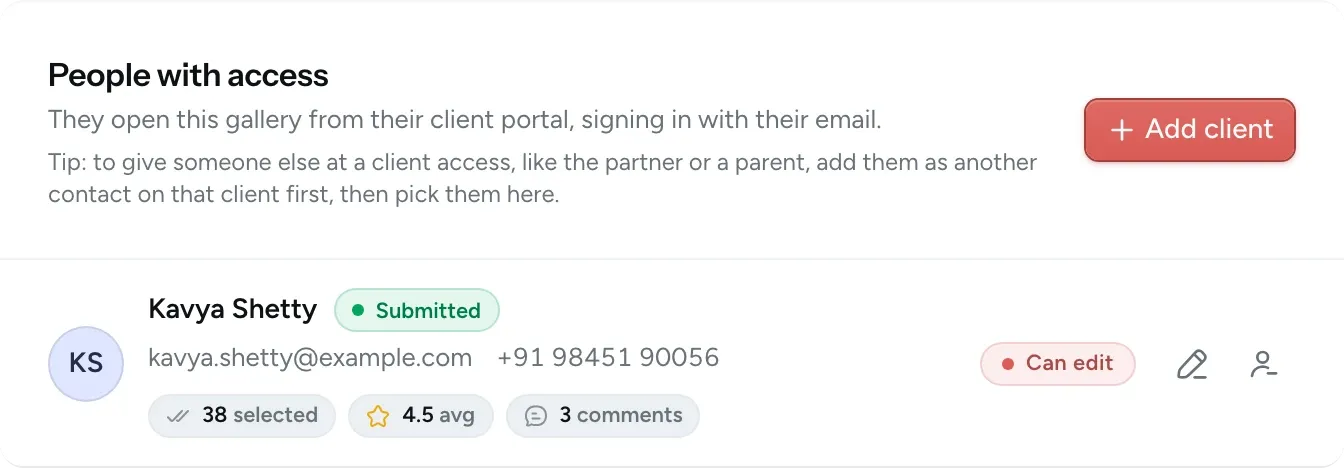
Private galleries
Share each gallery with your client's email. Links for family and guests can have a PIN, or you can turn them off.
-
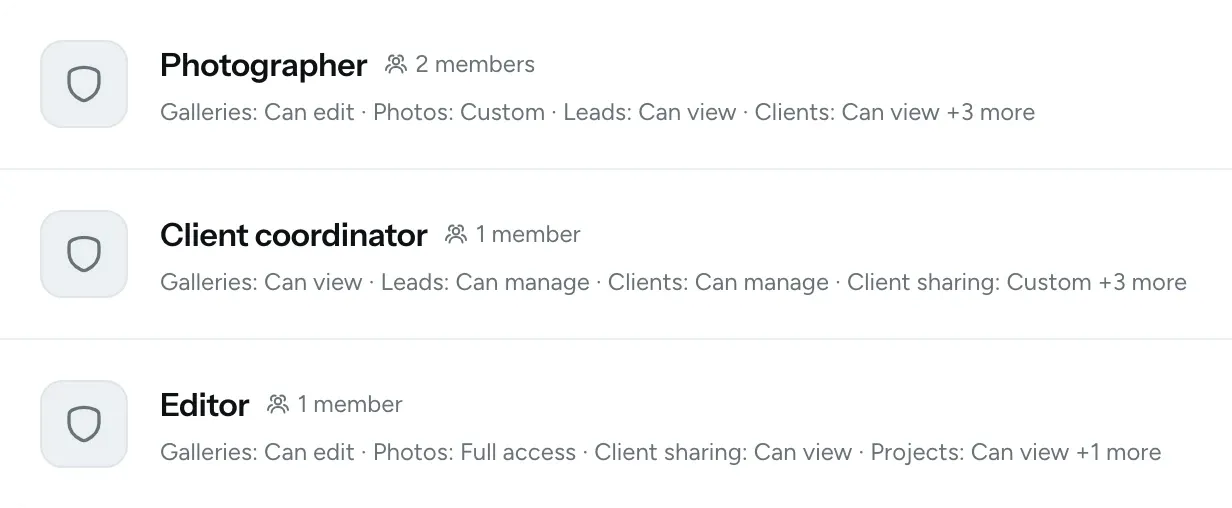
Team permissions
Give each teammate a role, so they only see what their work needs.
-
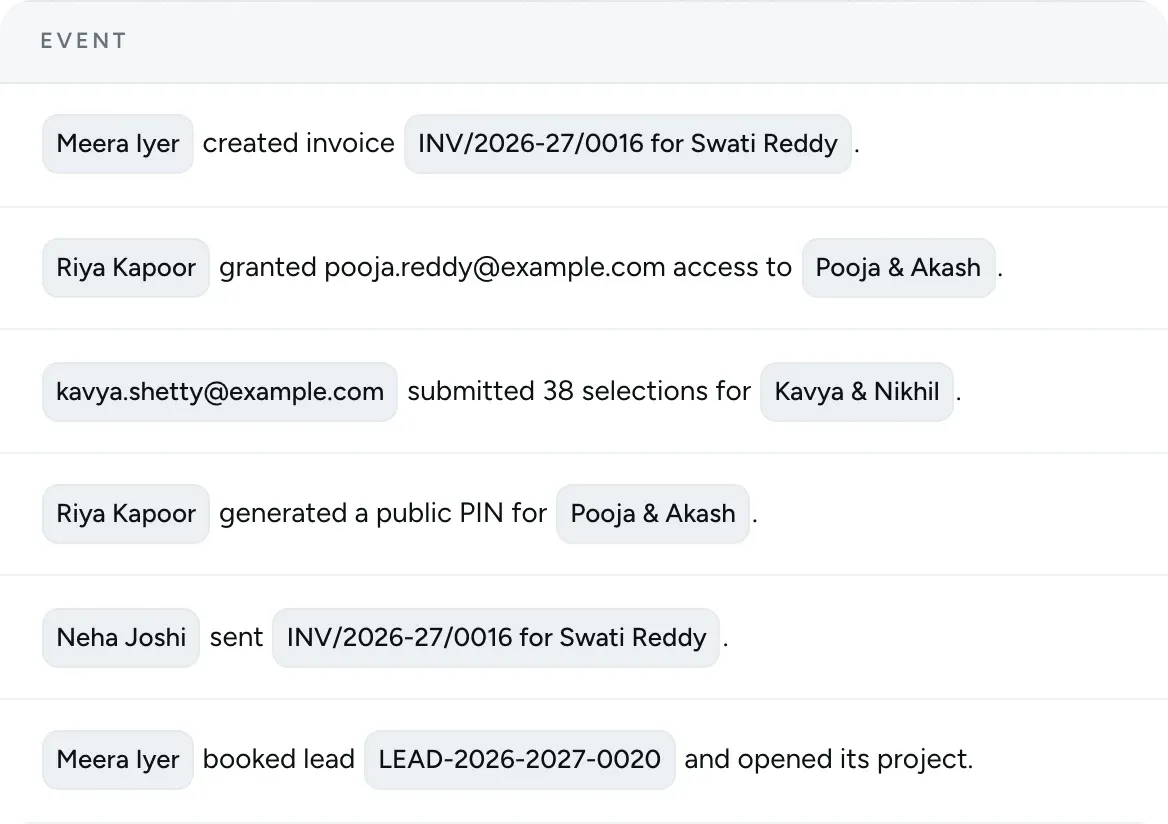
Activity history
See who shared, changed or sent something, and when.
-
Secure by default
Your clients, photos and business data are kept apart from every other studio's.
Everything else your business needs
FlickPic also handles the work that usually ends up in a separate app or a spreadsheet.
-
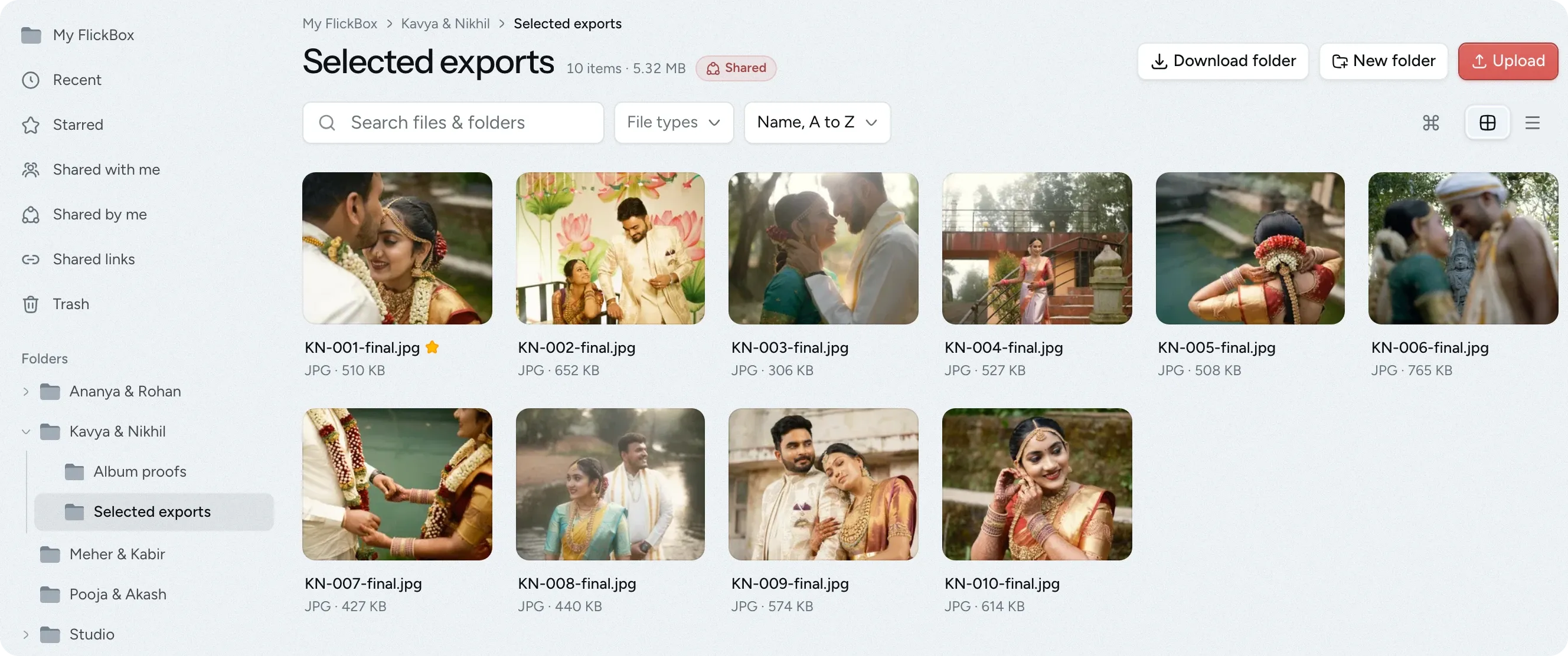
FlickBox
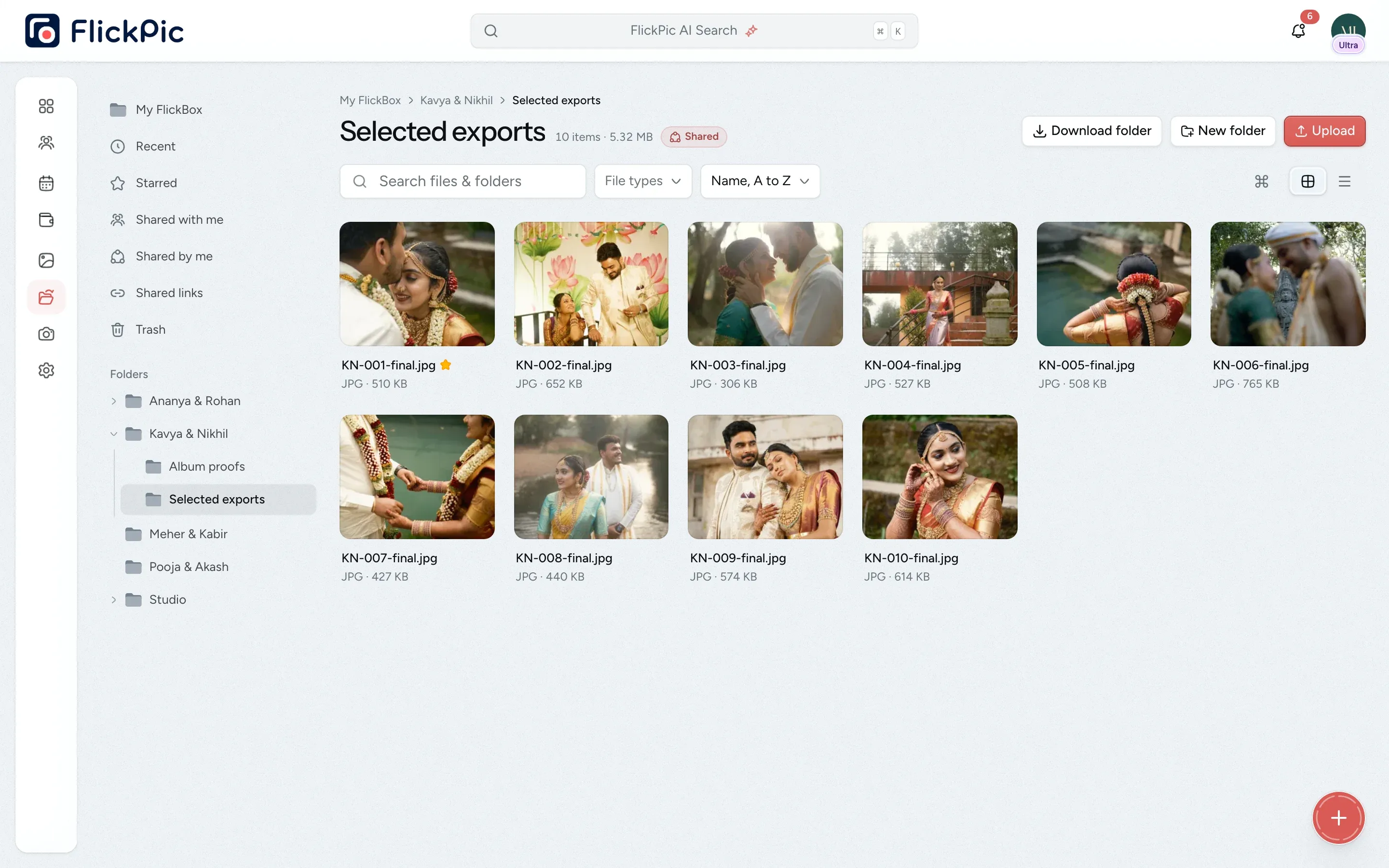
FlickBox is your studio's own drive for raw footage, album designs and contracts. Preview files in your browser and share them with clients, your team or anyone who has the link.
-
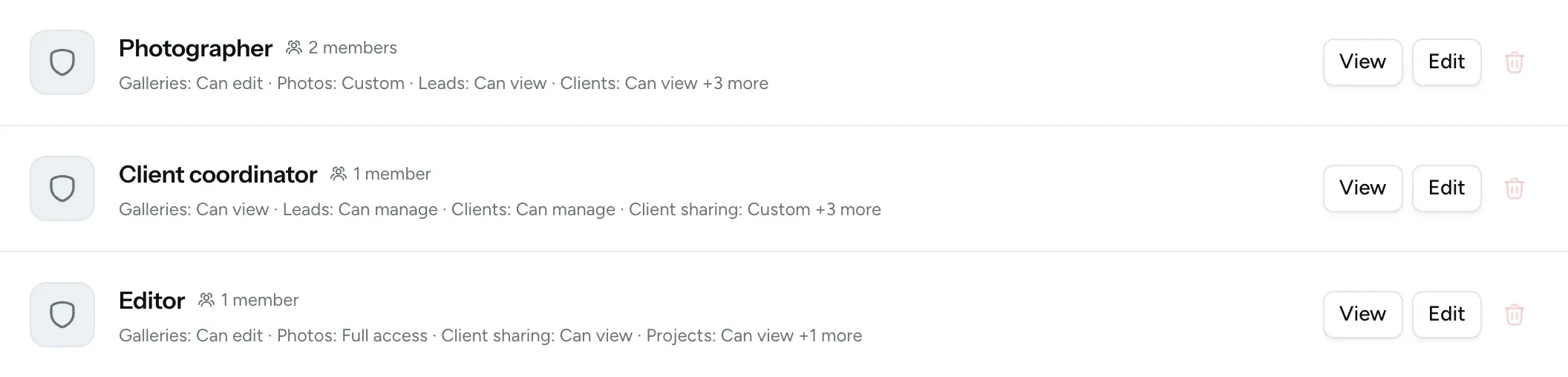
Team and roles
Create roles such as Editor or Client coordinator and choose what each role can open. For example, an editor can upload photos without seeing any invoices.
-
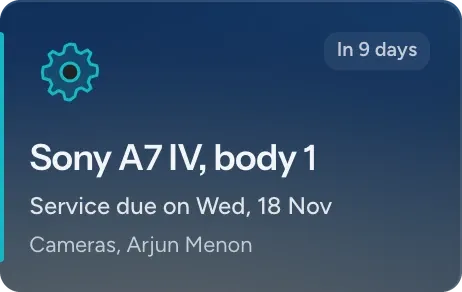
Equipment
Track your cameras and lenses, who has each one, and when each is due for a service.
-
Projects
View your booked jobs on one board, with the number of days left until each shoot.
-
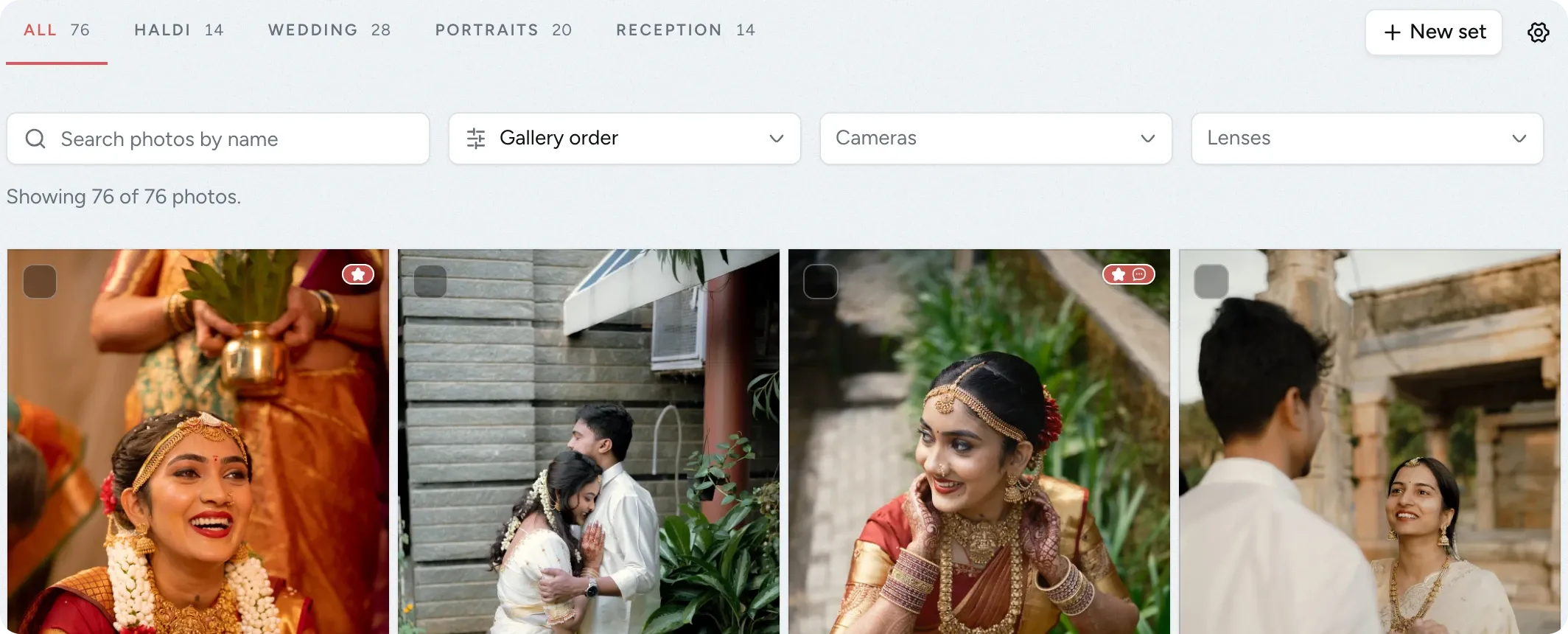
Photo sets
Split a gallery into tabs such as Haldi and Reception, so guests can go straight to the event they attended.
-
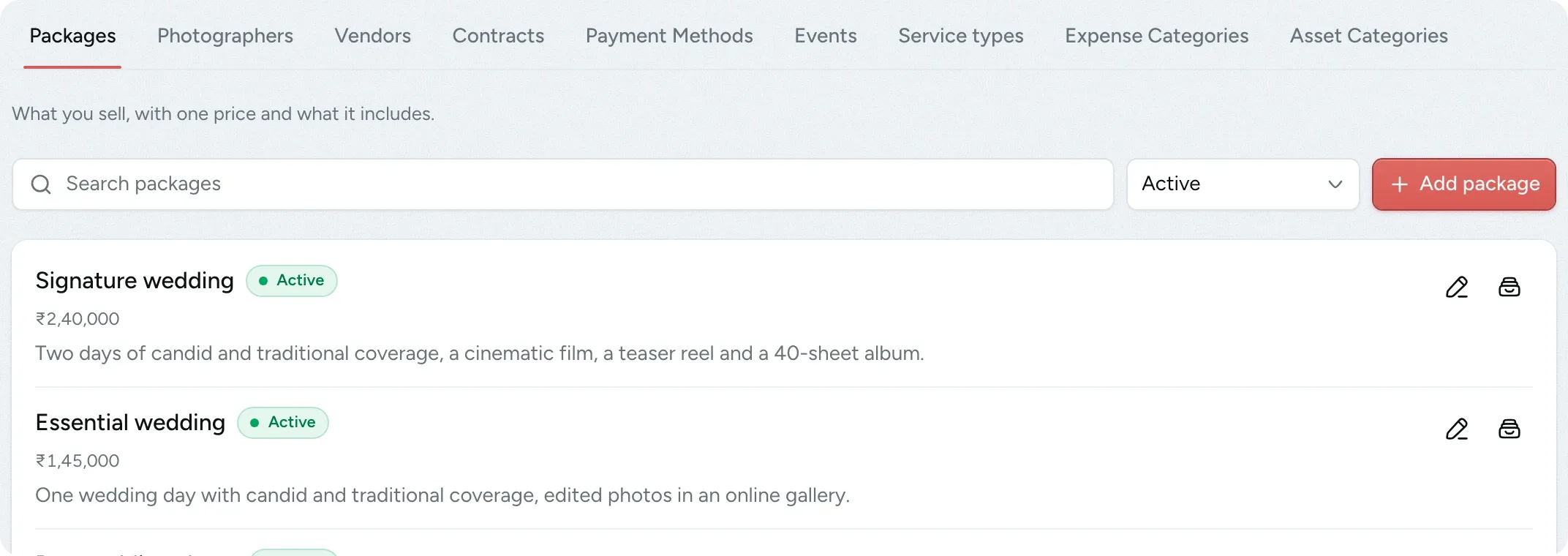
Saved lists
Set up your packages, crew, vendors, contracts, taxes and payment methods once, and reuse them.
Common questions
Answers to the questions photographers ask us most often.
Email us another question-
It usually replaces your gallery tool, the spreadsheet you use to track enquiries, the shared drive for contracts and files, and your invoicing app. Everything moves into one FlickPic account that your whole team can use.
-
No. You add your client's email address, and they sign in with a one-time code that we email to them, so there is no password to remember. For family and guests, you can also share a public link. You can protect it with a six-digit PIN or turn it off.
-
They lose access immediately. The gallery, the photos and any download links stop working for them, even if they saved the links. If you create a new public link, the same happens for everyone who had the old one.
-
No. When you drag an enquiry to Booked, FlickPic adds the client and creates the project using the details already on the enquiry.
-
You decide. Each team member is given a role, and for each area, such as galleries, finance or settings, you choose whether that role has no access, view, edit or full access. Important actions are recorded in a log, so you can see who did what.
-
Not yet. Face recognition and the FlickPic Studio desktop app for editing RAW files are both in development. Everything else on this site is available today.
-
There are four plans, starting at ₹499 a month. Every studio starts with a free 3-day trial of the Max plan, and you don't need a card to start it. You can find the details on the pricing page, or book a demo and we'll help you choose a plan.
Experience FlickPic
Bring a real enquiry to a free 30-minute call. We'll take it all the way to a client gallery in FlickPic with you and answer your questions along the way.