
Track every piece of your equipment
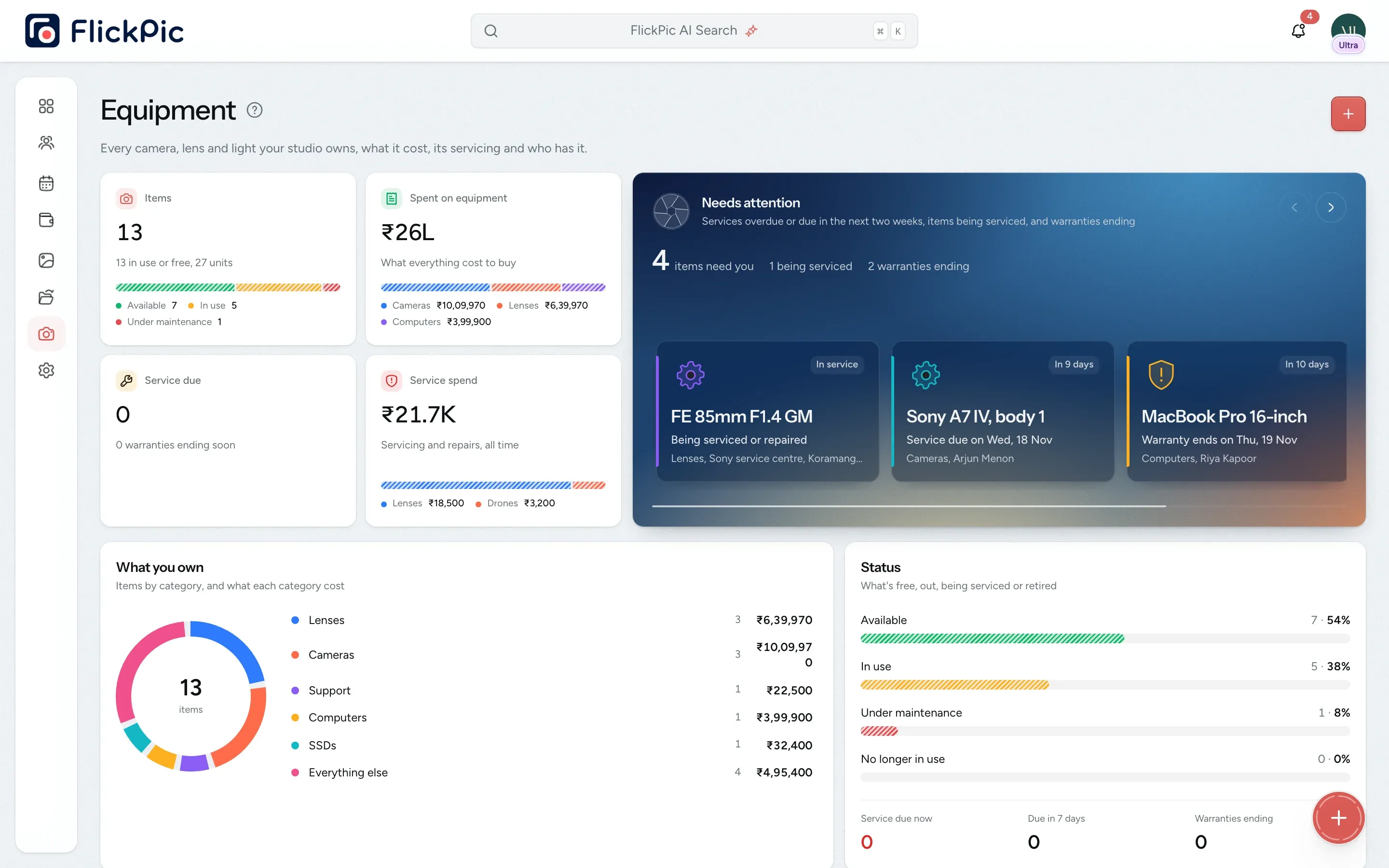
Look up any camera, lens or light to see what you paid for it, who has it, when it's due for a service and when its warranty ends.
Replaces Your equipment spreadsheet
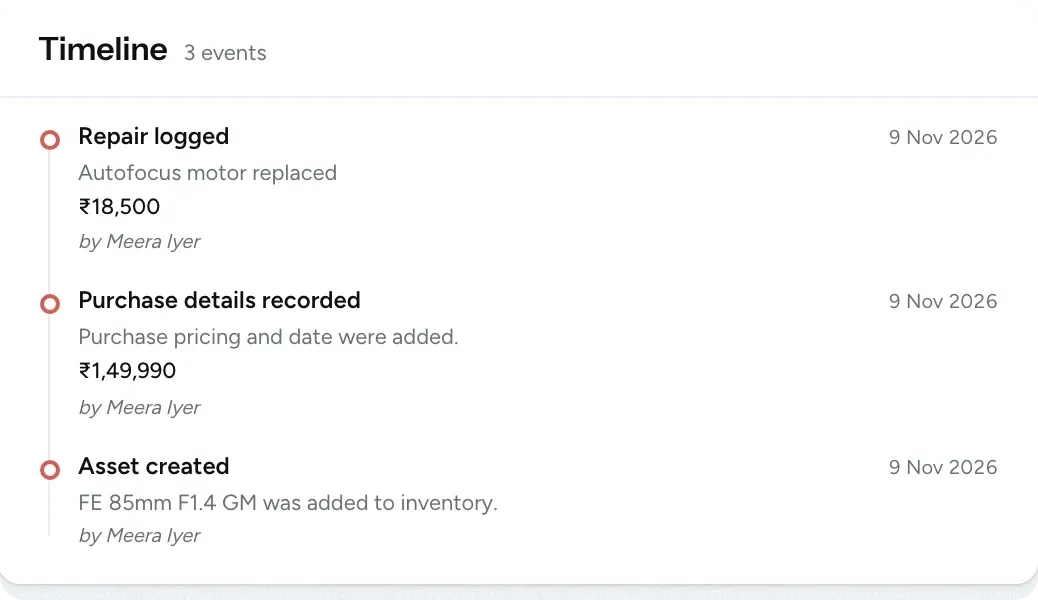
Every repair is recorded
All of this is available today
- Equipment list
- Price, warranty, photo and bill
- Service schedules
- Service reminders
- Warranty reminders
- Repair history
- Who has each item
- Items that need attention
- Equipment on projects
- Repair costs in expenses
- Equipment spending
What Assets does
-
All your equipment in one list
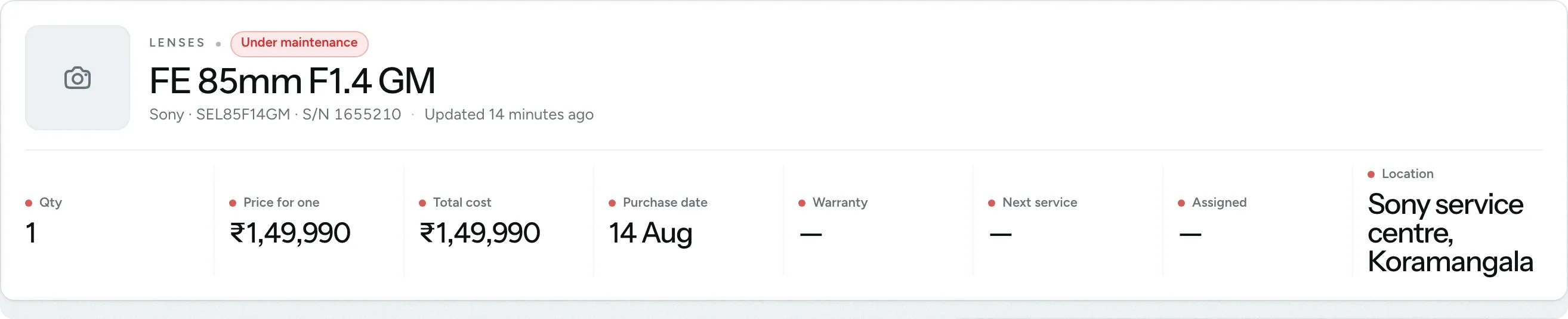
Record each item's make, model and serial number, so you can find it quickly and prove it's yours if it ever goes missing.
- Use ready-made or custom categories
- Add the price, warranty, a photo and the bill
- Track several units of one item, such as batteries
-
Service schedules and reminders
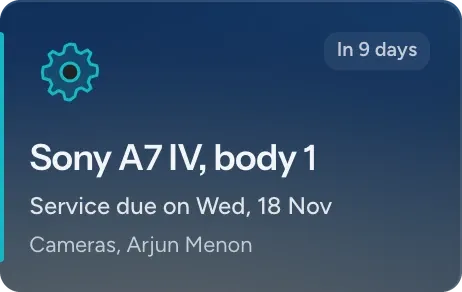
Set how often an item needs servicing, such as a sensor clean every six months, and FlickPic reminds you when it's due. Each schedule shows whether it's on track or overdue.
- Log repairs with their cost and vendor
- Get warranty reminders too
- Pause or edit any schedule
-
Know where every item is
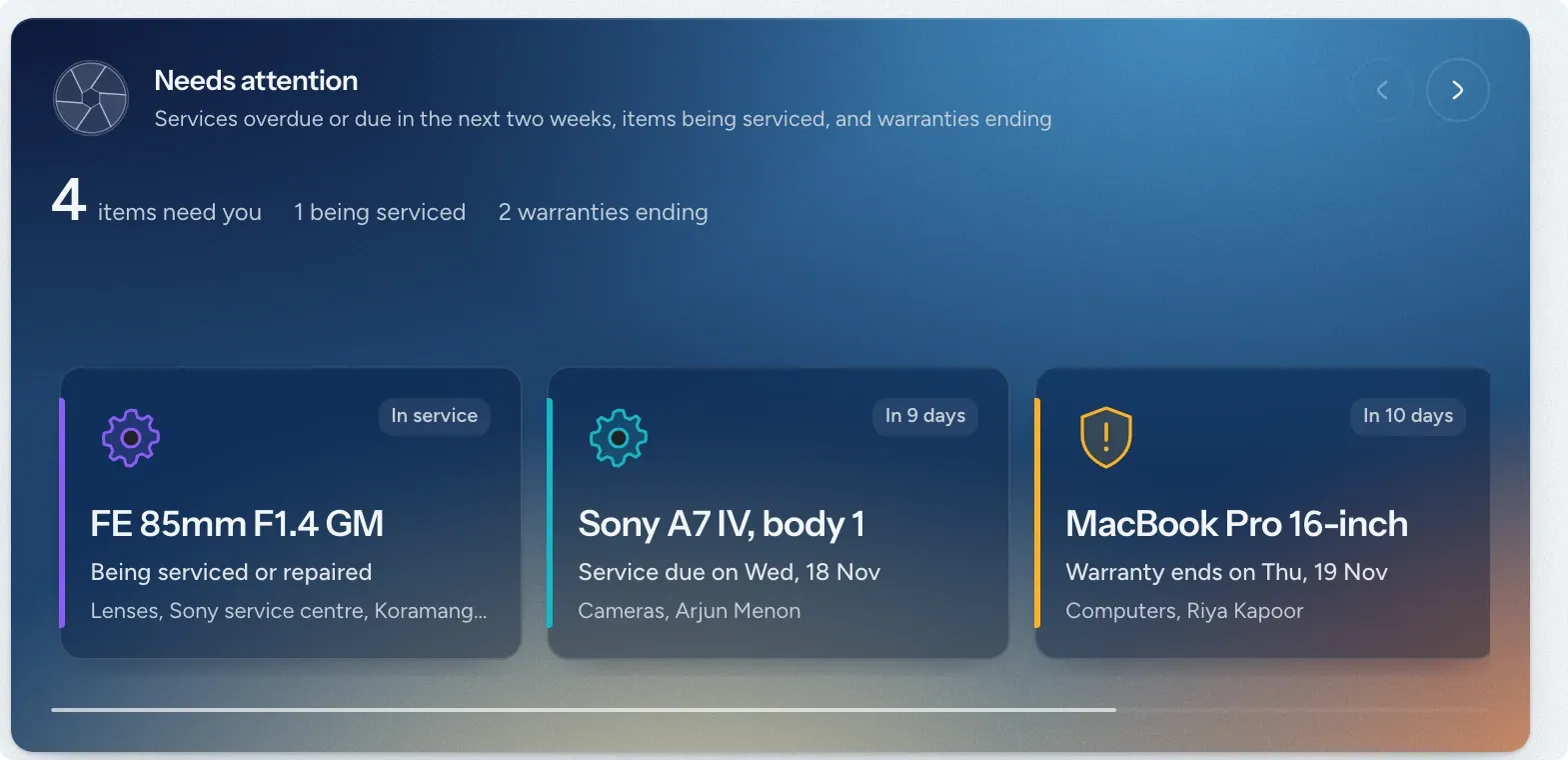
Assign equipment to projects and see which shoots each item is booked for. Items that are out for service, or due for one soon, are flagged.
- See who has each item, even people outside your team
- Record where each item is kept
- See whether it's available, in use or being serviced
-
Repair costs are added to your expenses
When you log a service with its cost, it's added to your expenses automatically. If you edit or delete the service, the expense is updated to match.
- Filed under the maintenance category
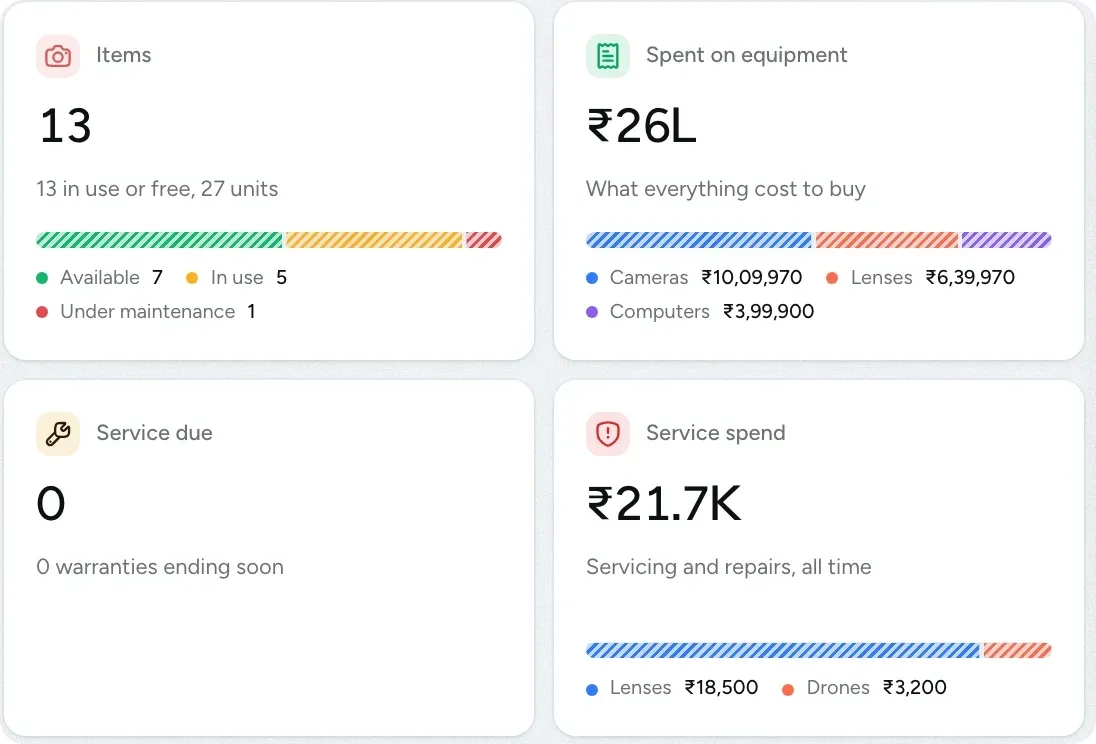
- See what your equipment cost to buy and to maintain
- View spending by category and by item
Keep a service history for every item
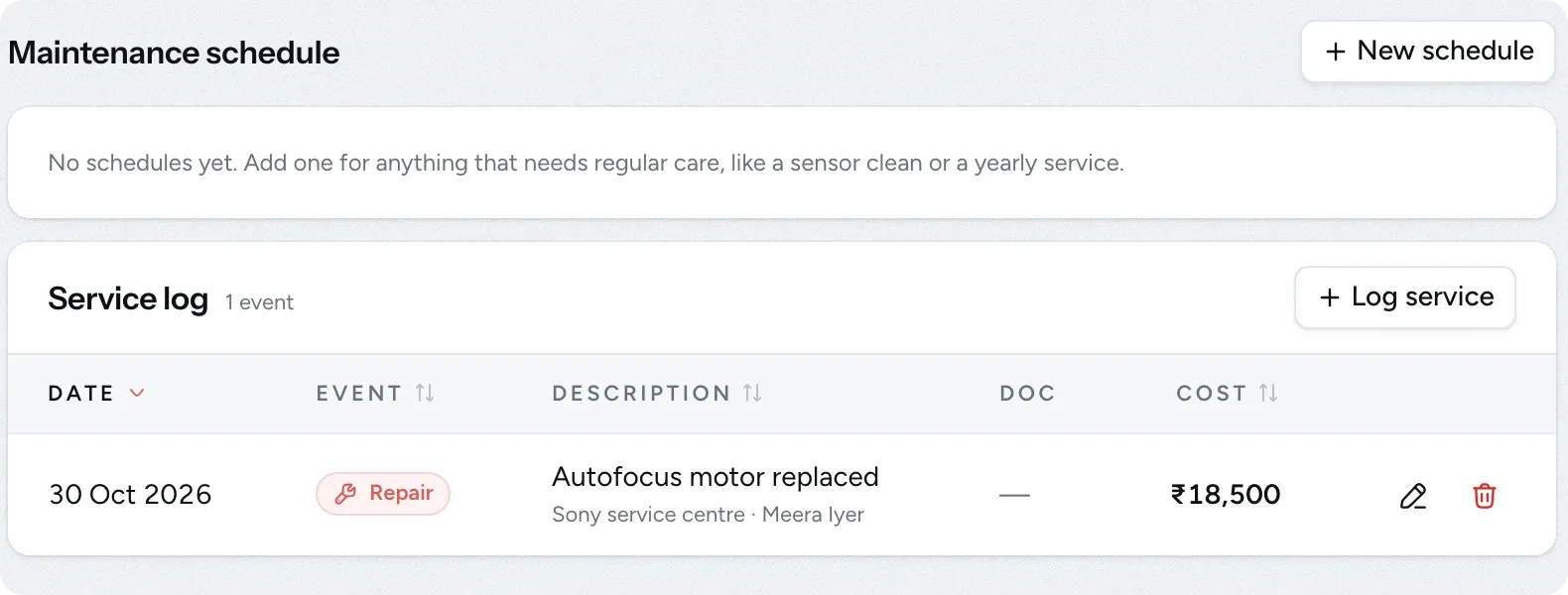
Open any item to see every repair and service, with what was done, where it was done, who recorded it and what it cost.
- Log each service, maintenance or repair with its bill
- Set up maintenance schedules for regular servicing
- The history is kept after you retire an item
Questions about equipment
Questions studios often ask before they start using this feature.
Email us another question-
Yes. Enter how many you have and the price of one, and FlickPic calculates the total.
-
No. Assigning equipment doesn't reserve it, so the same item can be assigned to more than one project. Check the projects calendar to make sure one camera isn't sent to two shoots.
-
Set its status to No longer in use. The item stays in your records with its full history and service log.
-
Equipment tracking is for items your studio owns. Record rental costs as expenses in your finance records instead.
-
You get a notification when servicing is due and when a warranty is about to end, and each reminder is sent once. Upcoming dates also appear on the equipment page and in your dashboard's list of things that need attention.
Experience FlickPic
Bring a real enquiry to a free 30-minute call. We'll take it all the way to a client gallery in FlickPic with you and answer your questions along the way.