
Private galleries for every client
Your clients open their gallery on their phone, browse it one event at a time and star their favourite photos. They can download only the photos you allow.
Replaces Google Drive links and WeTransfer
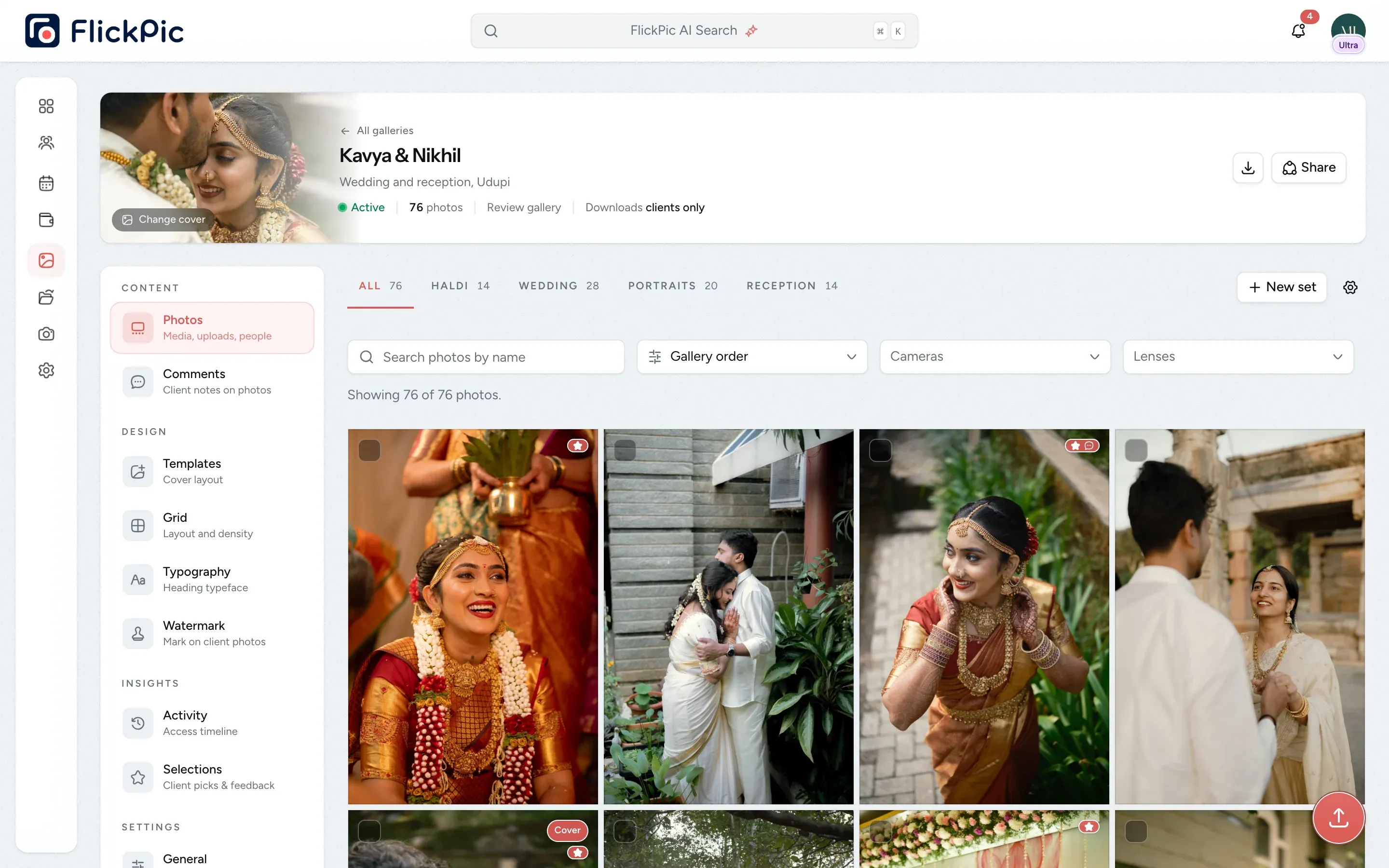


Each gallery opens with its own cover
All of this is available today
- Review galleries
- Delivery galleries
- Sign in with an email code
- PIN-protected public links
- Instant access removal
- Photo selection
- Watermarking
- Share on WhatsApp and Instagram
- Sets by event
- 16 cover templates
- 20 title fonts
- Masonry or square grid
- Photo comments
- Rapid swipe mode
- Download the whole gallery
- Gallery activity
What Client galleries does
-
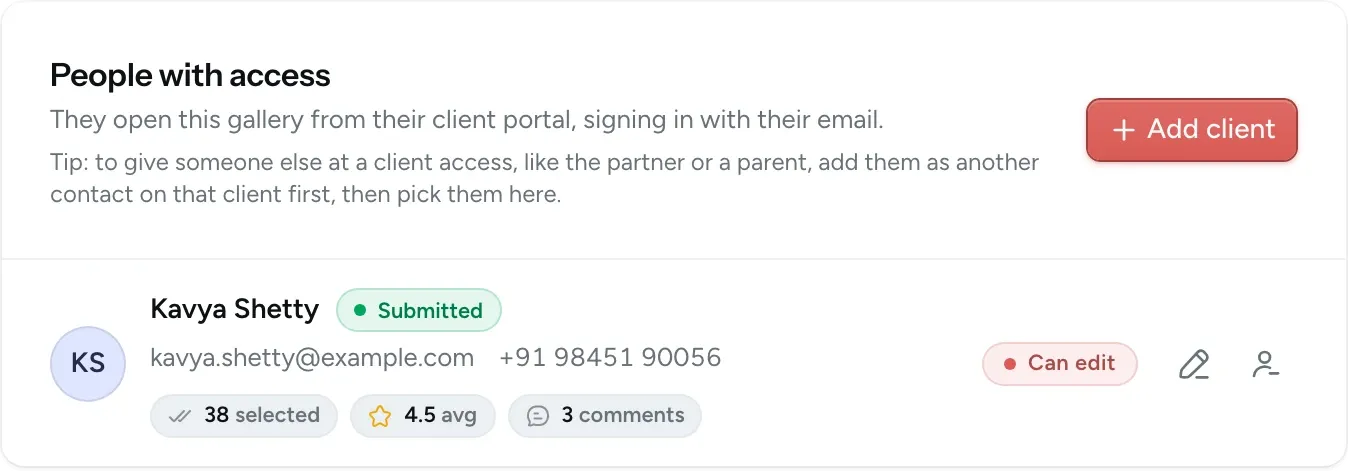
Control who can open each gallery
Add your client by email. When they open their link, they're asked for a code sent to that address, so nobody else can view the gallery. If you remove someone, they lose access immediately, even in the middle of a download.
- Choose whether each person can select photos or only view them
- Remove a person's access in one click
- Turn off the public link at any time
-
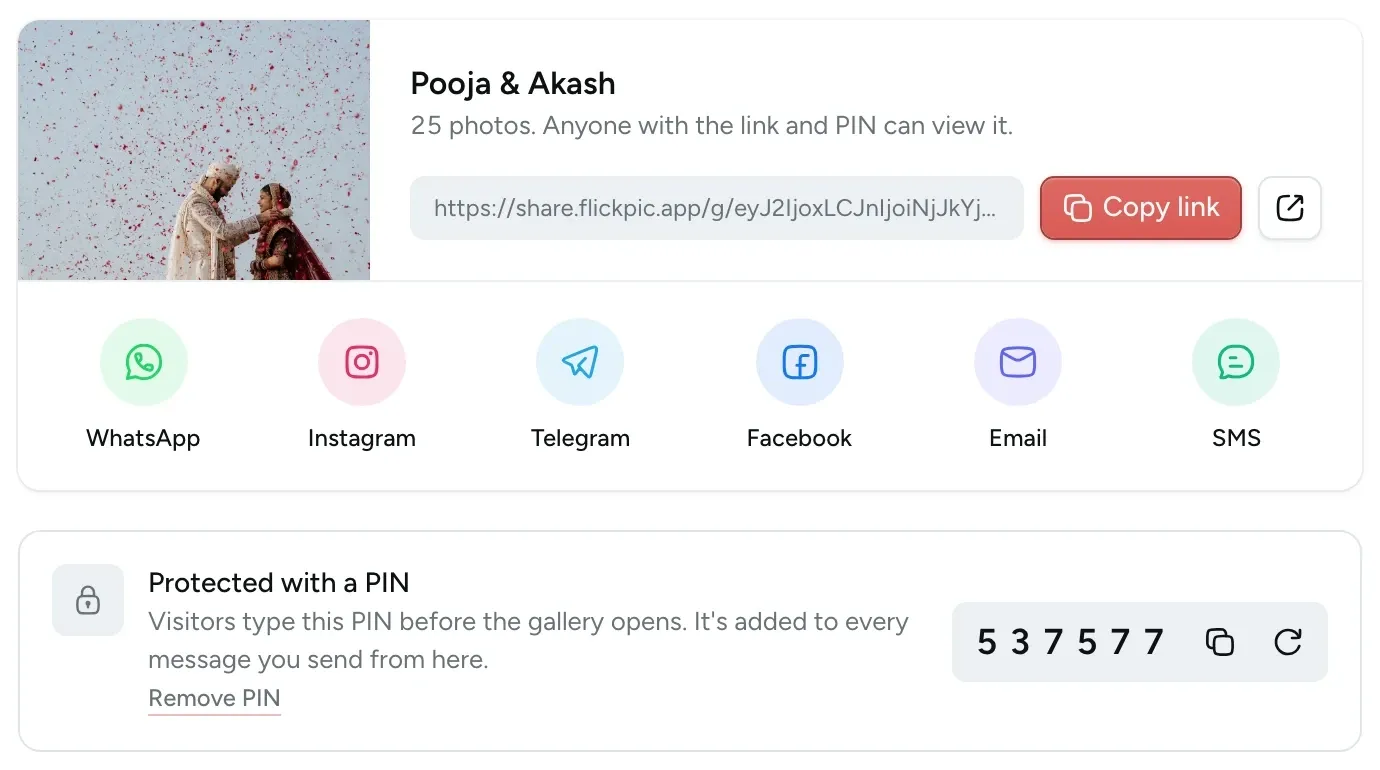
Protect public links with a PIN
The public link lets family and guests view the gallery without signing in. Add a six-digit PIN and visitors must enter it before they can see any photos. If the link is shared more widely than you intended, create a new one and the old link stops working.
- Share it on WhatsApp, Instagram or by email
- Visitors can view photos but can't select them
- Downloads stay off unless you turn them on
-
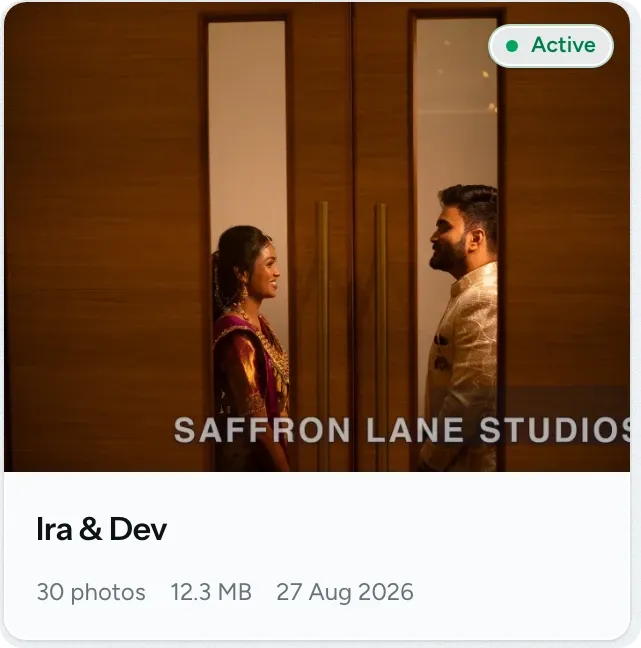
Add your watermark to client photos
Add your studio name or logo to the photos clients see in the gallery. Choose its position, size and opacity, and preview how it looks on a real photo. Included in Max and Ultra.
- Use text or your logo in one of three positions
- Apply your default settings or change them for each gallery
- Downloads are the original files, without a watermark
-
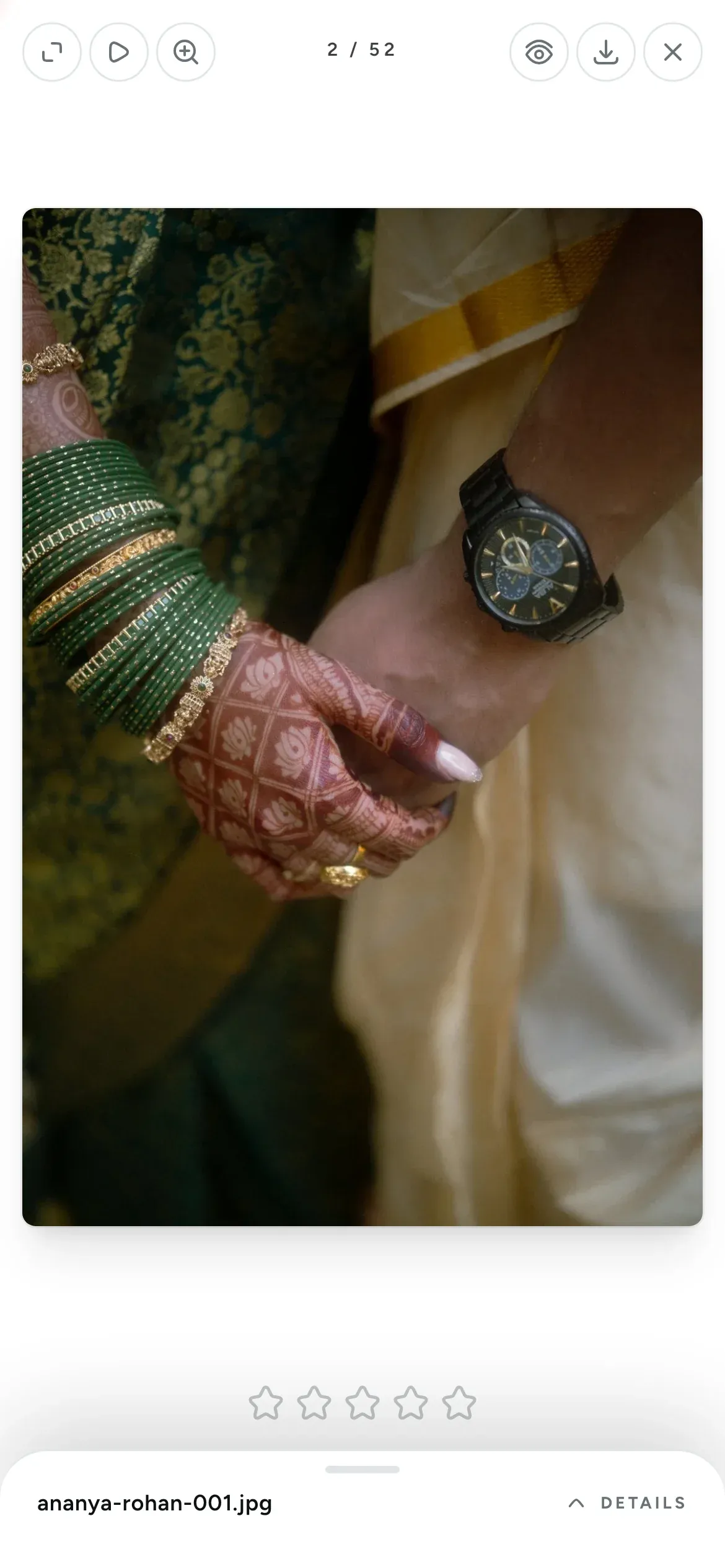
Clients can hide photos from a link
Some photos are meant only for the family. When your client taps the eye icon on a photo, it's removed from the public link. They can still see it when they sign in.
- Works in the grid and in the photo viewer
- Only clients who can select photos see the button
- You can always see every photo
-
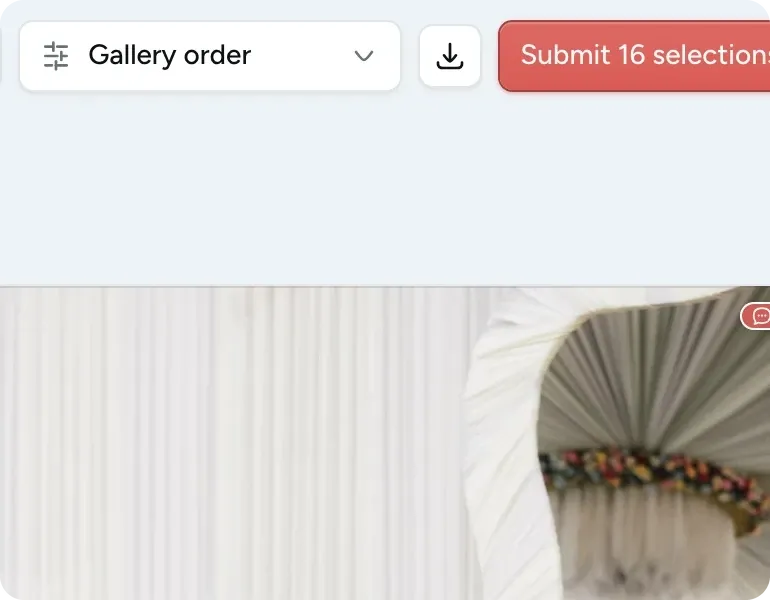
Clients can download every photo
Your client can download the whole gallery, or a single set, as one ZIP file with a folder for each set. The download starts right away and doesn't use any of your storage.
- An interrupted download can be resumed within 24 hours
- Photos download as full-quality originals
- See who downloaded what
-
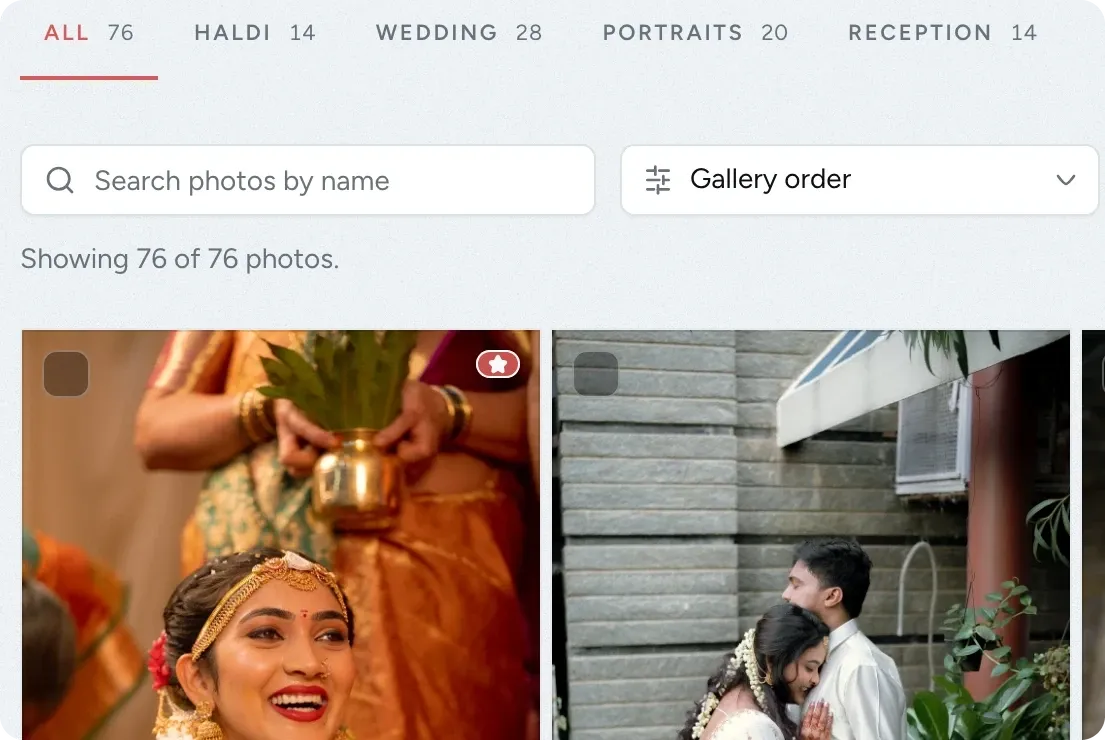
Split a gallery into sets by event
Split a wedding gallery into sets such as Haldi, Wedding, Portraits and Reception. Each set appears as a tab, so the family can go straight to the event they want. Included in Max and Ultra.
- Empty sets are hidden from clients
- Galleries stay fast even with thousands of photos
- Choose the template, layout and fonts for each gallery
-
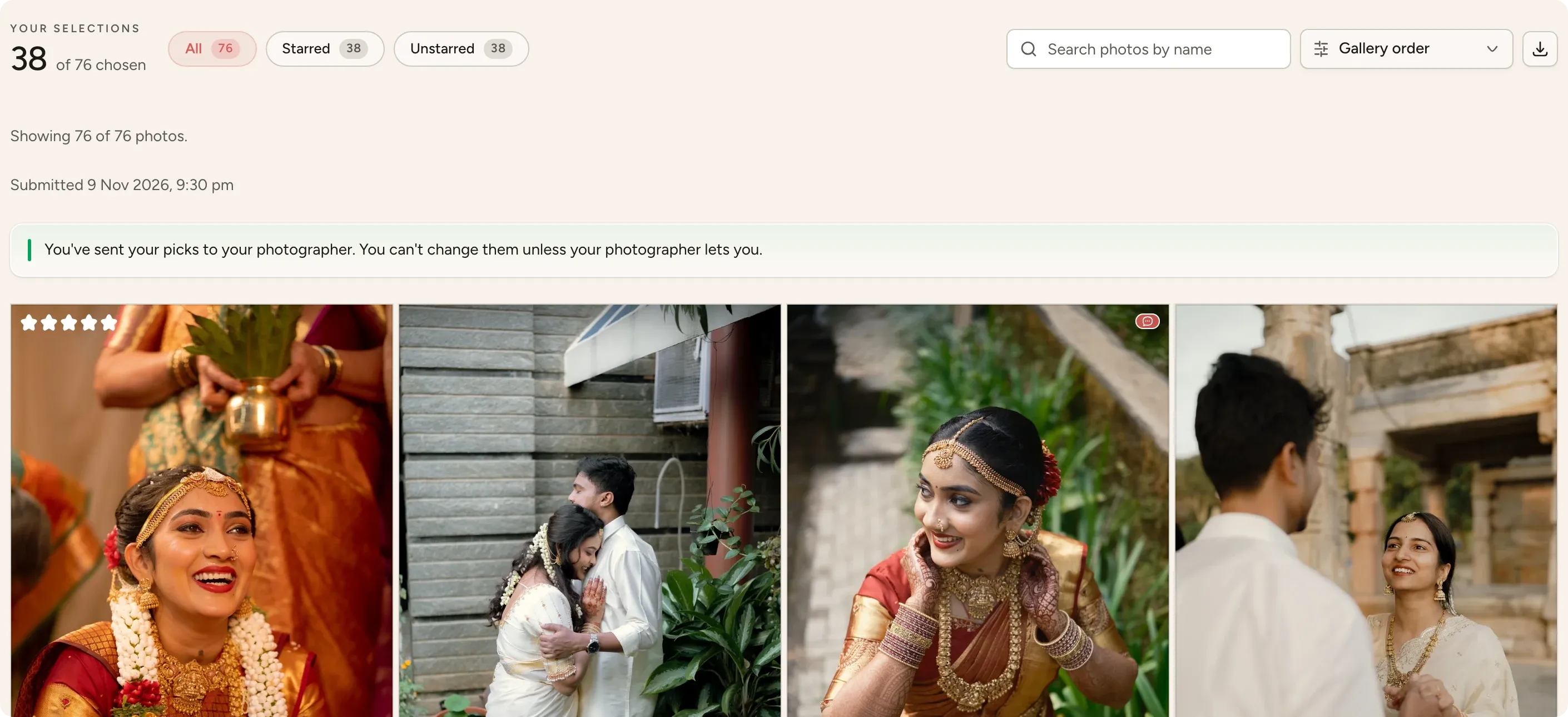
Clients select photos for the album
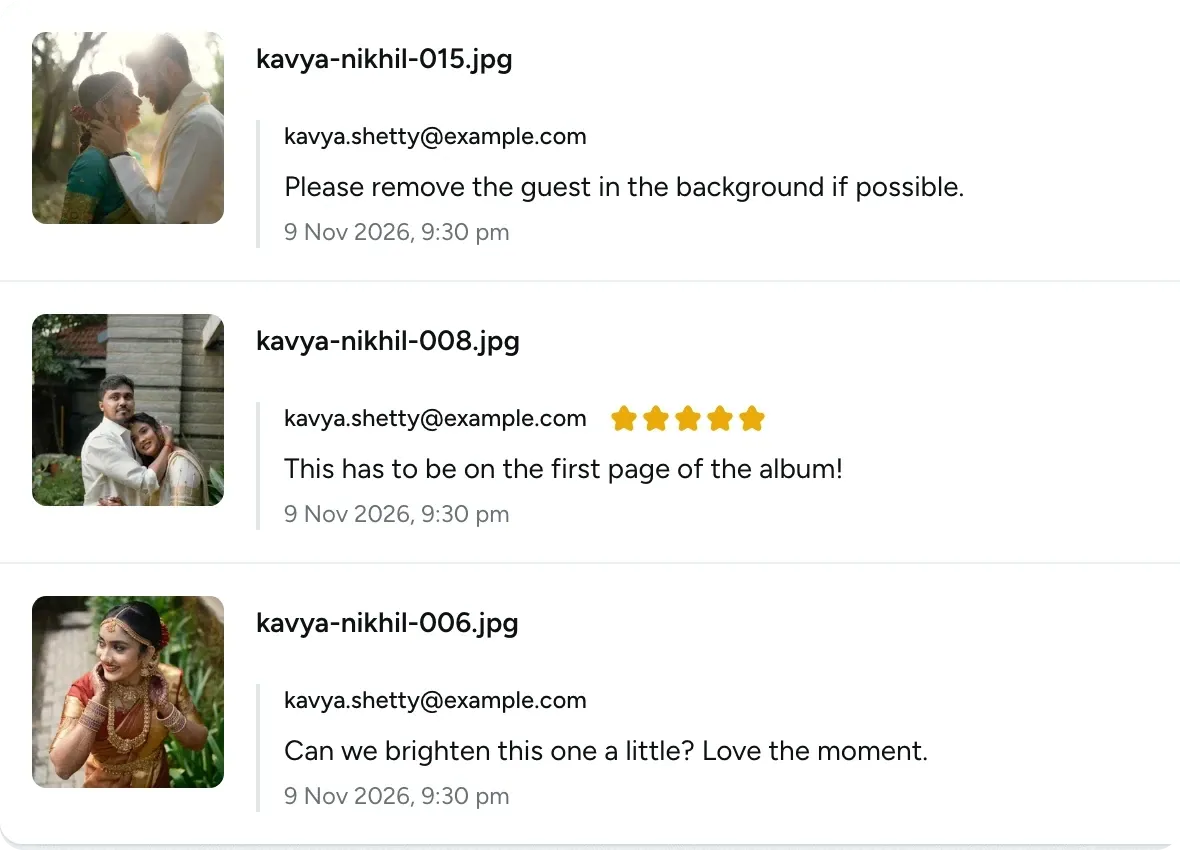
In a review gallery, clients star, rate and comment on photos, then submit their selections to you. You receive the final list with each comment beside its photo.
- Selections are saved automatically across visits
- Selections lock when submitted, and you can reopen them if plans change
- Download all comments as a CSV file
Two kinds of gallery
Use a review gallery when your client needs to choose photos, and a delivery gallery when the final edits are ready to hand over.
-
Review gallery
For choosing photos
- Your client can star, rate and comment on photos
- On a phone, they can swipe through photos one at a time
- When they submit their selections, you get a notification
-
Delivery gallery
For handing over the final edits
- Your client views the finished photos without having to pick any
- If you turn on downloads, they can save one photo, a set or the whole gallery
- You can switch a review gallery to delivery once the edits are done
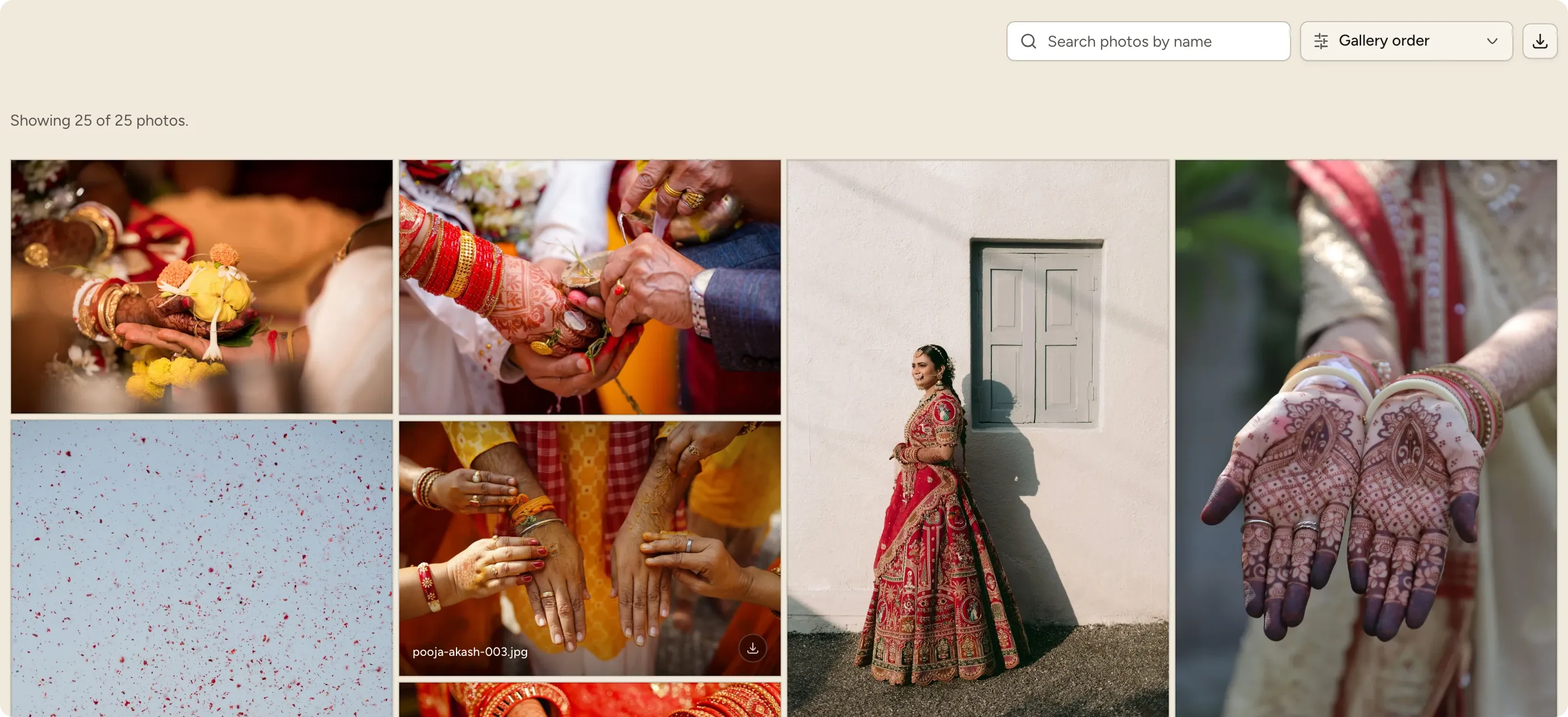

You can change the mode at any time in the gallery's settings. Switching a review gallery to delivery hides your client's stars, comments and selections without deleting them, and they reappear if you switch it back.
16 templates for the first page of your gallery
The first page is what your client sees when they open the gallery. It shows the cover photo, their names and your studio's name. Choose a template for each gallery, and preview it on a phone and a computer before you share it.
-
16 cover templates
Pick a cover for each gallery, from clean layouts to painted ones.
-
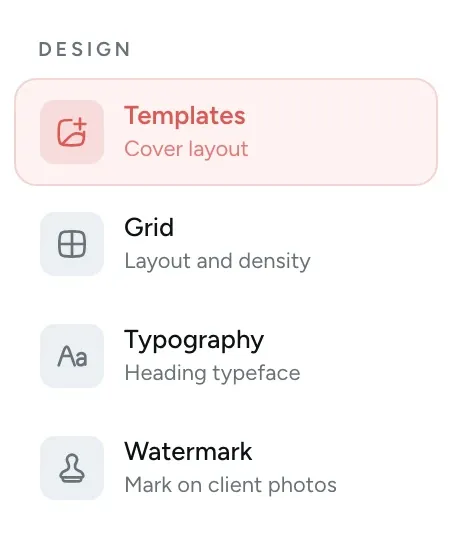
Your fonts and grid
Choose the title font and how the photos are laid out.
-
Made for every shoot
Weddings, engagements, portraits, events and more.

Your brand, your style
Open a demo gallery
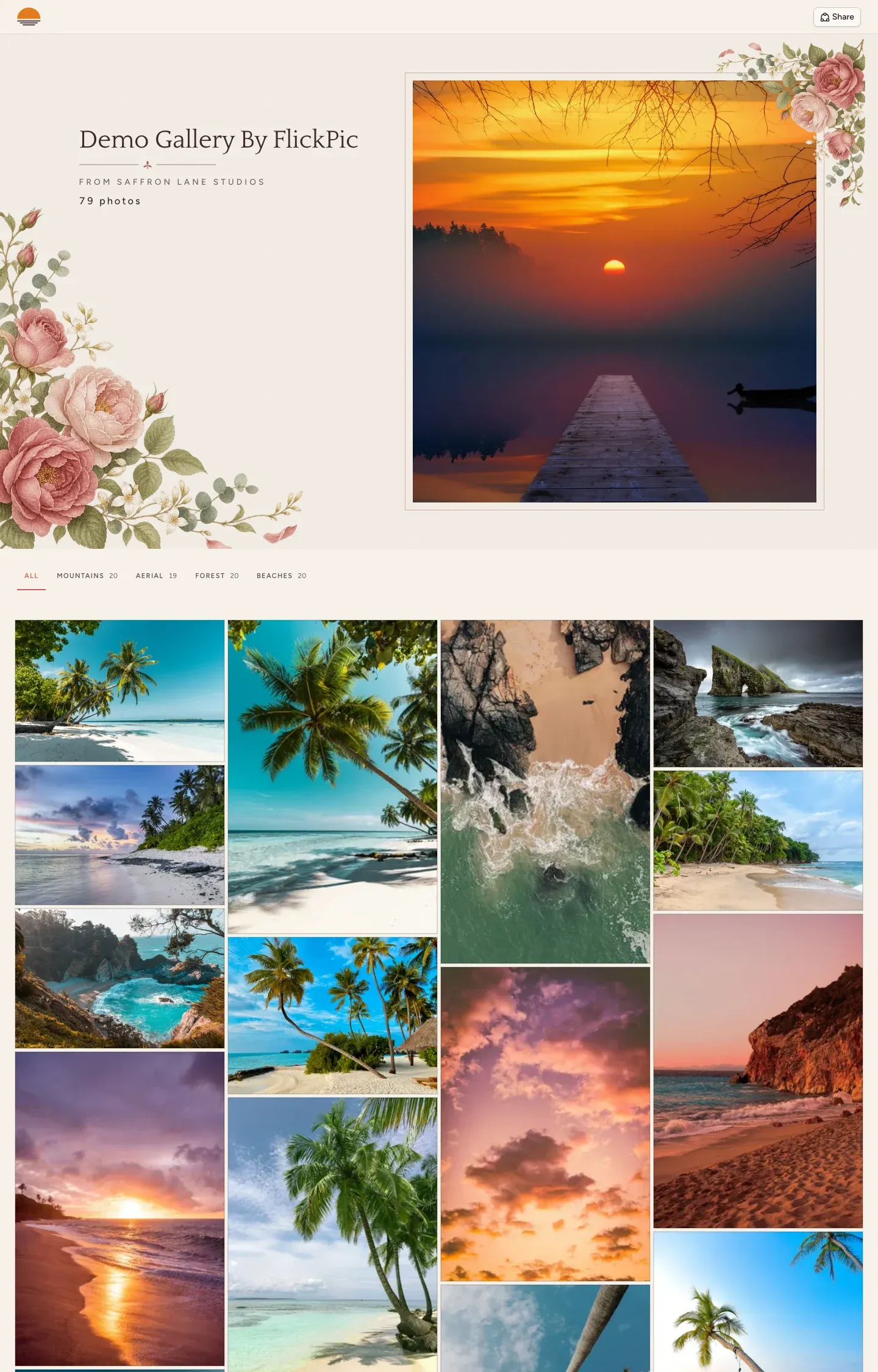
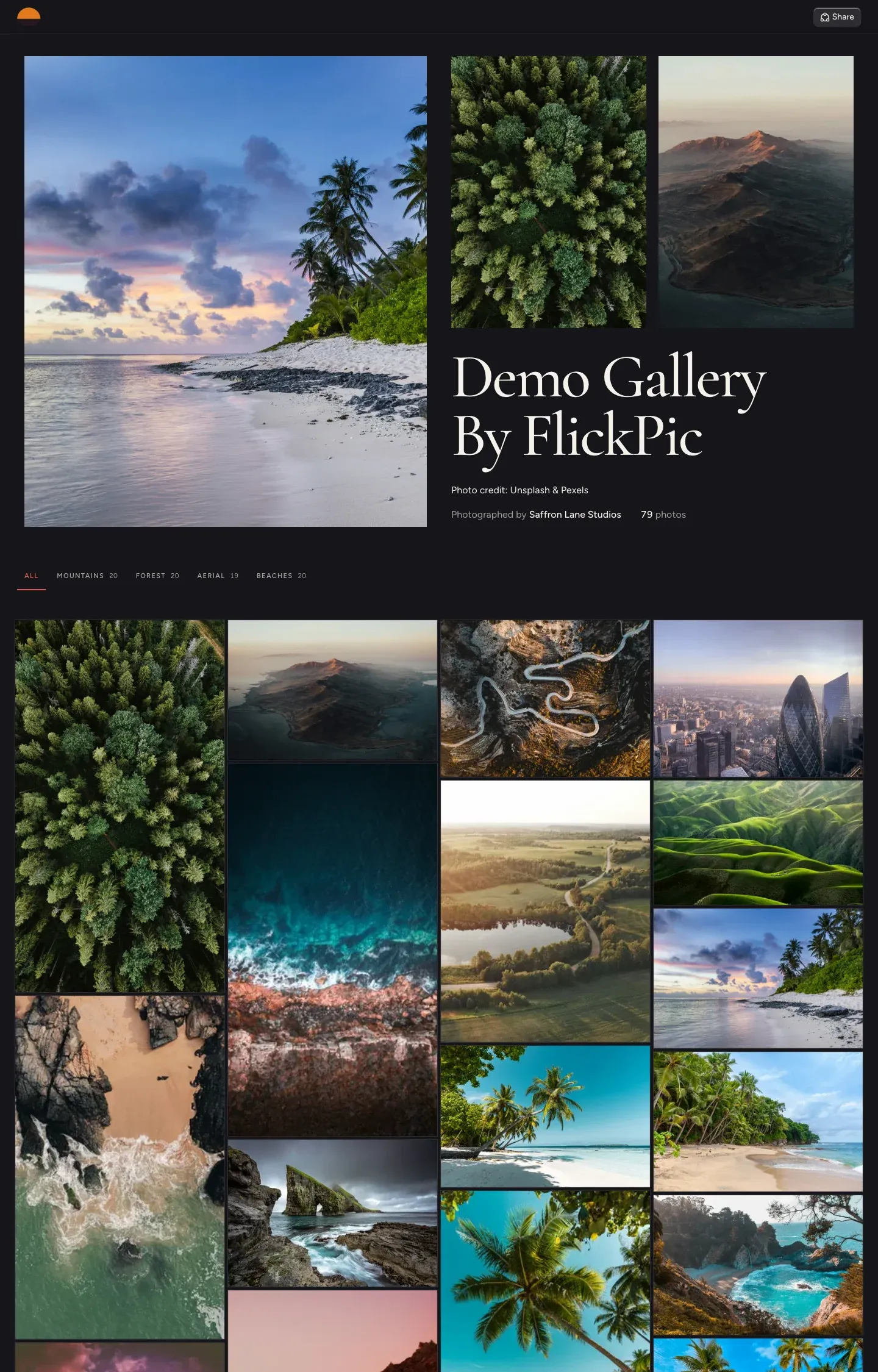
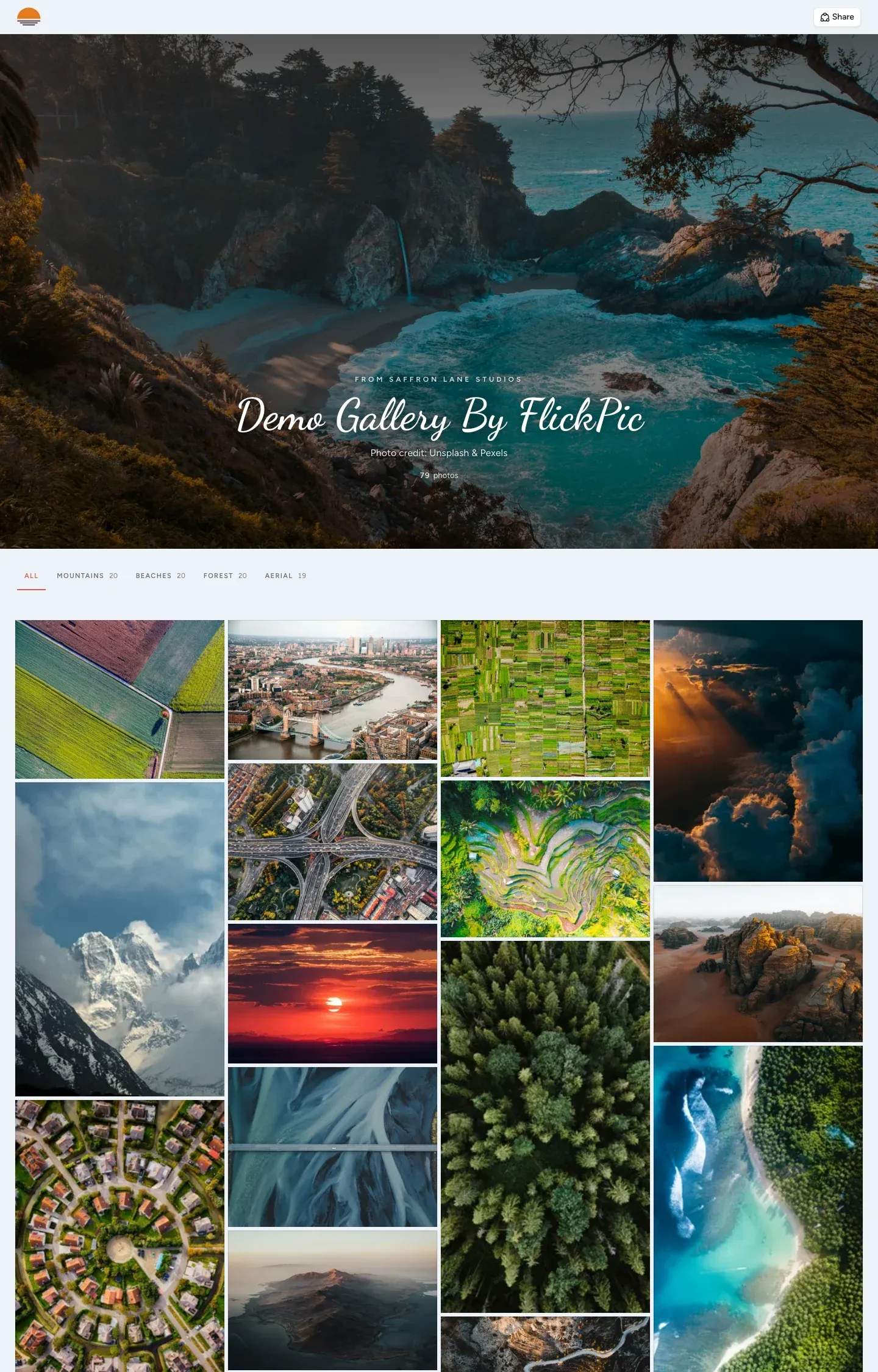
These five galleries come from our demo studio, Saffron Lane Studios. Each one uses a different template, and you can choose from 16. Open one in a new tab and look through it as your client would, from the cover to the photo sets and the full-screen view.
- Classic demo gallery Pro, Max and Ultra
The cover photo fills the screen, with the title across it
- Watercolor bloom demo gallery Max and Ultra
Painted roses on warm paper, beside a framed photo
- Album demo gallery Max and Ultra
An open album on a dark page, with three photos
-
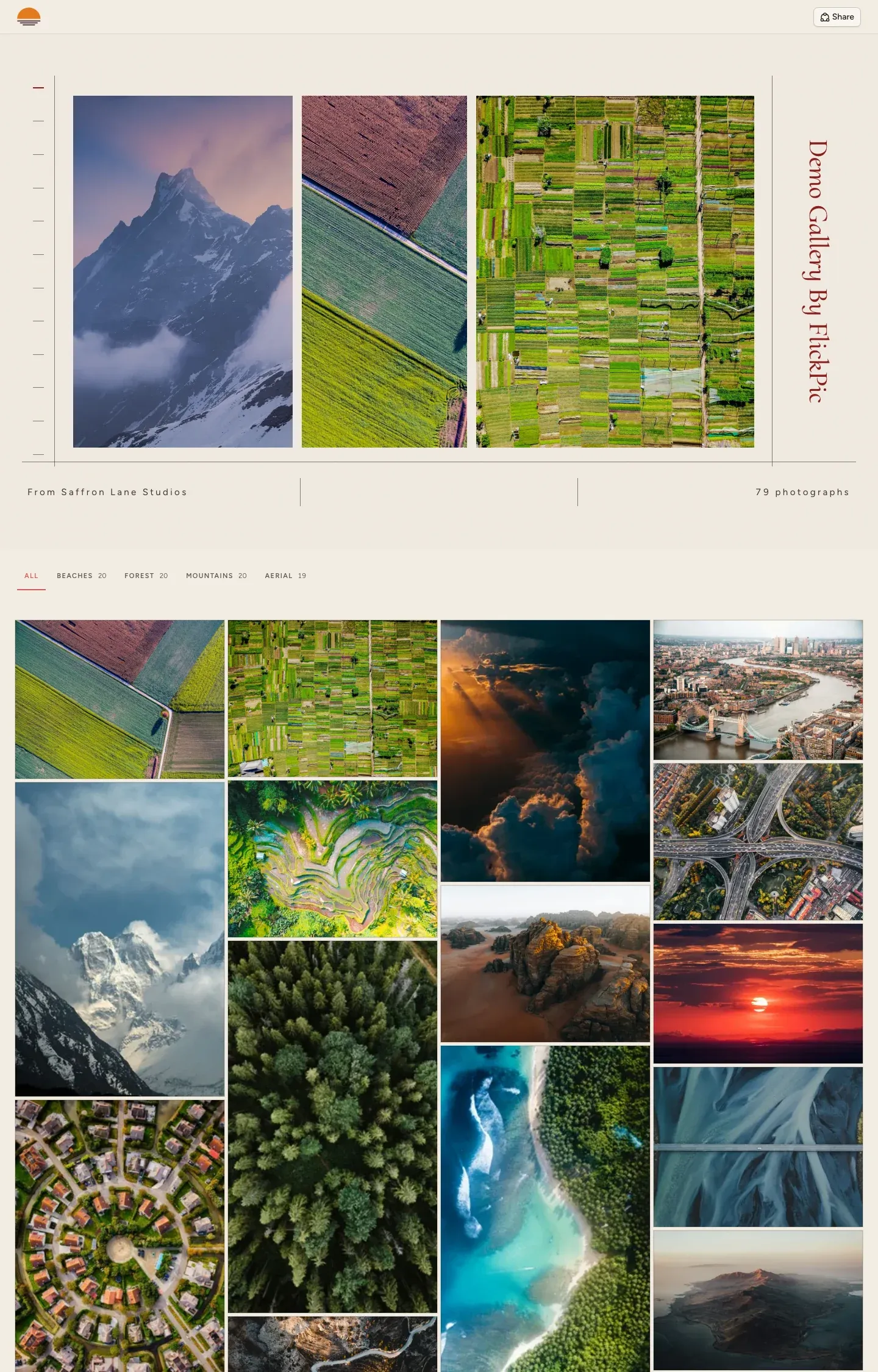 Archive index demo gallery Max and Ultra
Three photos side by side, with the title down the margin
-
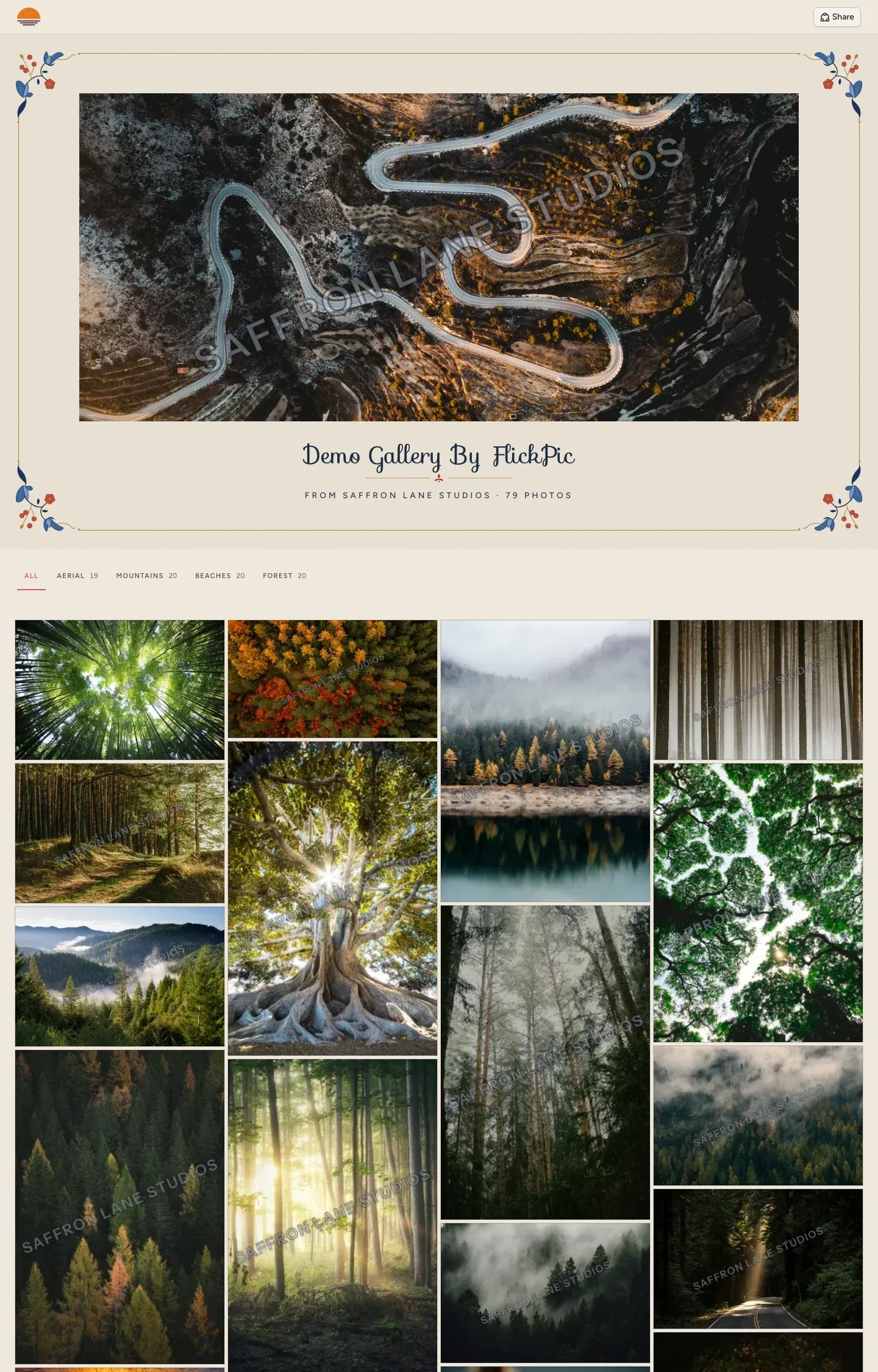 Folio corners demo gallery Max and Ultra
Painted flowers in each corner of a framed page
The photos in these galleries are from Unsplash and Pexels.
See who opened a gallery and what they did
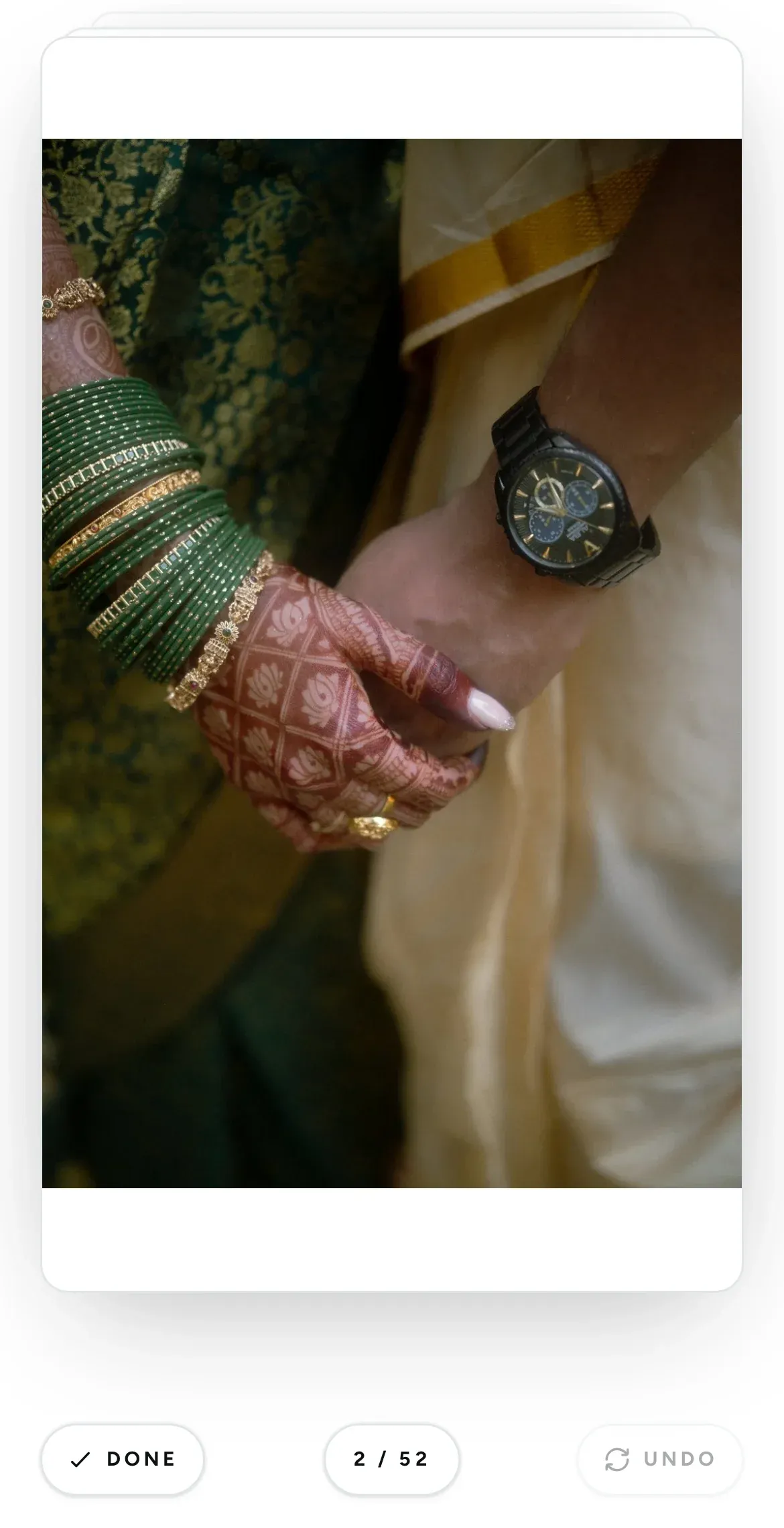
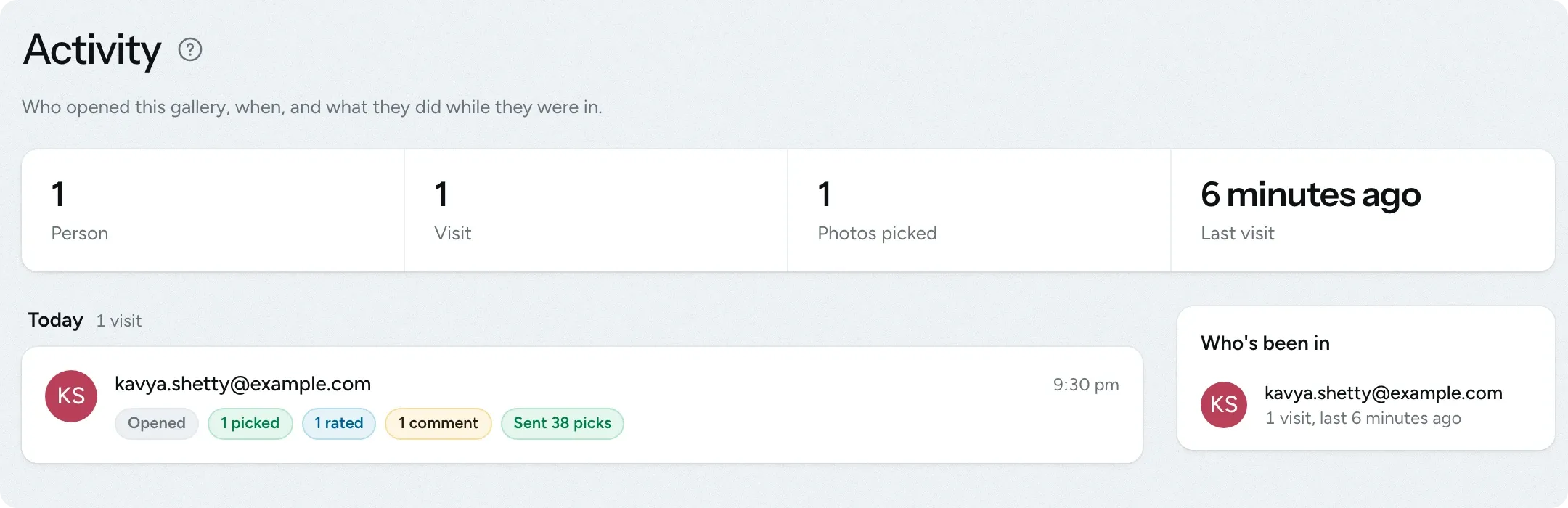
The Activity page shows each client's visits, the photos they picked and when they last visited, so you know when to follow up. On a phone, clients can use rapid mode to see one photo at a time, swiping right to pick it or left to skip it.
- View each person's visits, selections, ratings and comments
- Downloads are counted in delivery galleries
- Clients can undo a swipe in rapid mode if they change their mind
Questions about client galleries
Questions studios often ask before they start using this feature.
Email us another question-
No. They open the gallery from the email they receive and sign in with a 6-digit code sent to the address you shared it with. If you share the public link, family and friends can view the gallery without signing in.
-
Yes. New galleries start as a draft that only your team can see, so you can arrange the photos, sets and cover first. Clients you add while the gallery is a draft get an email when you publish it.
-
Yes, you can change it at any time in the gallery's settings. Switching a review gallery to delivery hides your client's stars, comments and selections without deleting them, and they come back if you switch it back.
-
Link the gallery to the project and it appears on your client's project page. The project's main contact gets an email when you publish it, and can pick photos in a review gallery or view them in a delivery gallery.
-
Deleting a gallery is immediate and permanent. Your client loses access straight away, including to download links they already have, and receives a short email saying the gallery was removed. The photos can't be recovered, so download anything you need first.
Experience FlickPic
Bring a real enquiry to a free 30-minute call. We'll take it all the way to a client gallery in FlickPic with you and answer your questions along the way.