
Contracts signed before the shoot
Choose a contract when you book a client. They read and sign it in their portal on any phone, and the signed copy can't be changed afterwards. Included on every plan.
Replaces Printed contracts and scanned signatures
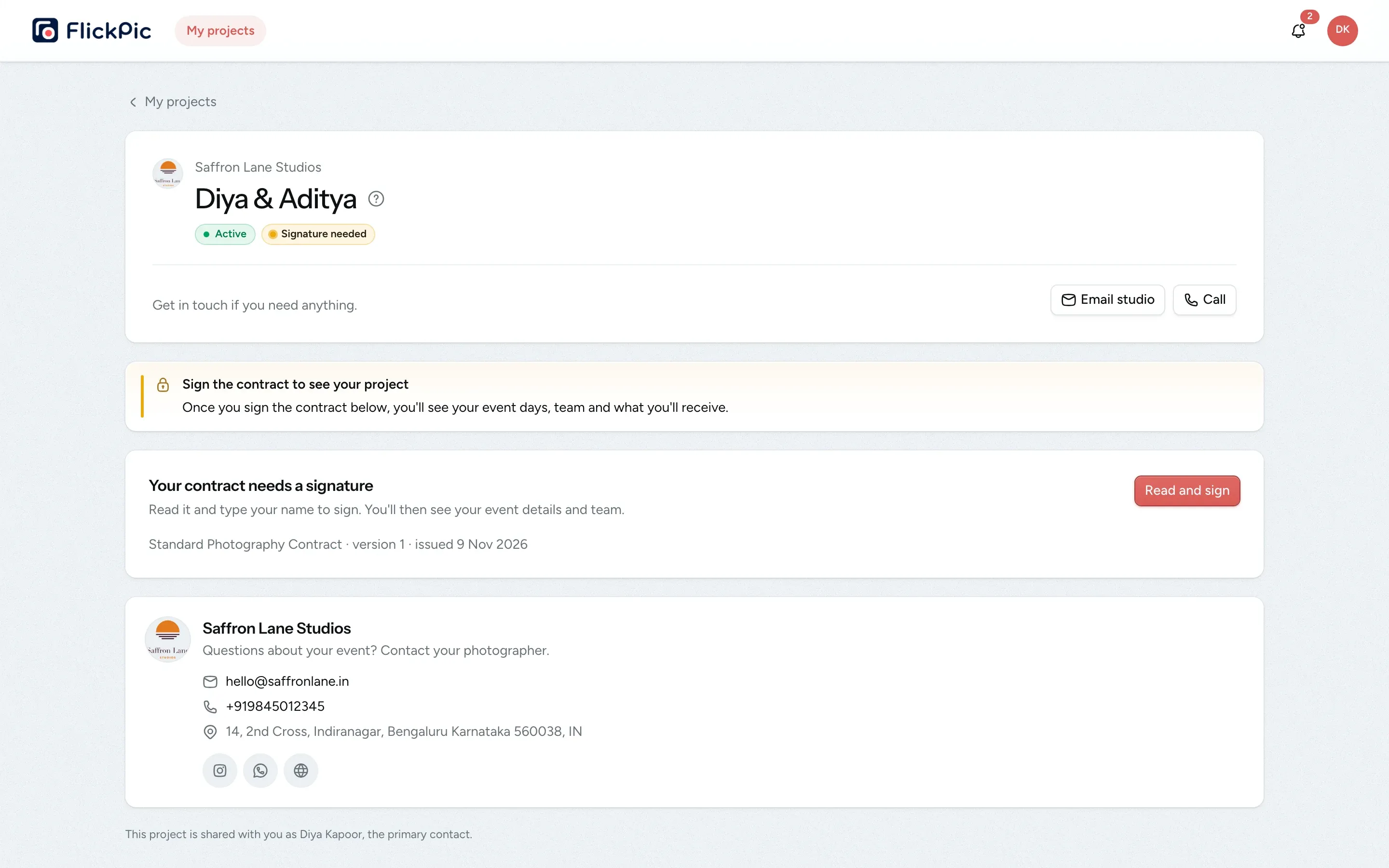
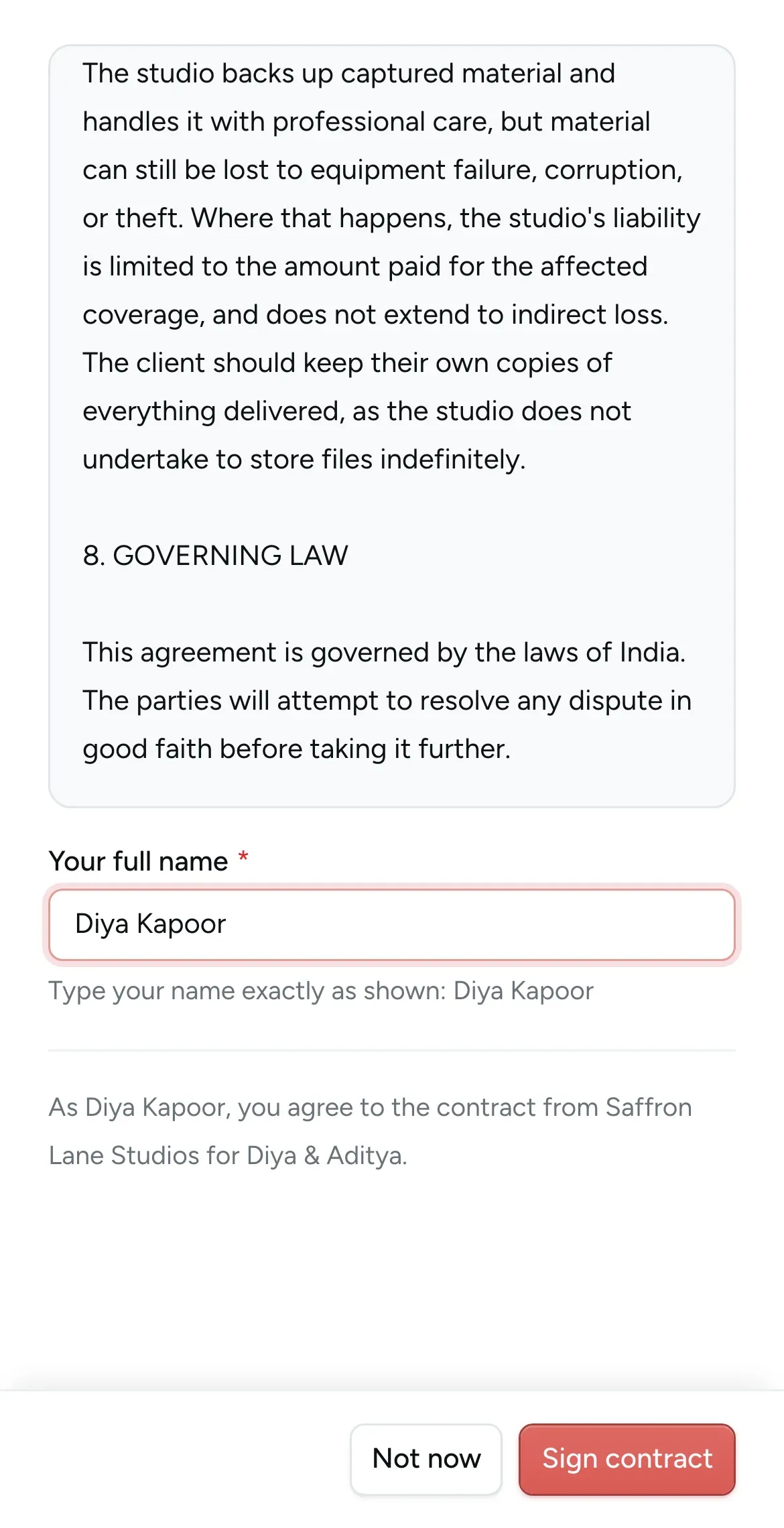
Clients sign by typing their name
All of this is available today
- Standard contract for India
- Edit or write your own
- A contract for each kind of shoot
- Sign on any phone
- New versions when terms change
- Signature before the portal opens
- Signing alerts
- Every version kept
- Signed copies never change
- Clients can reread it any time
What Contracts does
-
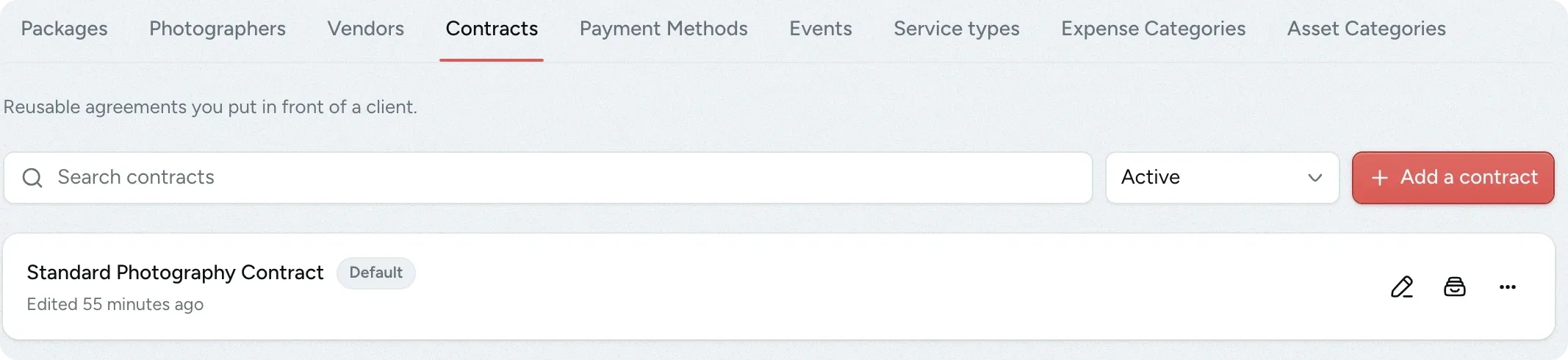
A ready-made contract to start from
Every studio gets a standard photography contract written for India. It covers services, payment, deliverables, cancellation, usage rights, force majeure, liability and governing law.
- Edit it or write your own
- Create a separate contract for each kind of shoot
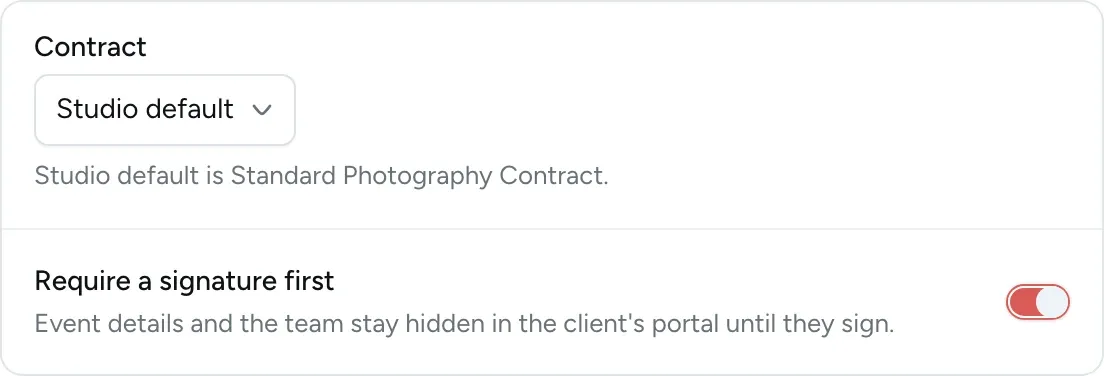
- Choose which contract is used by default
-
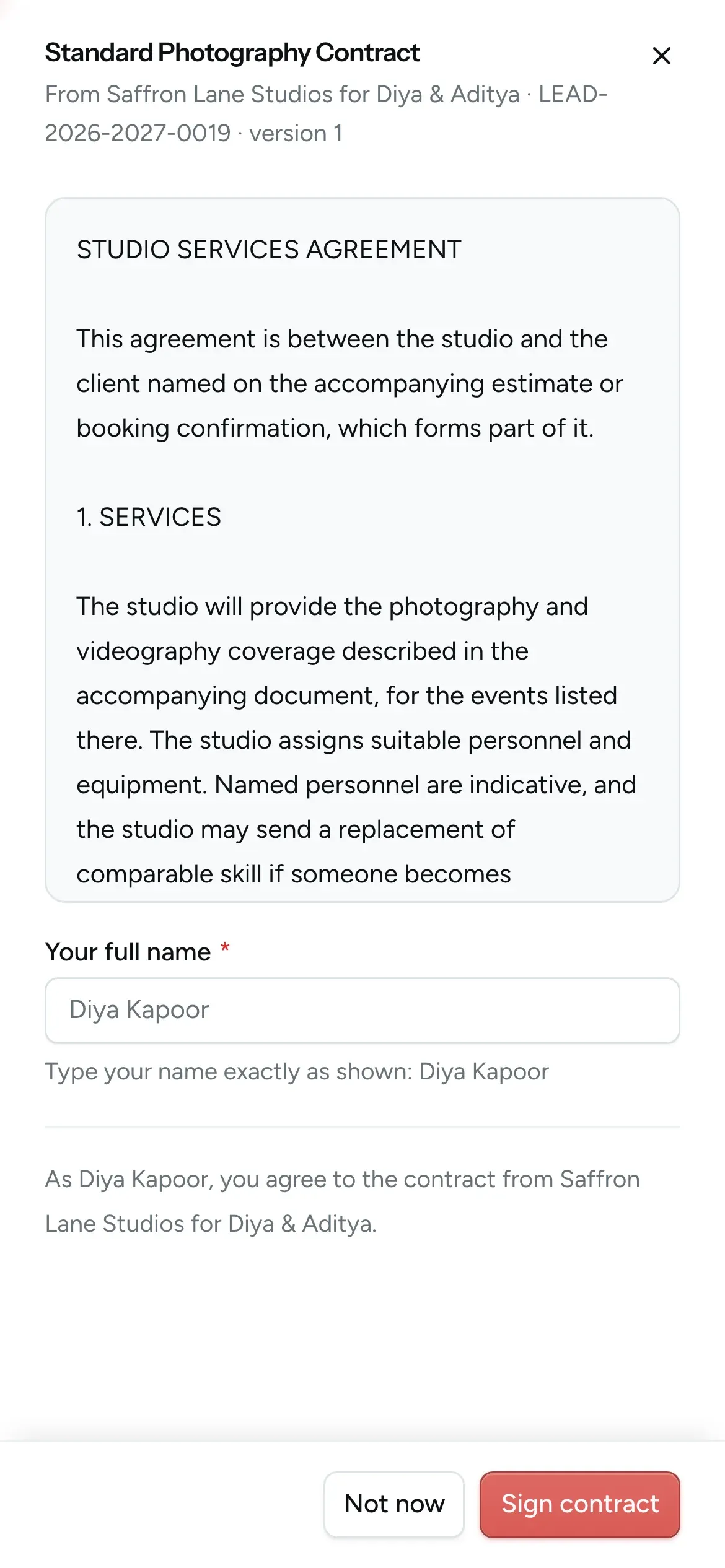
Clients sign on their phone
Your client reads the contract and types their full name to sign. There's nothing to print or scan, and no app to install.
- The name is checked against the booking
- Each signature is saved with the date and the exact wording
-
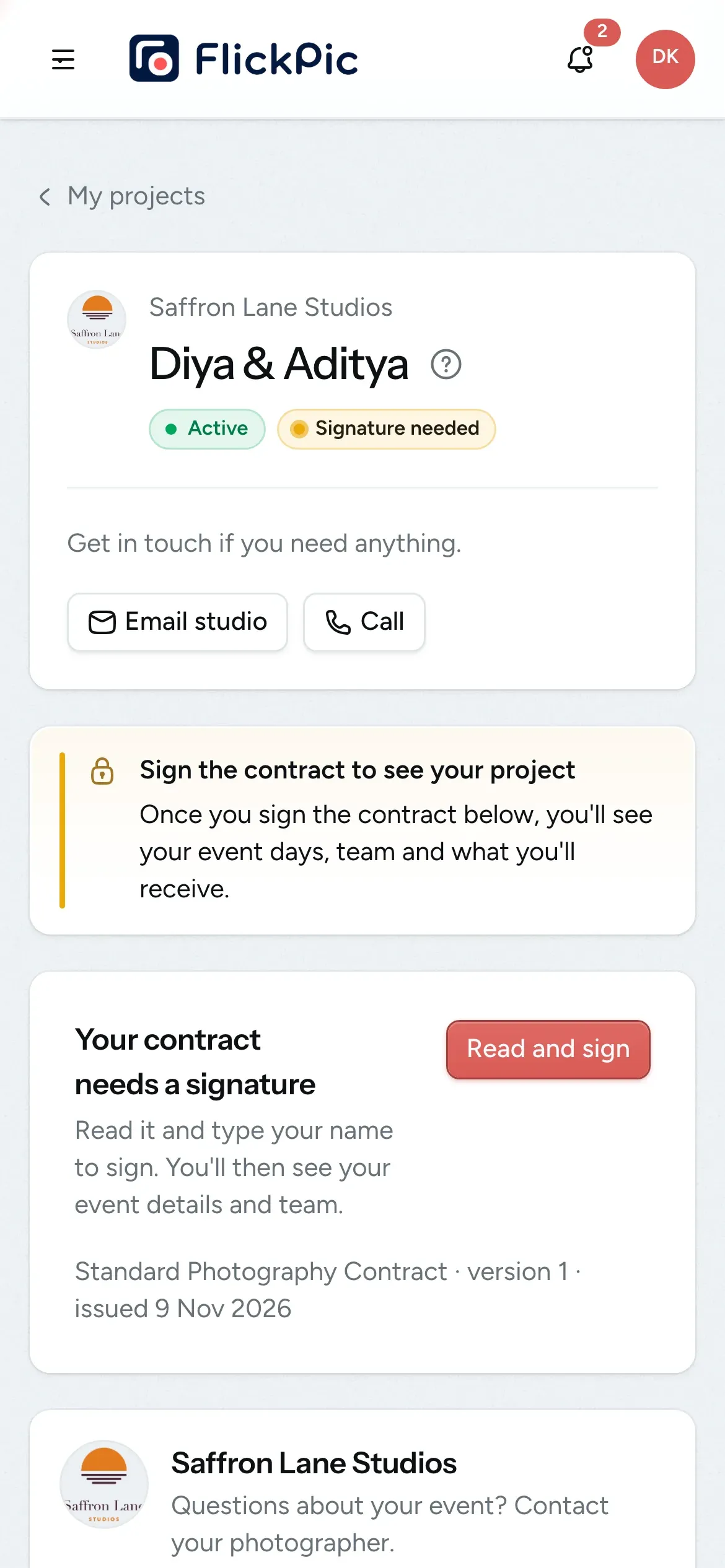
A signature before the portal opens
If you require a signature when you book, your client's portal shows only the contract. Once they sign, they can see their schedule, package, galleries and invoices.
- You're notified by email, in the app and on WhatsApp when they sign
- Skip the signature for any client you choose
- You can also share a contract just for their records
-
Signed contracts can't be changed
Each contract you send is saved exactly as it was sent. Editing your template later never changes a contract that a client has already signed.
- Every version is kept
- Open any version, whether it's signed or not
- A clear record if there's ever a dispute

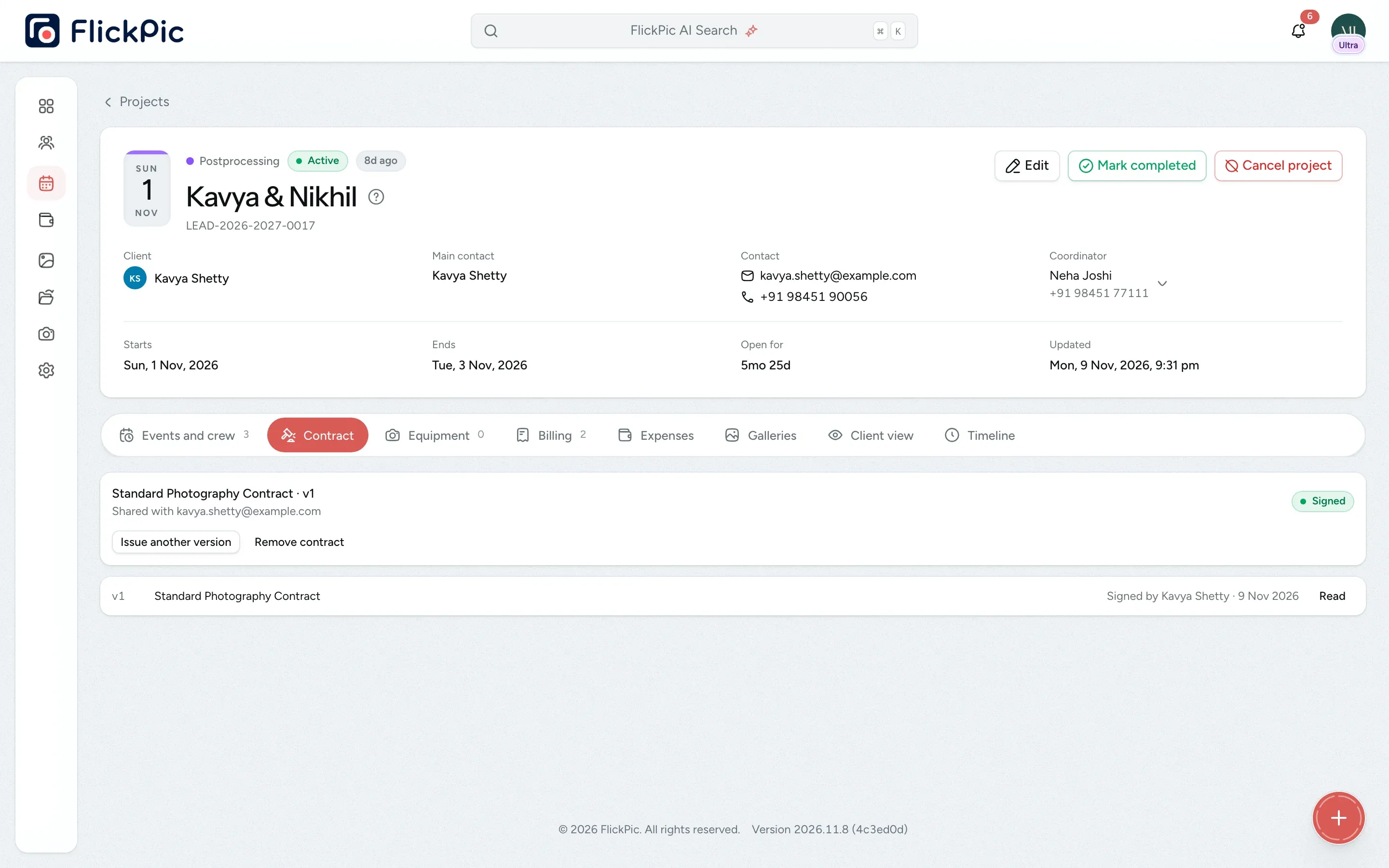
Keep every contract version and see who signed it
The Contract tab on each project keeps every version you have issued and shows which one your client signed. If your terms change, issue a new version for your client to sign.
- See the signer's name and the date they signed
- Signed versions are kept even if you remove the contract
- Clients see their event days and team once they sign
Questions about contracts
Questions studios often ask before they start using this feature.
Email us another question-
The main contact on the booking signs, because only their email address can open the project page. If someone else in the family should sign, make them the main contact.
-
The name they type must match the name on their contact record. If the signature won't go through, check the spelling of the name in the client's details.
-
No. Contracts are plain text without fill-in fields, so your client reads exactly what you type.
-
No. When you book a client, you choose whether to require a signature, share the contract for their records only, or use no contract at all. You can ask for a signature later, but once you waive the signature on a version, that version can't be signed.
-
Yes. The contract and its earlier versions stay on their project page. Completed and cancelled projects also stay there as a read-only record.
Experience FlickPic
Bring a real enquiry to a free 30-minute call. We'll take it all the way to a client gallery in FlickPic with you and answer your questions along the way.