
All your files in one drive
Store contracts, album designs, raw footage and final films in folders. Share them with clients through their portal, or with anyone by link. Your team sees only what their role allows.
Replaces Google Drive and Dropbox
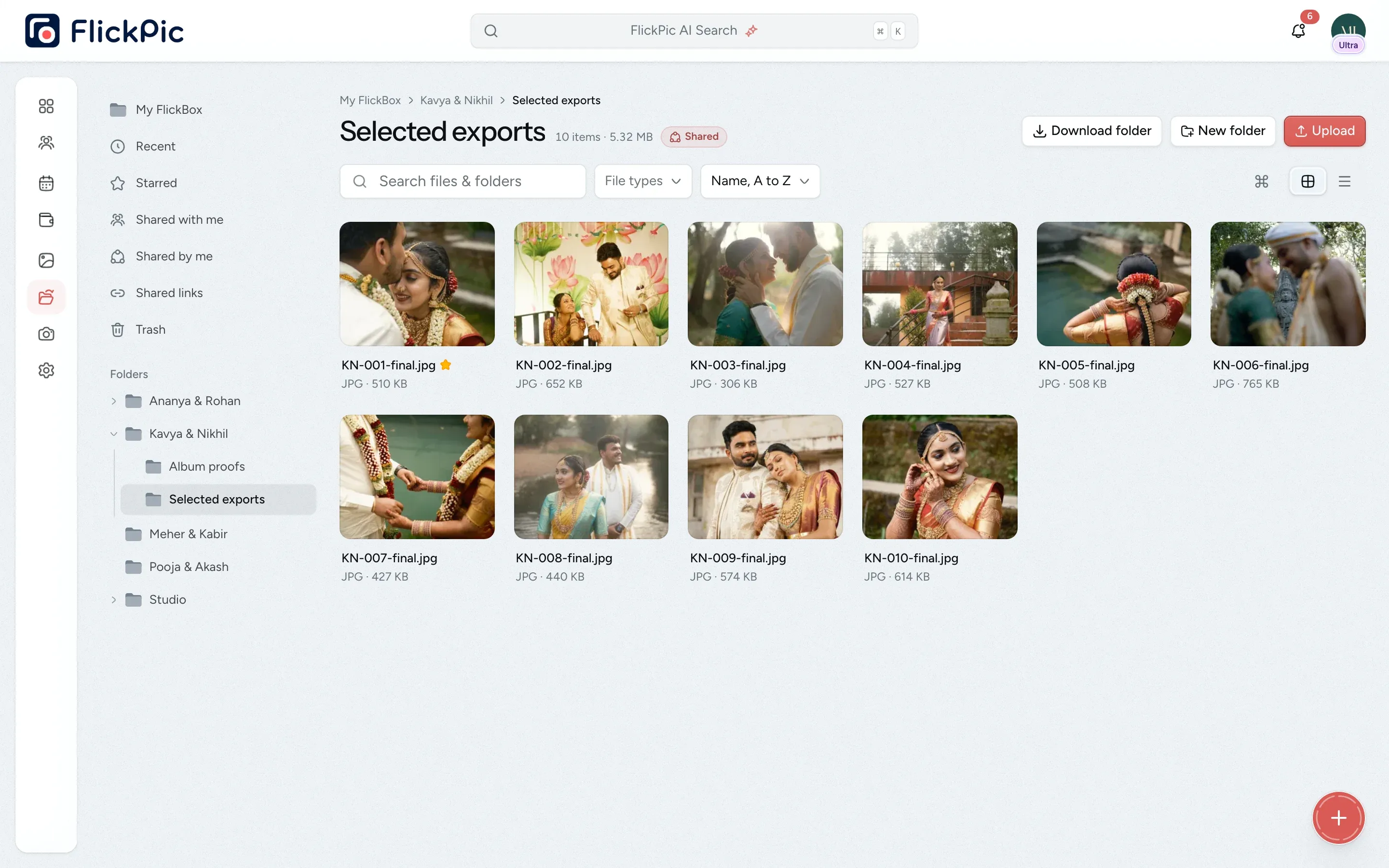
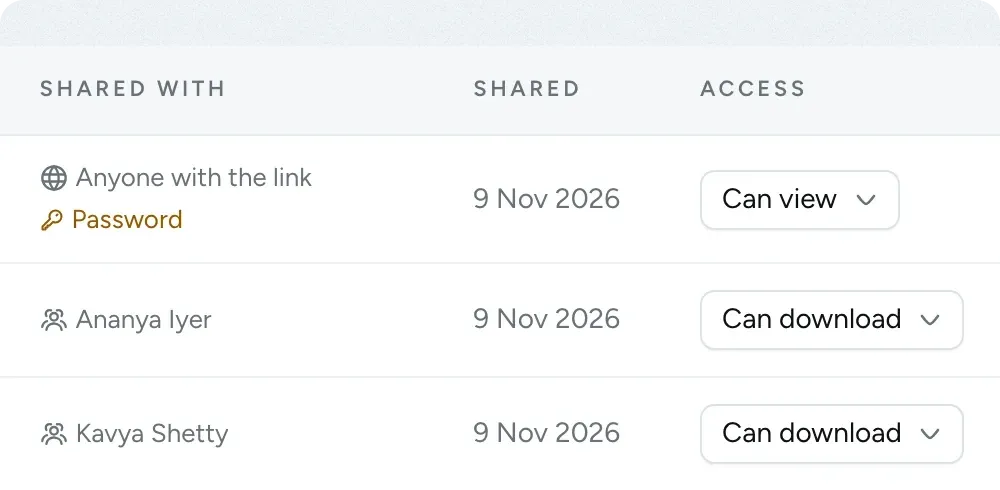
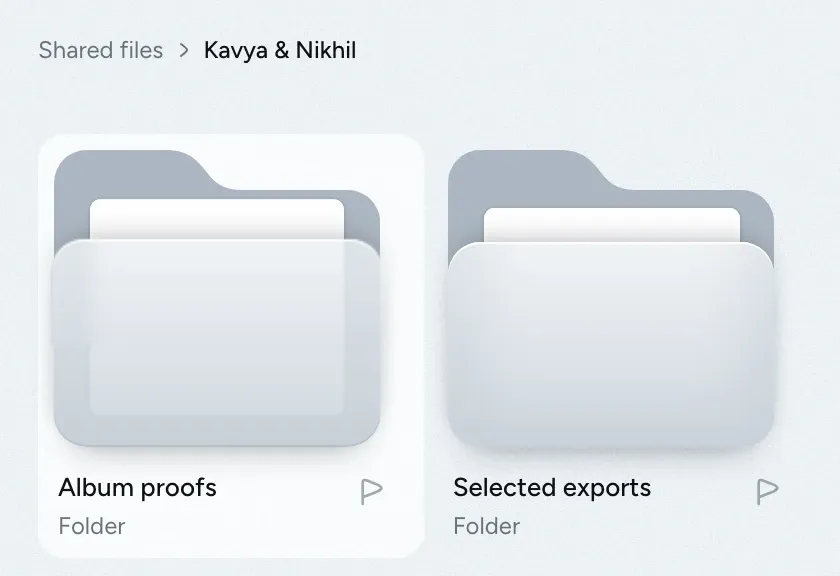
You choose who can download
All of this is available today
- Folders and drag and drop
- Previews in the browser
- RAW and iPhone previews
- Uploads up to 100 GB
- Uploads that resume
- Restore from trash for 7 days
- Share with clients
- Share with teammates
- Links for anyone
- Password-protected links
- View-only or download access
- Shared links list
What FlickBox does
-
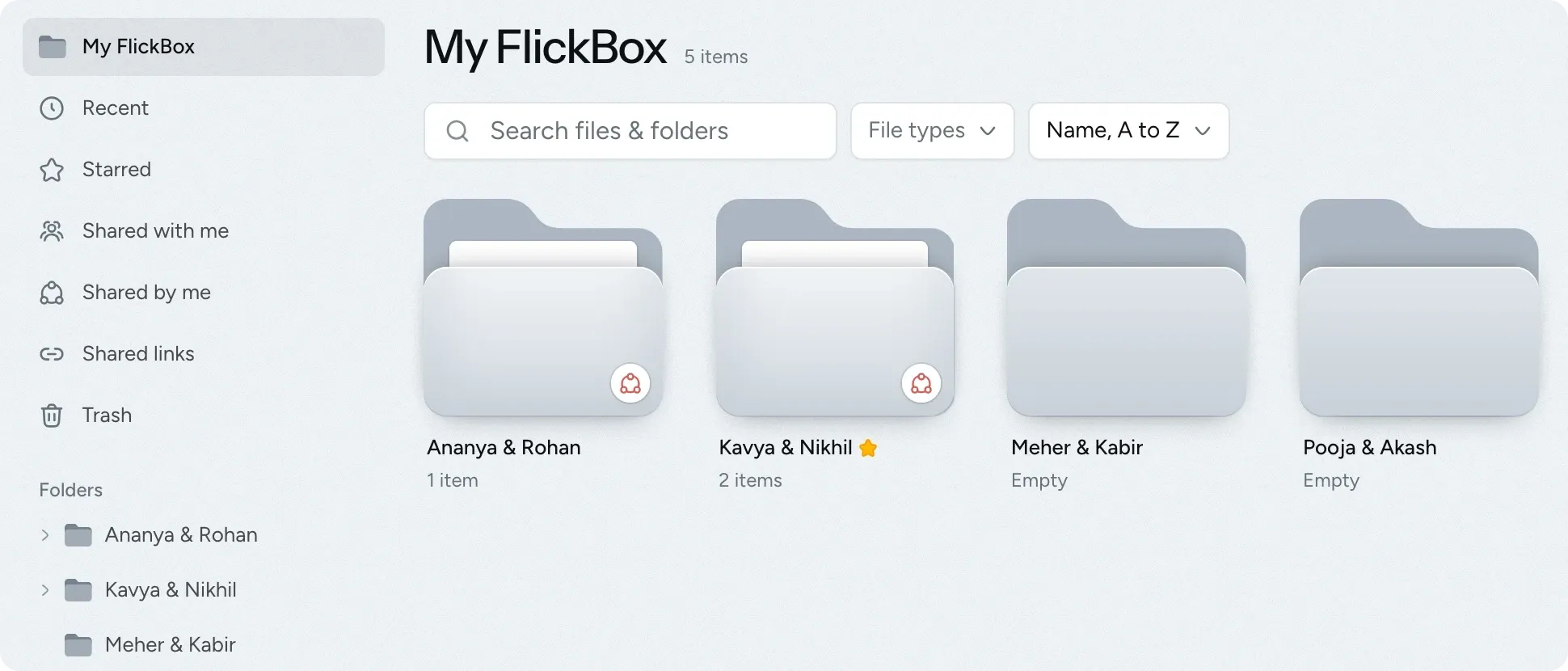
Familiar folders and shortcuts
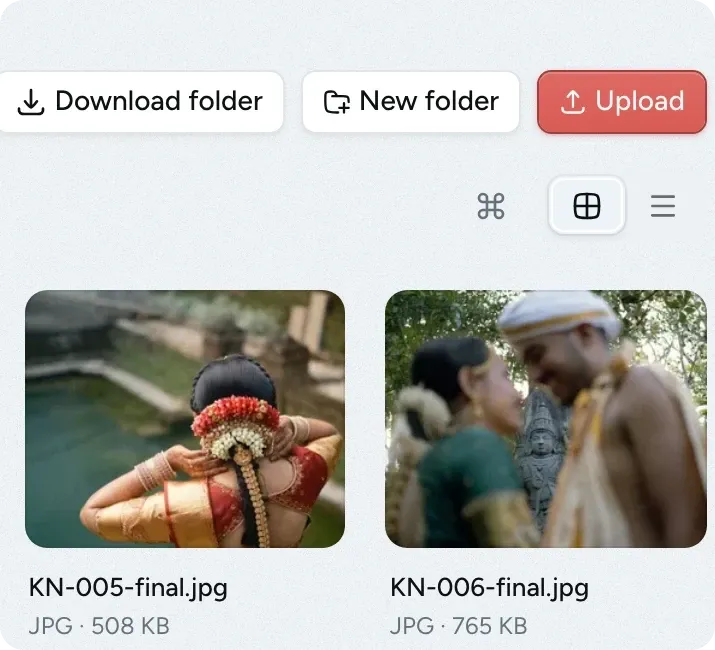
Use folders, right-click menus, drag and drop, and the keyboard shortcuts you already know. Photos, videos and PDFs open in the browser, so you don't need to download them first.
- Switch between grid and list views, and sort as you like
- RAW and iPhone photos can be previewed too
- You can undo every move
-
Share with view or download access
Clients see the files you share in their portal, and teammates see them in their own FlickBox. Anyone else gets a link, which you can protect with a password.
- Files added to a shared folder later are shared too
- Clients get an email when you share something with them
-
Large uploads resume if interrupted
If a large upload is interrupted, it continues from where it stopped, so a 2 GB video doesn't have to start over on an unreliable connection.
- Upload files of up to 100 GB each
- Pause and resume whenever you like
- Program files such as .exe are blocked
-
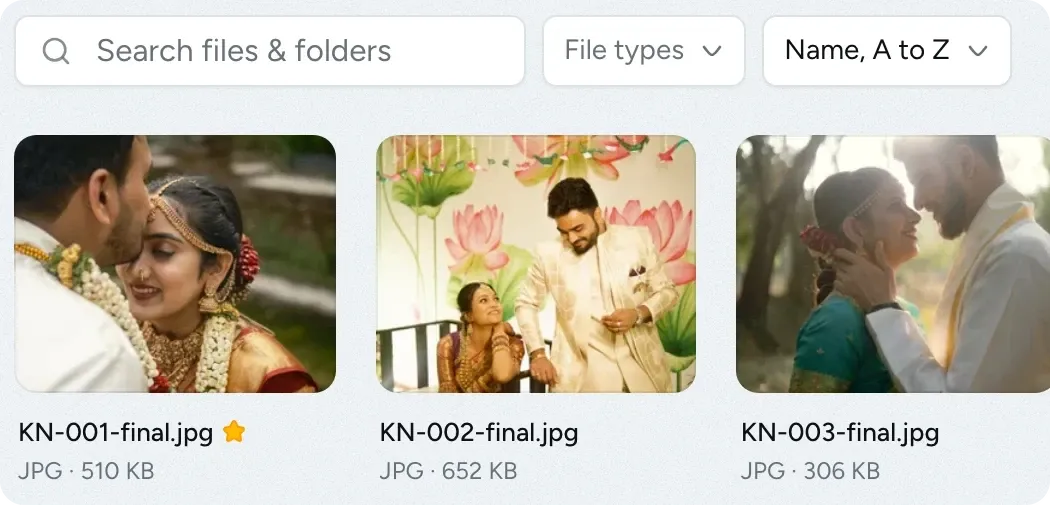
Find files with stars, tags and search
Star the folders you open every day. Tag files with labels such as Final or Raw, then filter by tag or file type.
- Your stars are visible only to you
- Tags are shared across the studio
- Files appear in the main search
-
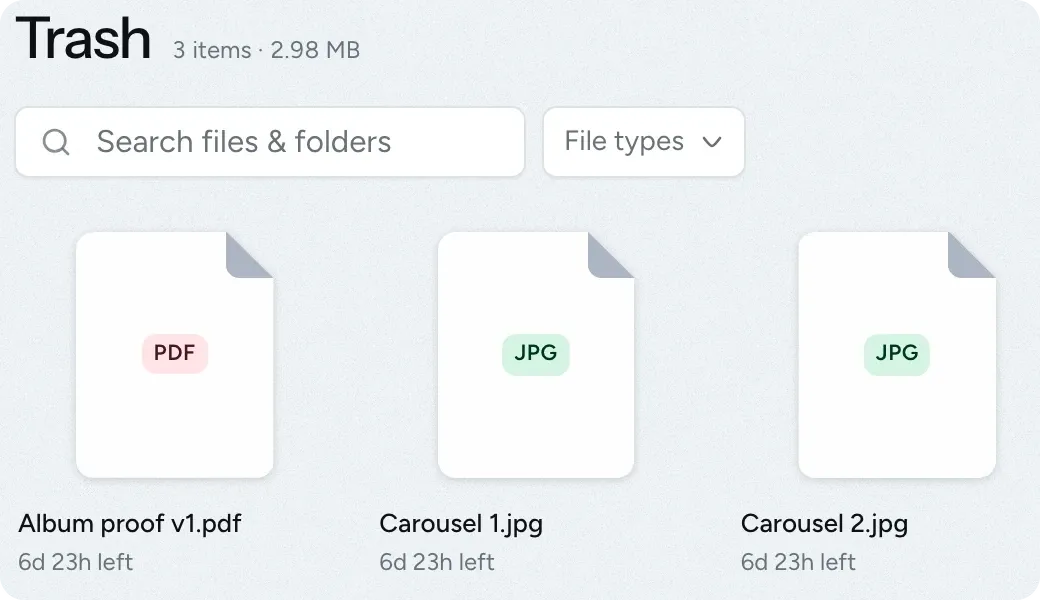
Restore deleted files within a week
If you delete the wrong folder, you can restore it from the trash within seven days, along with all the files inside it.
- Items are restored to their original location
- Sharing stops as soon as an item is deleted
See everything you've shared in one list
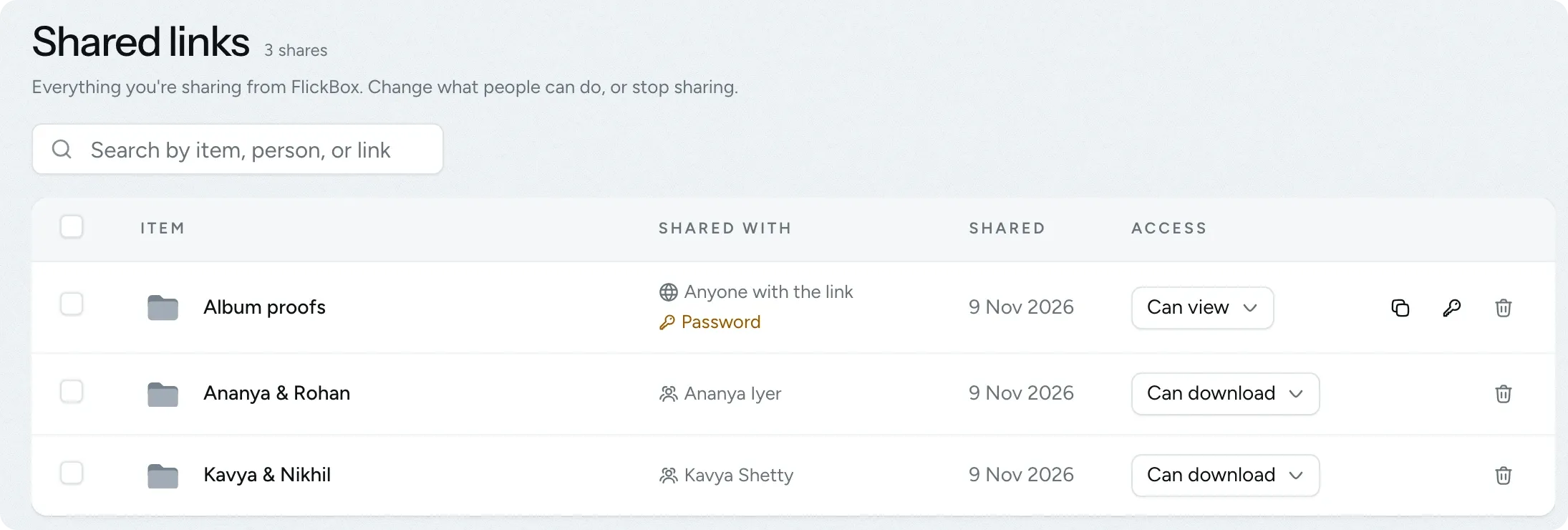
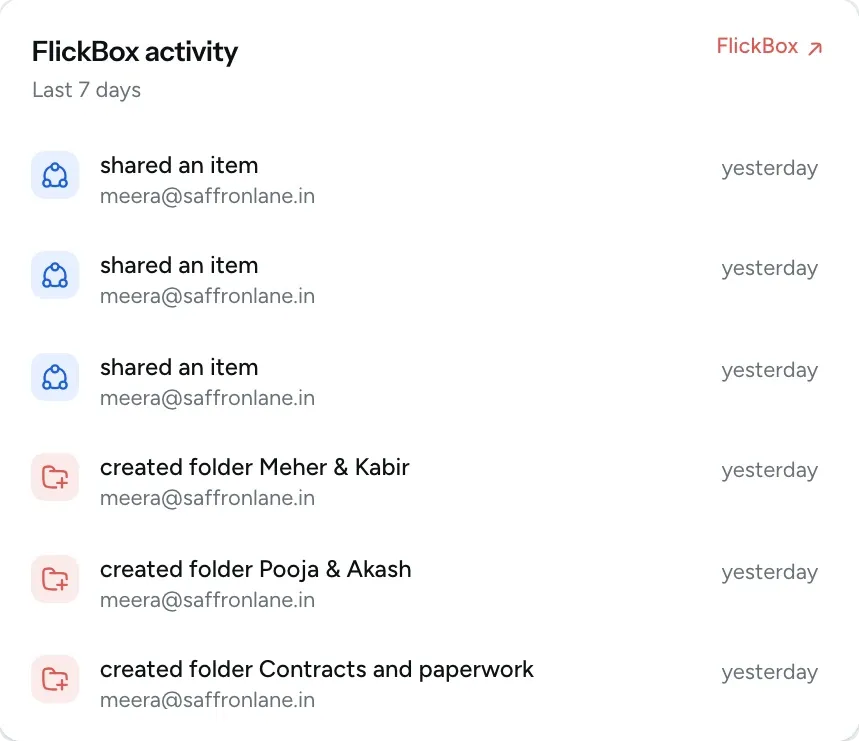
Shared links lists every file and folder you have shared, who has access and whether they can download it. You can change access or stop sharing from the same list. Your dashboard also shows FlickBox activity from the last seven days.
- Search by item, person or link
- Switch between view-only and download access from the list
- Add a password to links that anyone can open
Questions about FlickBox
Questions studios often ask before they start using this feature.
Email us another question-
In their client portal under Shared files, after signing in with the email address of the contact you shared with. They get an email and a notification in the portal when you share something.
-
No. Anyone with the link can open it without signing in, so add a password for private files. Links don't expire on their own. If a link reaches more people than you intended, you can change it and the old link stops working straight away.
-
It removes the download button, but someone determined can still save anything that is shown in a browser. Only share files you are happy for them to keep.
-
Open Shared links to see every active share in your studio, including who has access and any public links. Remove access there and people lose it straight away.
-
Yes. Common camera RAW files and iPhone photos open in the viewer. For a RAW file, the viewer shows the preview your camera saved inside the file, so the colours match your camera's screen rather than your final edit.
Experience FlickPic
Bring a real enquiry to a free 30-minute call. We'll take it all the way to a client gallery in FlickPic with you and answer your questions along the way.