
One link for everything your client needs
Give every client their own private portal to manage everything related to their booking. They can sign contracts, view schedules, select their photos, download galleries, and check outstanding payments. Everything in one place, with no app installation or password required.
From booking to the last photo
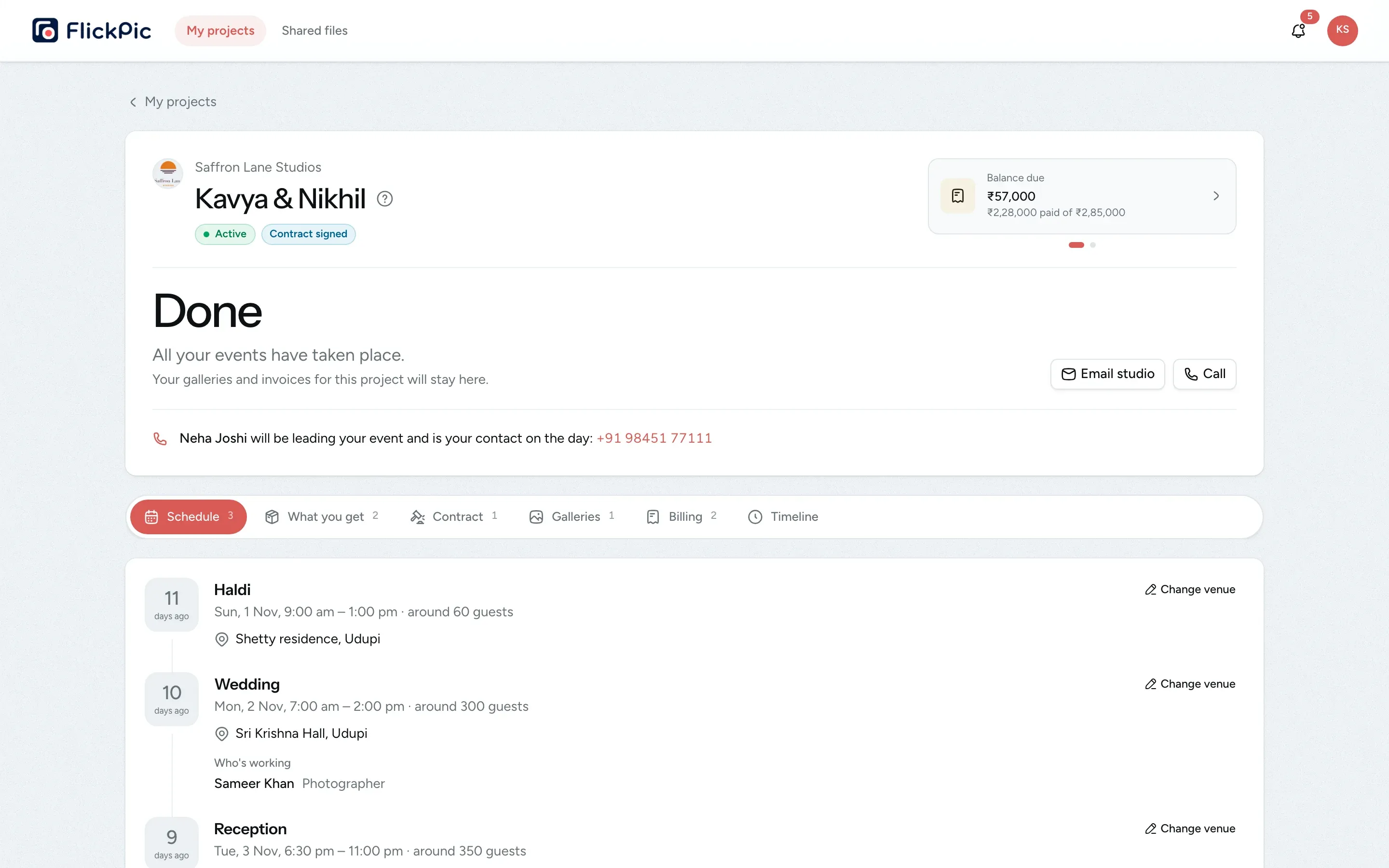
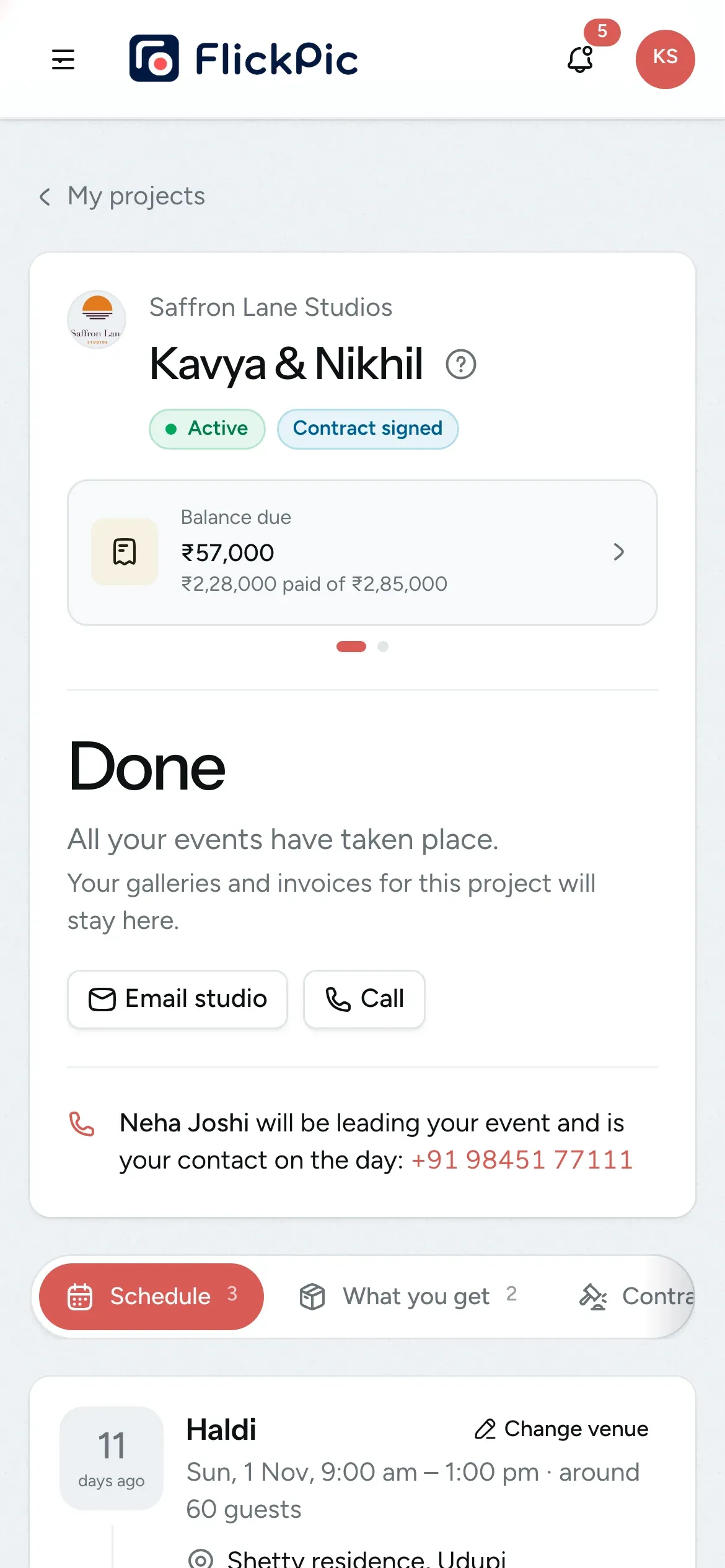
Here is what your client sees on their phone at each step.
- 1
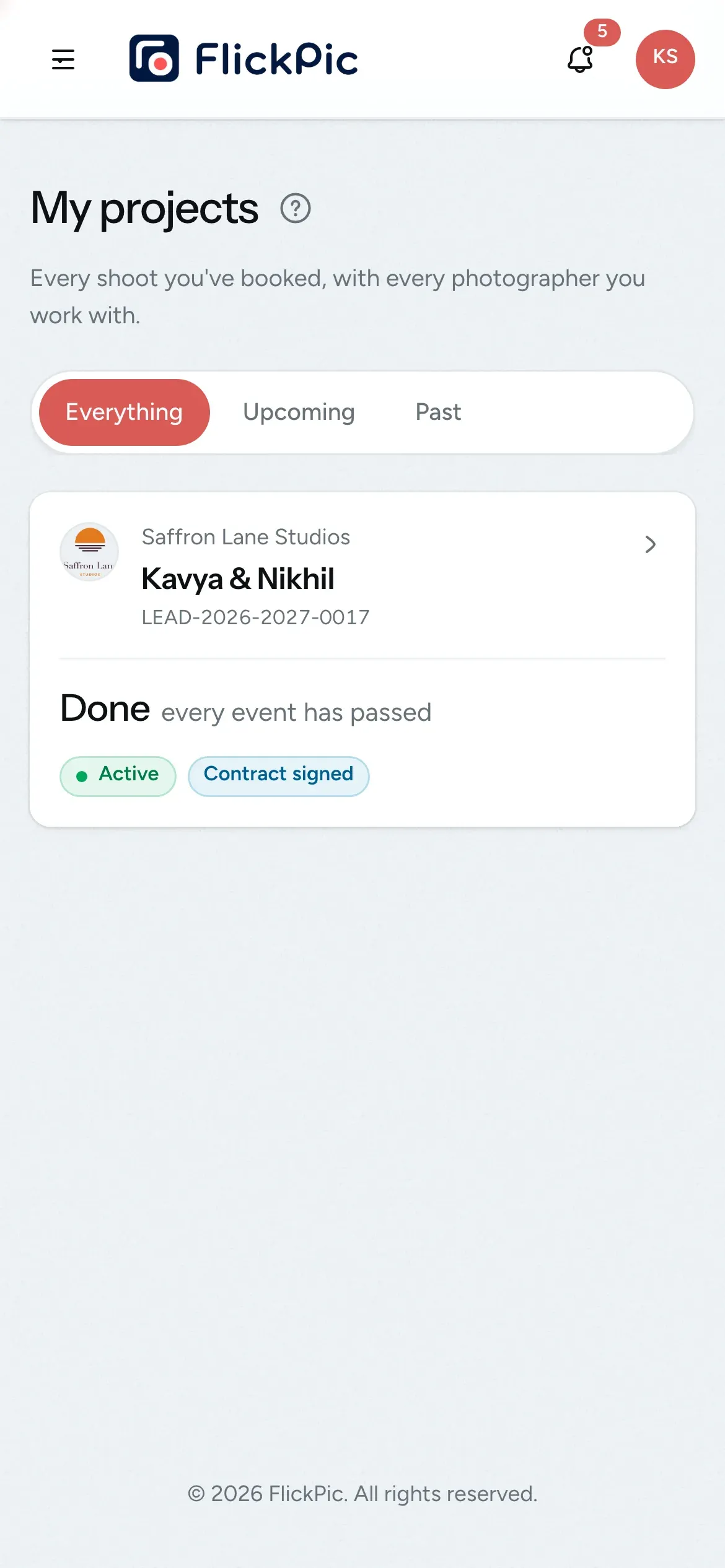
The invite arrives
As soon as you mark the enquiry as booked, your client receives an email with a link to their project.
- 2
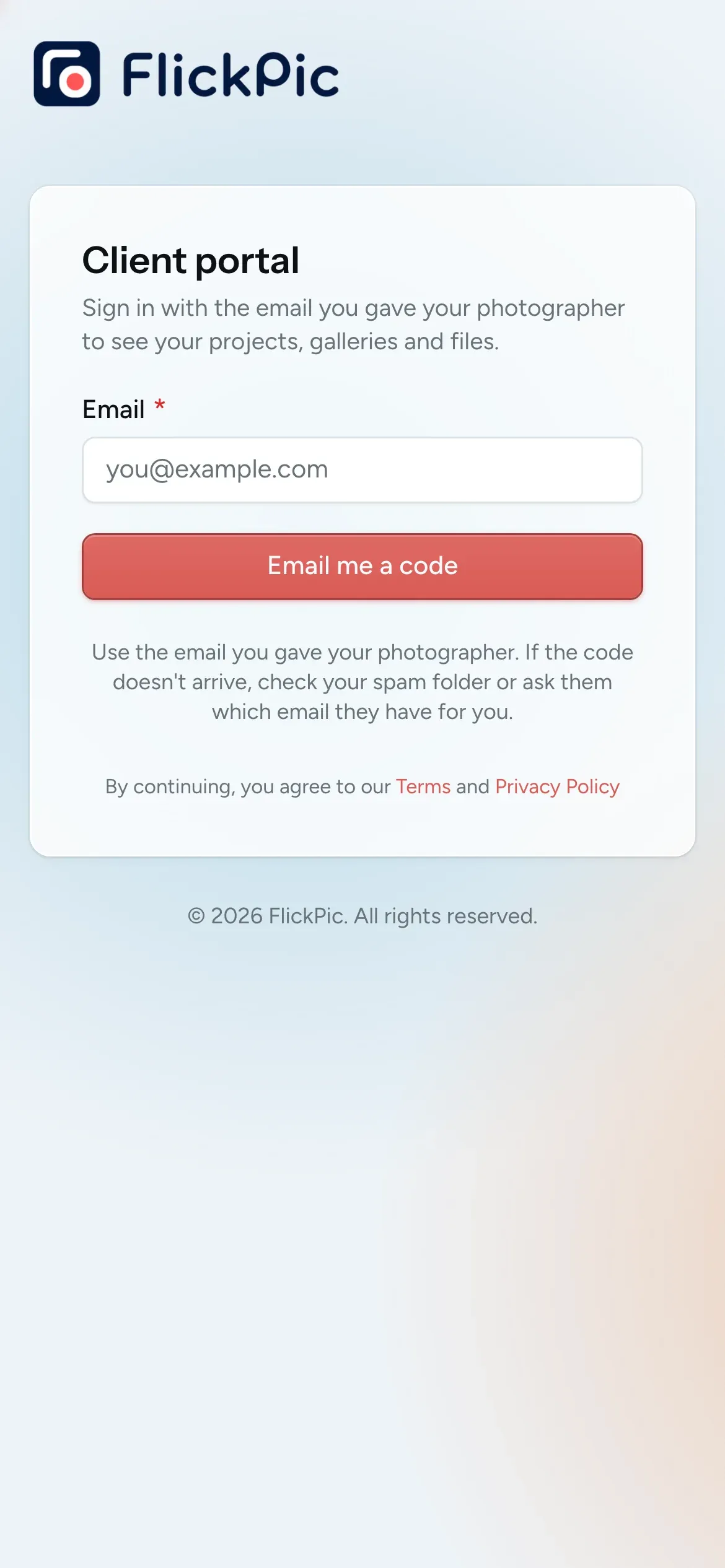
Sign in with a code
They enter their email address and then the 6-digit code sent to their inbox. There's no password to create or remember.
- 3
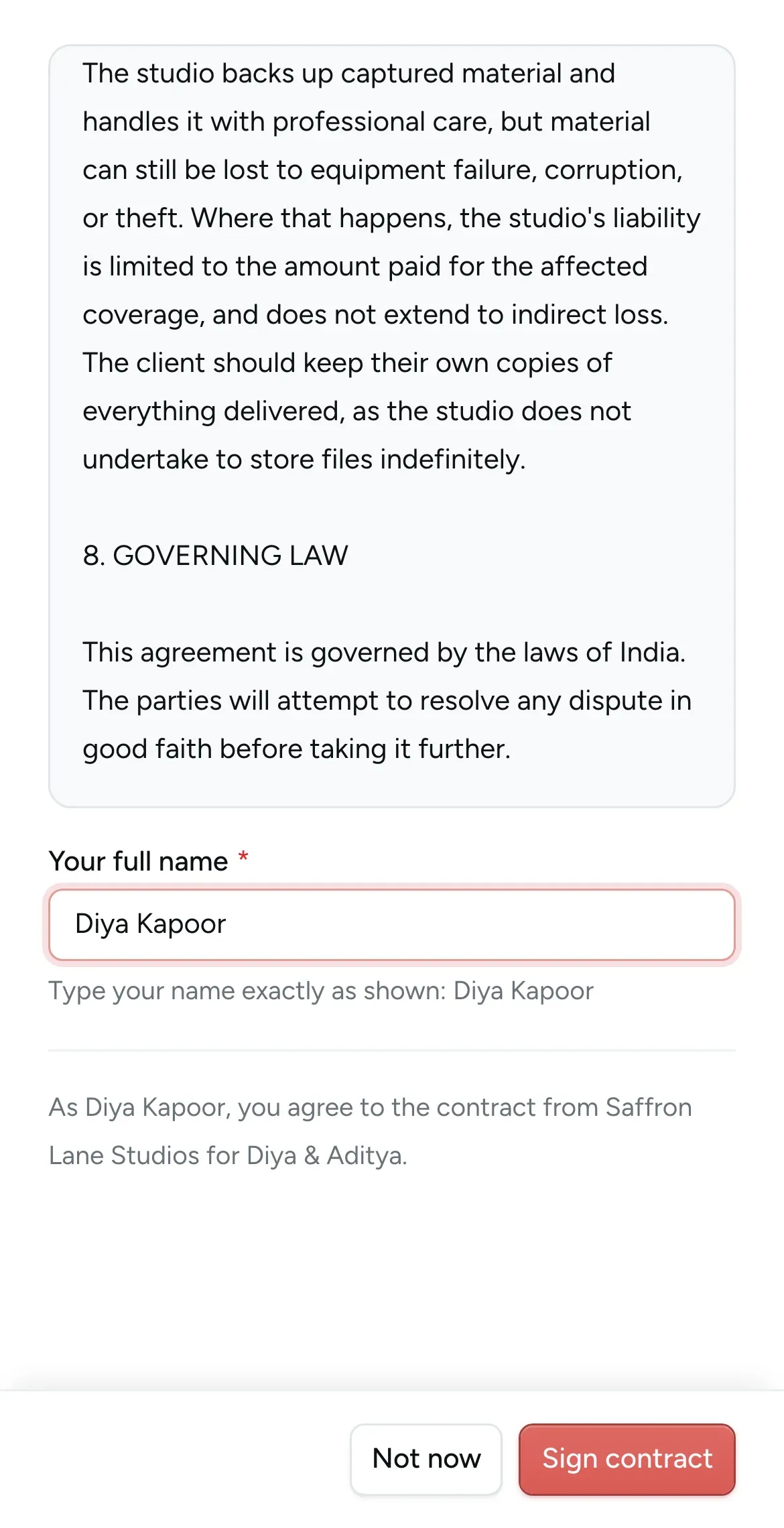
Sign the contract
If you require a signature, they read the contract and type their full name to sign it. The rest of the project opens once it is signed.
- 4
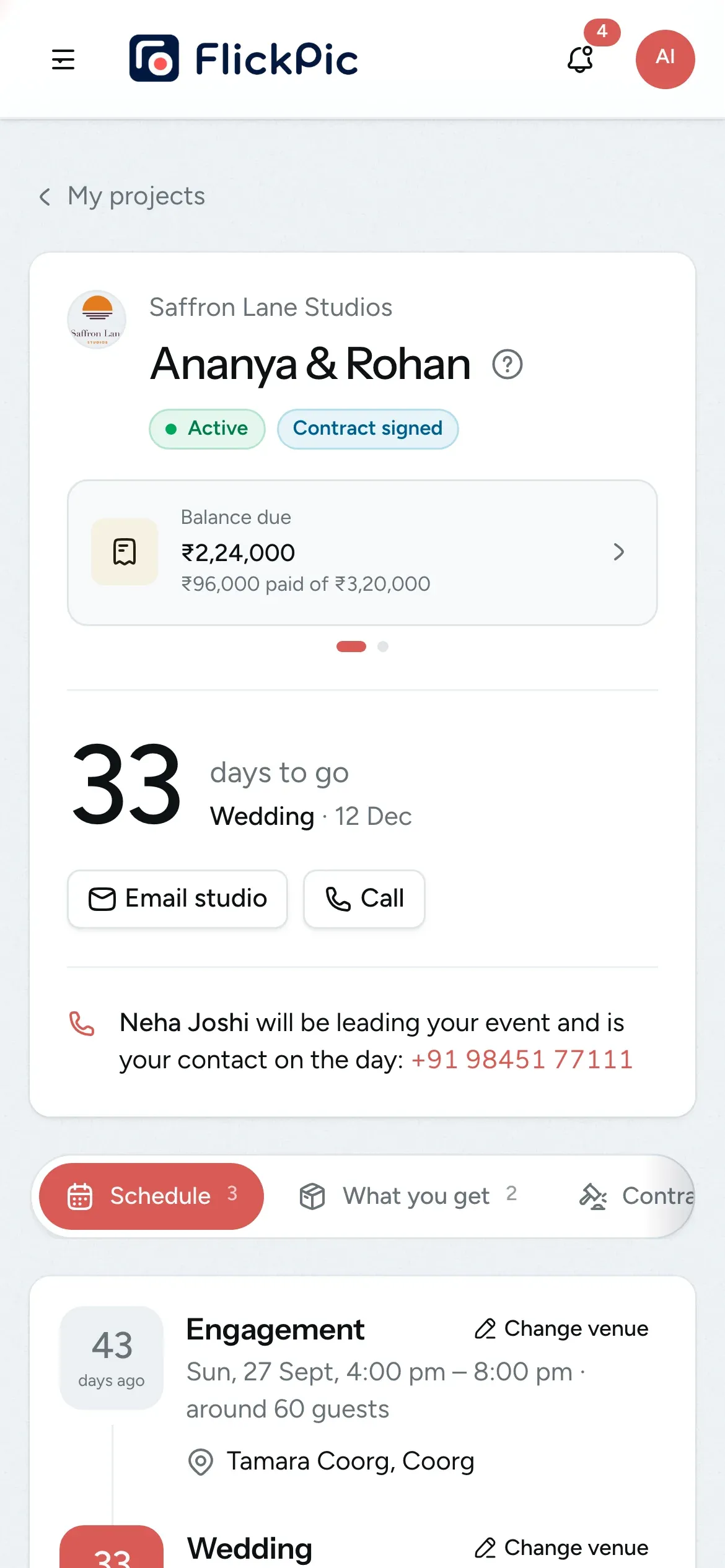
Get ready for the day
They can check the schedule and add the venue with a map link. They also get a reminder email two days before each event.
- 5
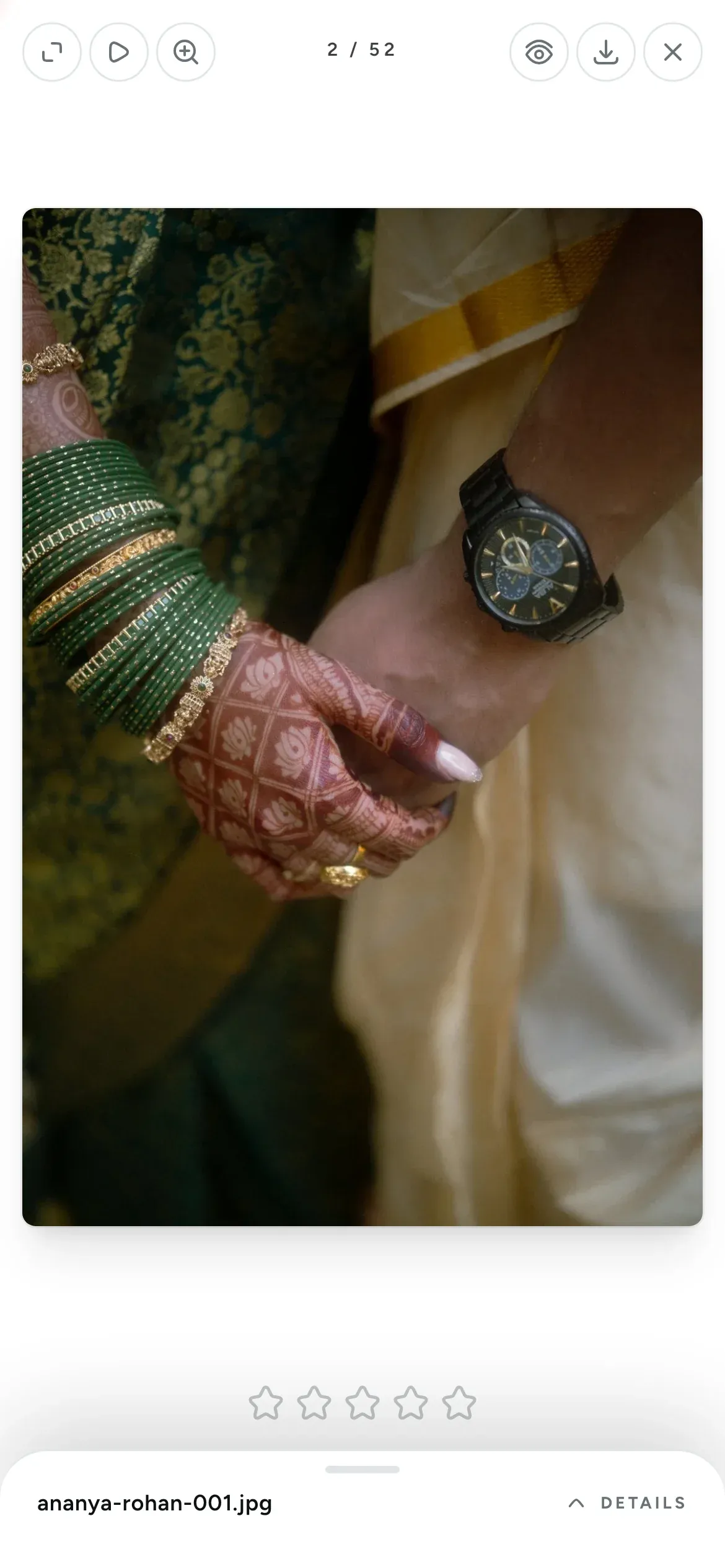
Pick their favourite photos
When the photos are ready, they star their favourites and add notes. When they tap Submit, you receive their final list.
- 6
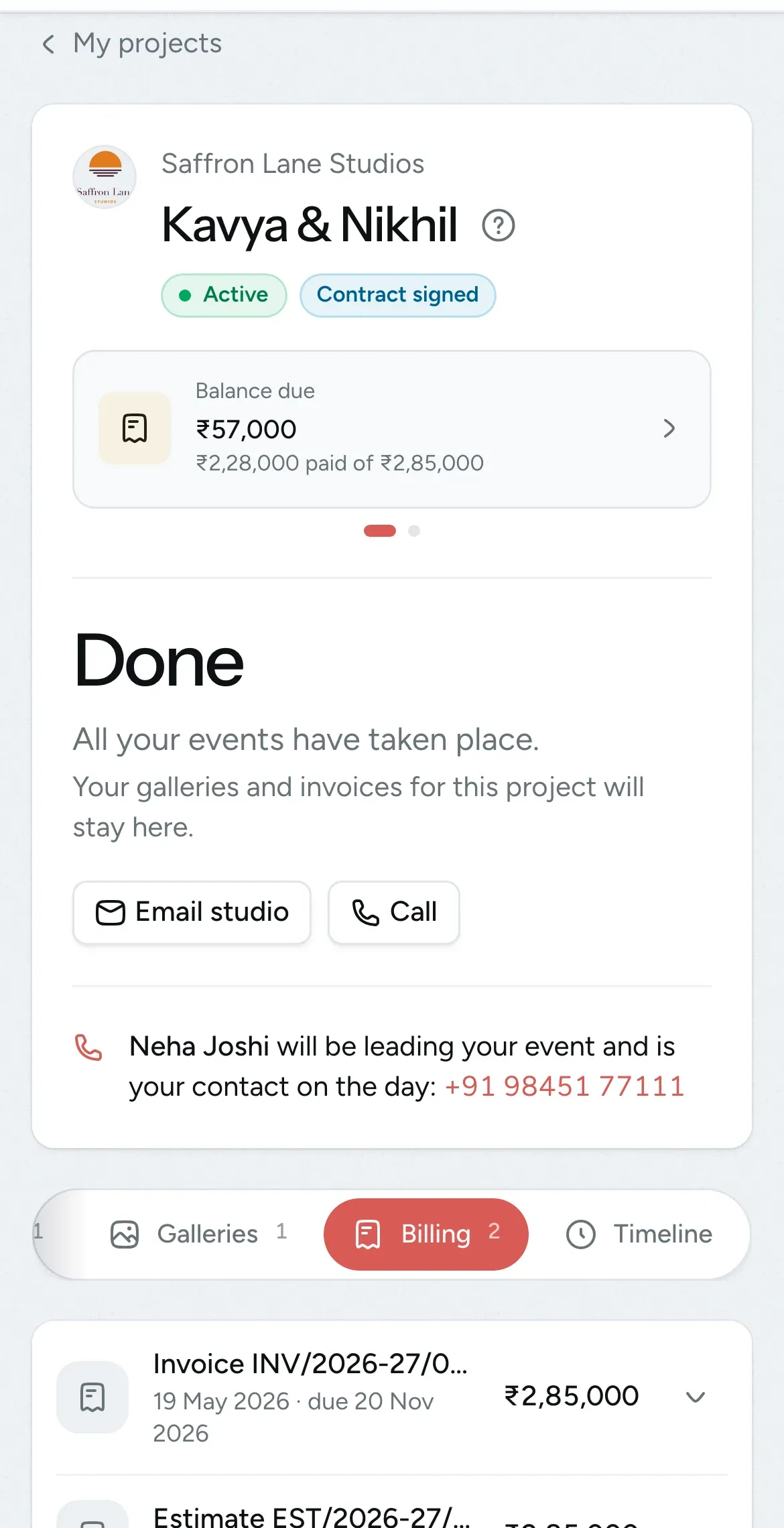
Download and pay
The final gallery, the films and every invoice stay in their project long after the wedding. They pay you directly using the payment details on the invoice.
Keep your coordinator and crew informed
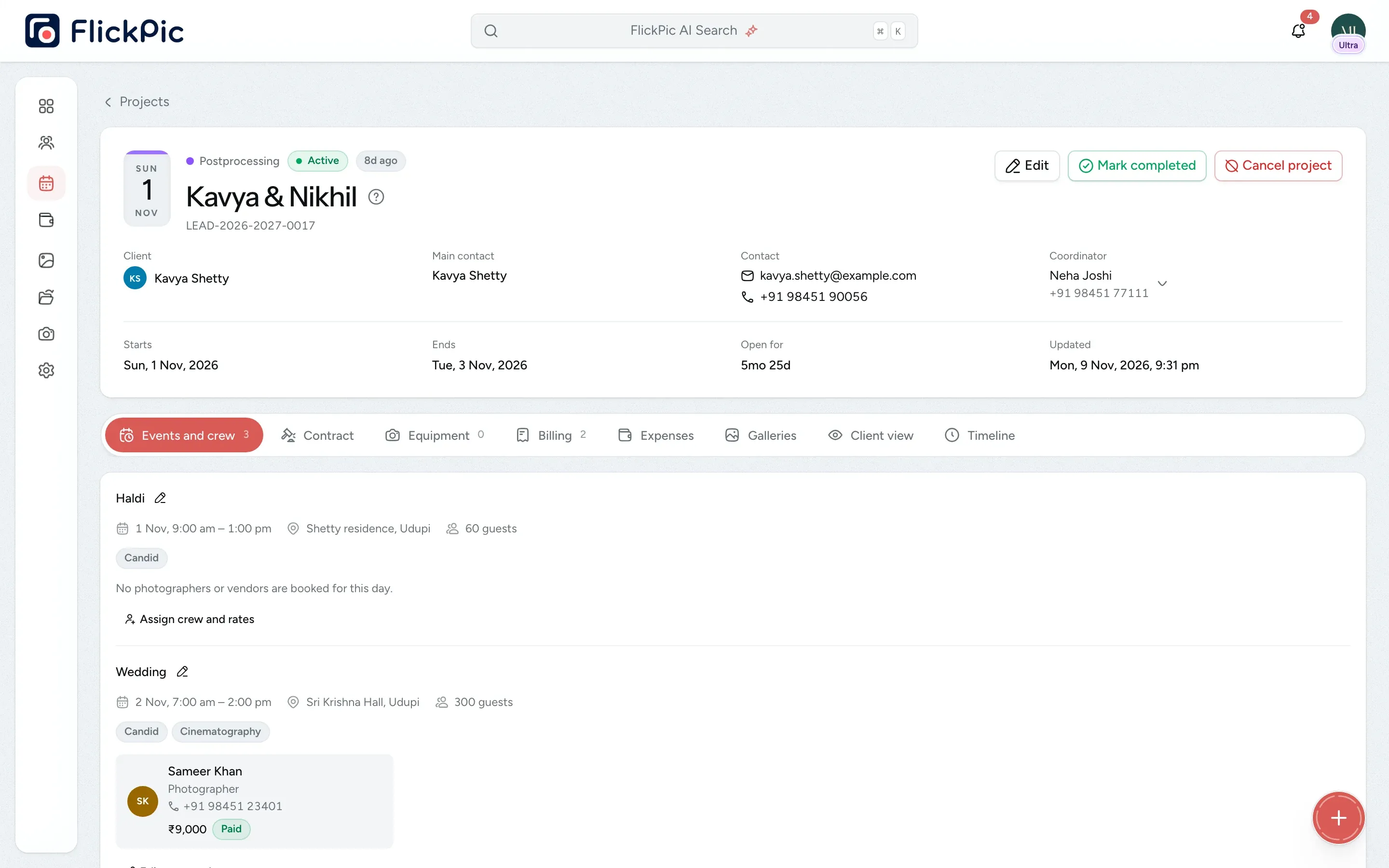
Each booking has one coordinator who your client can call. Your photographers receive the plan in advance and are told about every change to it.
On your project page
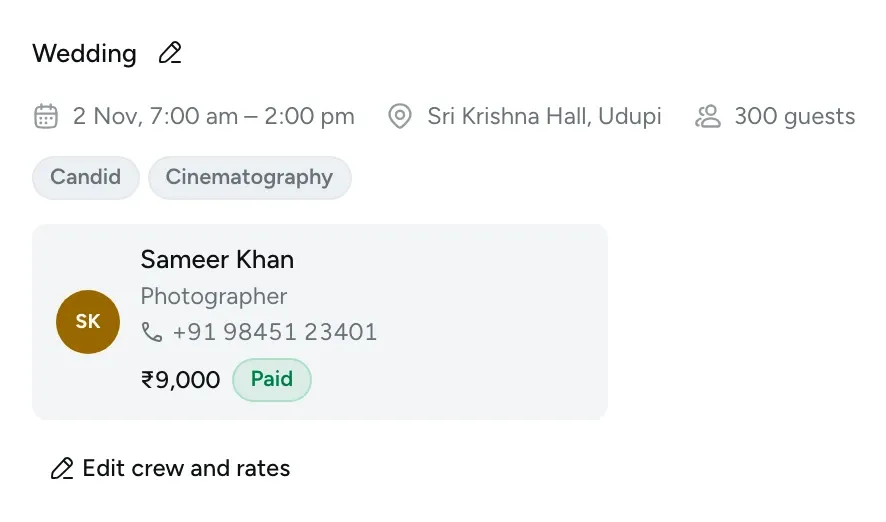
On your client's project
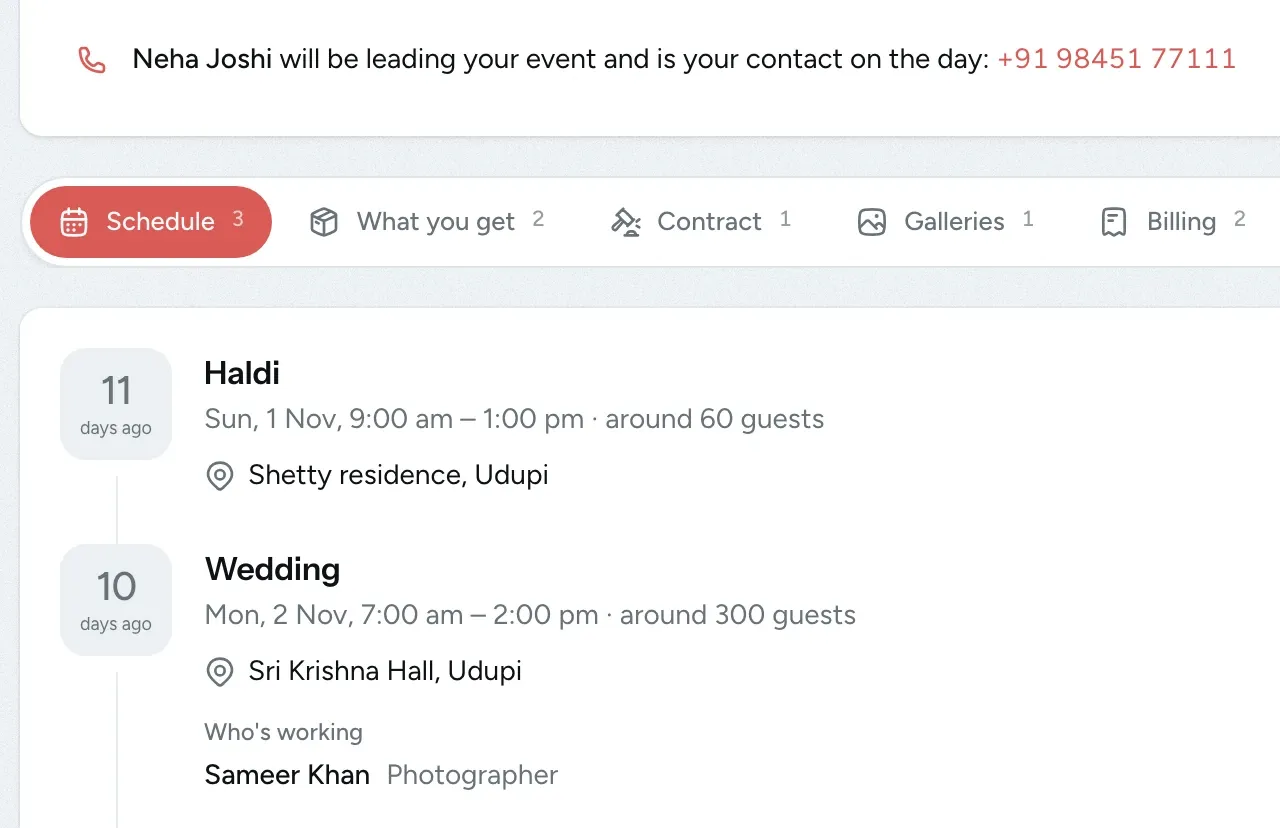
- One coordinator for each booking Assign a teammate, or someone outside your team, as the coordinator and main point of contact for each wedding. Your client sees the coordinator's name and phone number on the project, in the invitation and in the reminder sent two days before each event.
- Crew briefings a week ahead A week before their first event, each photographer receives the details of every day they're working, including the time, venue, map link, on-site contact and coordinator.
- Everyone hears about changes If your client edits a venue, you're notified straight away. Your photographers get an update when a time or venue changes, when a day is added or when they're removed from an event, and a reminder the day before.
- Phone numbers and prices stay private Your crew never receives your client's phone number, and messages to your crew never mention prices. Both your client and your crew get the coordinator's number instead.
Replace the WhatsApp group and the Drive link
Couples remember how they received their photos. Because the portal shows your name and logo, it feels like part of the service they paid you for.
The usual way
- A Drive link that anyone can forward
- Favourites sent as screenshots on WhatsApp
- Invoices buried in email threads
- “What time do we start?” calls the night before
- A contract signed on paper, or not at all

FlickPic portal
The better way- A private gallery that only your client can open
- Starred favourites and notes, sent to you as one final list
- Clients can view all their bills and outstanding payments in one place
- A schedule with times, venues and map links
- A contract signed online that can't be changed later
What your client can do in the portal
Everything works just as well on a phone as it does on a laptop.
-
Swipe through photos on a phone
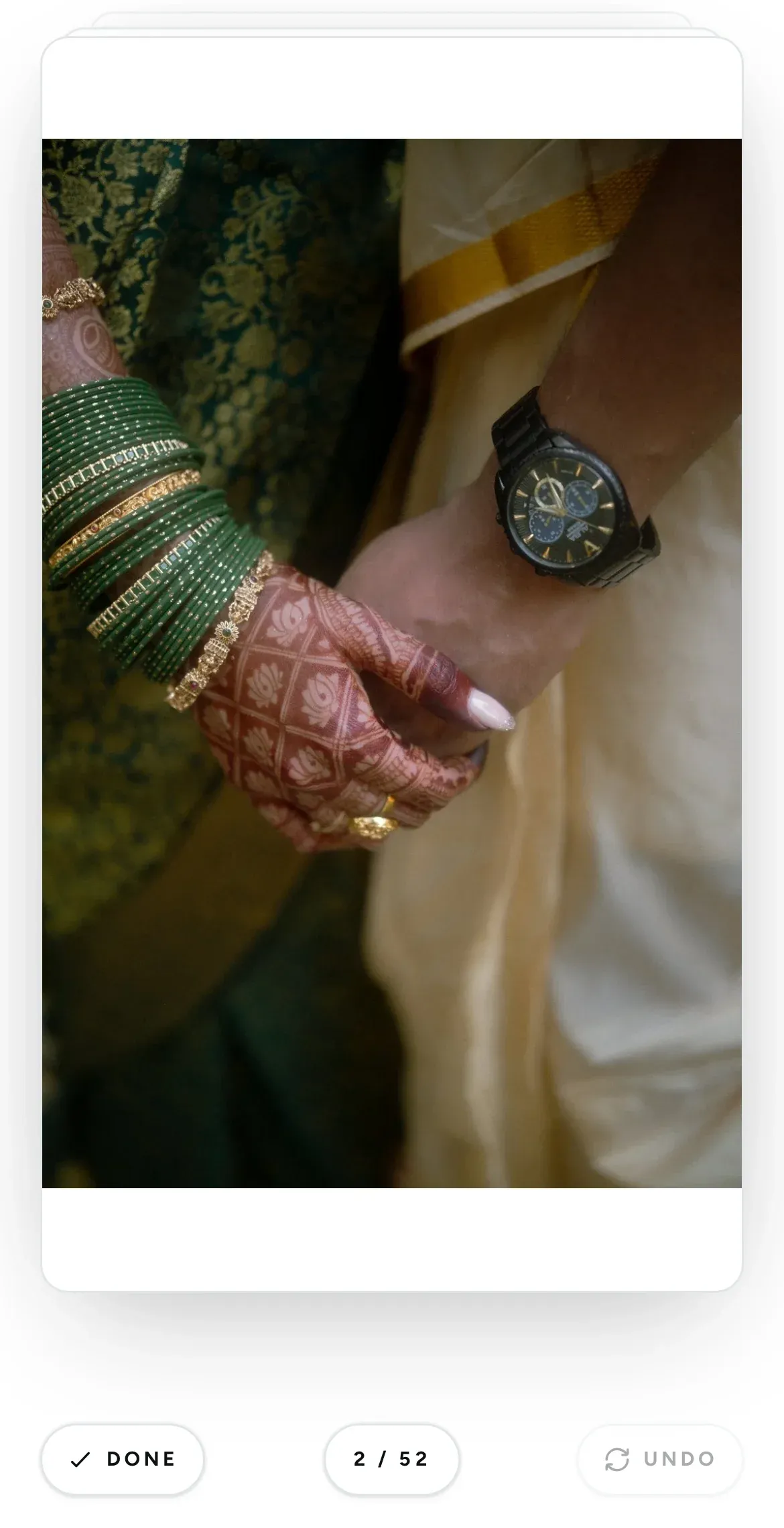
Rapid selections shows one photo at a time. Your client swipes right to pick a photo or left to skip it, which is the quickest way to go through a gallery of two thousand photos.
-
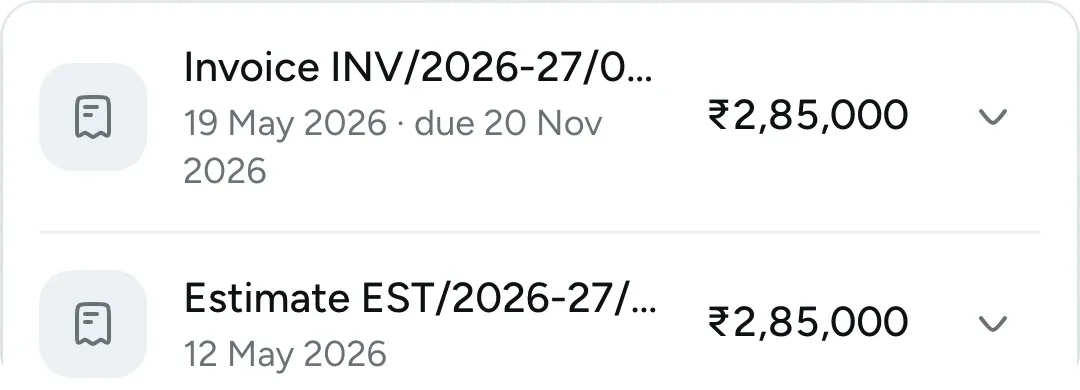
Quotes and invoices in the portal
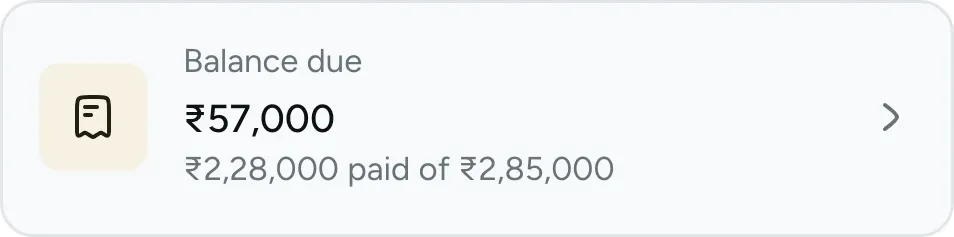
Each quote and invoice shows what has been paid and what is still due. Your client can download or print any of them without leaving the page.
-
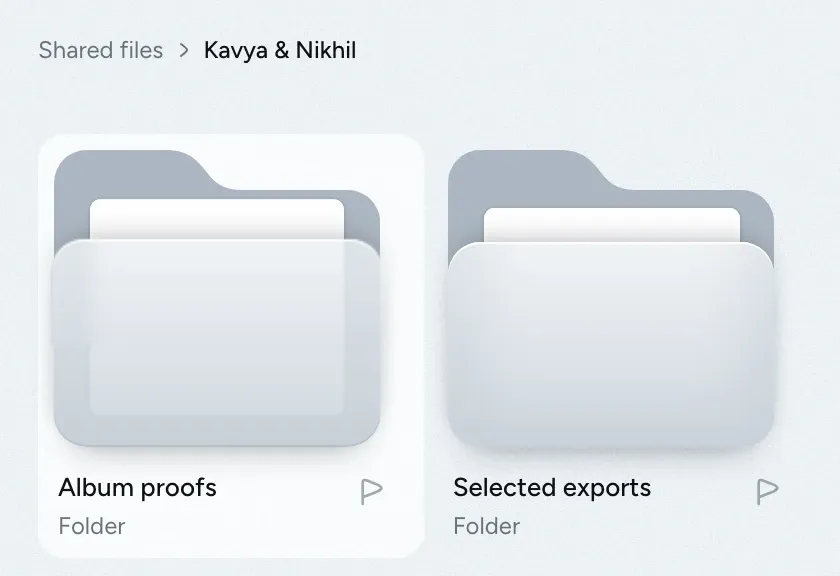
Share films and other files
Add wedding films, album designs and contracts to Shared files. Your client can preview them in the browser and download them only if you allow it.
-
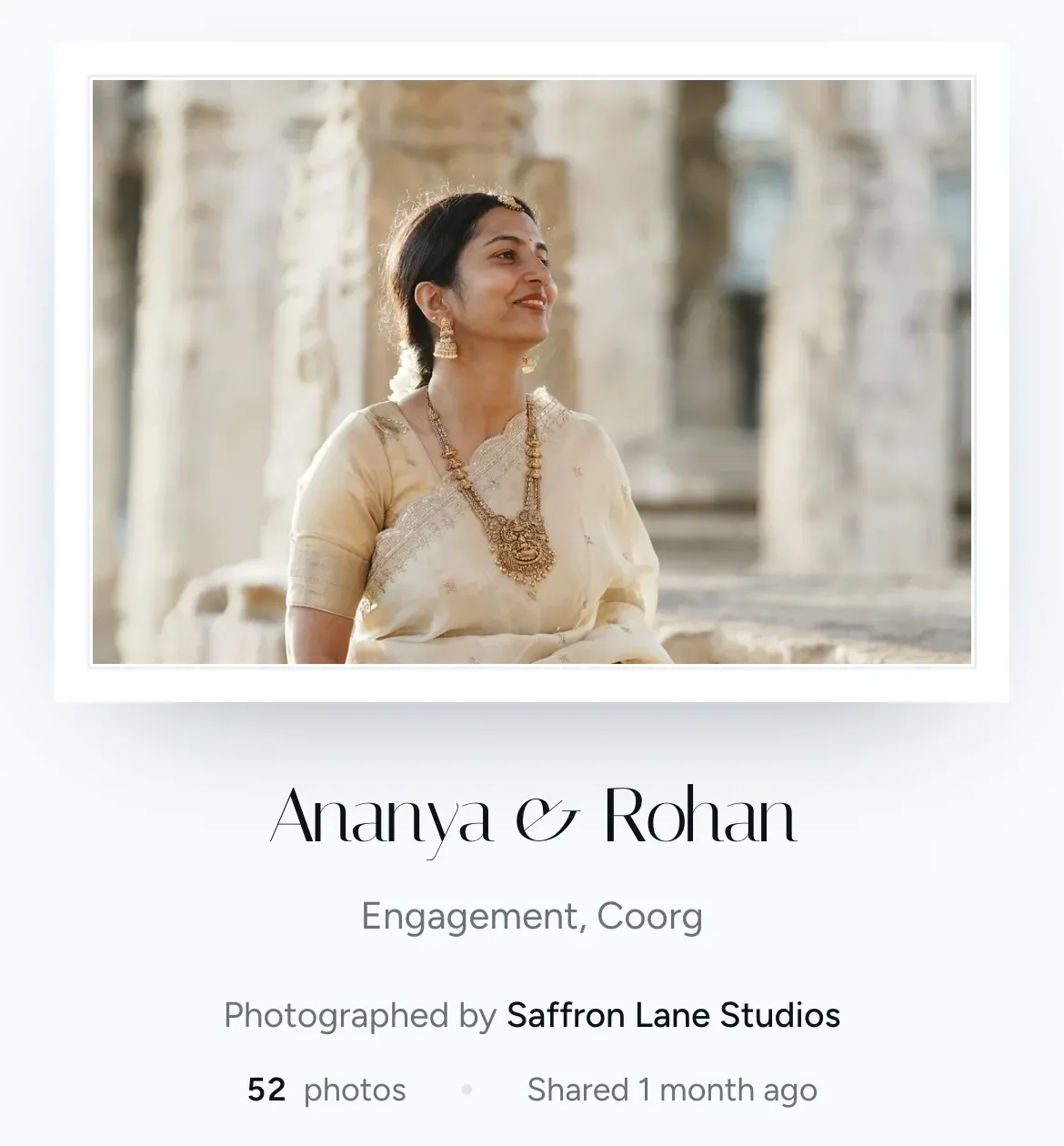
Your logo on every project
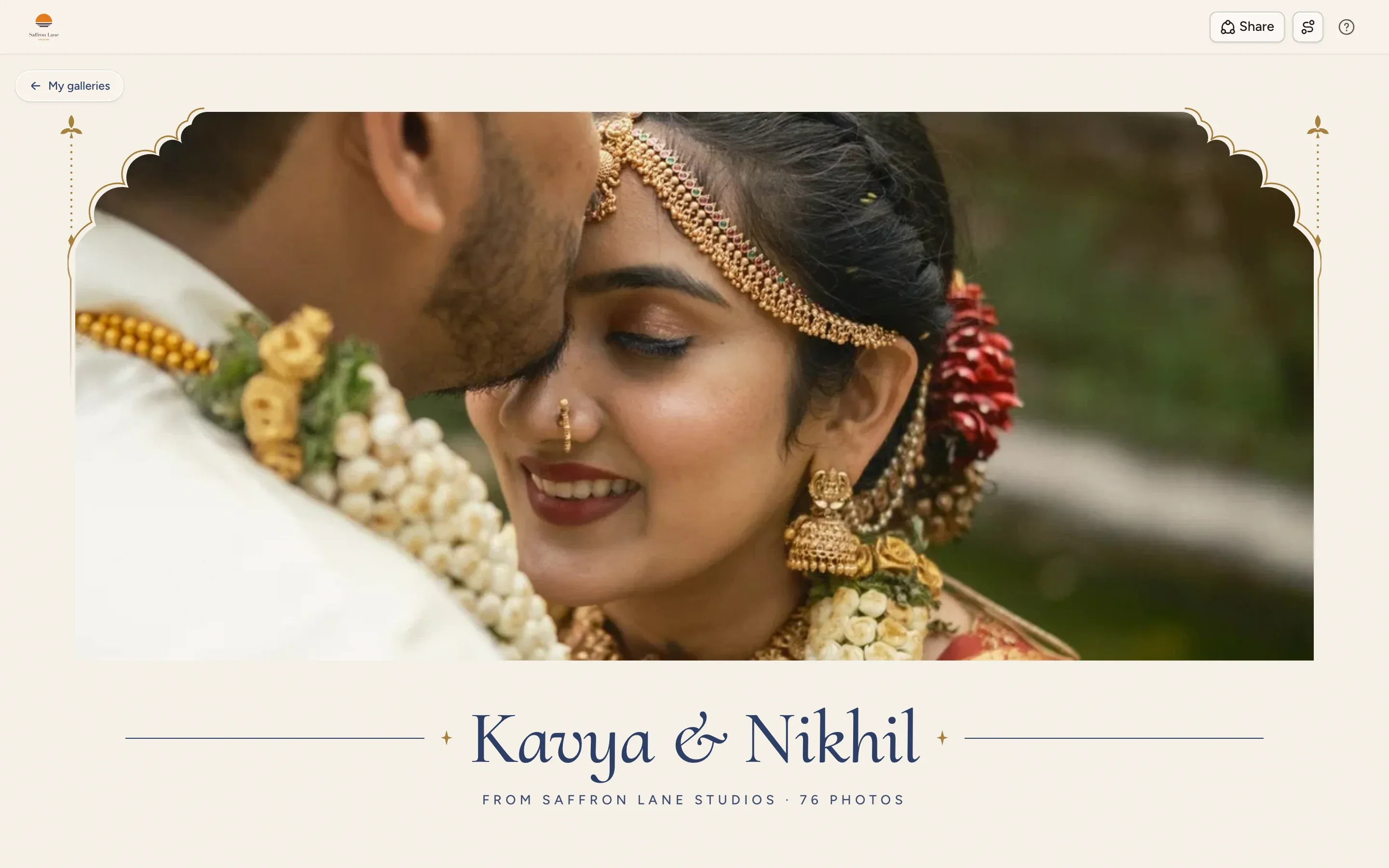
Your studio's logo and name appear on every project and gallery, and your client can tap Email studio or Call to reach you.
-
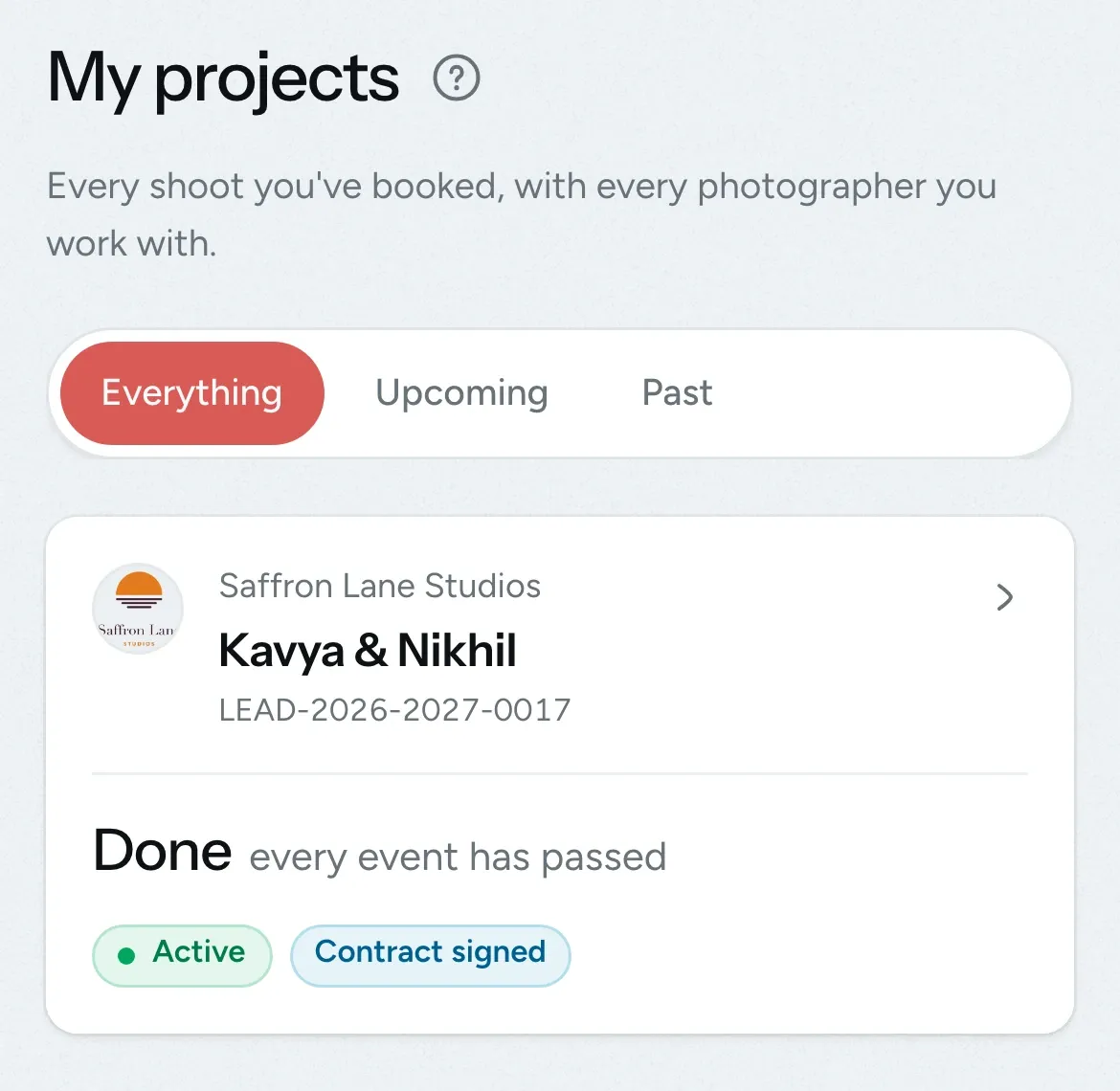
One portal for all their studios
If a couple books two studios that use FlickPic, both projects appear in the same portal. Each studio sees only its own project.
-
Updates by email and WhatsApp
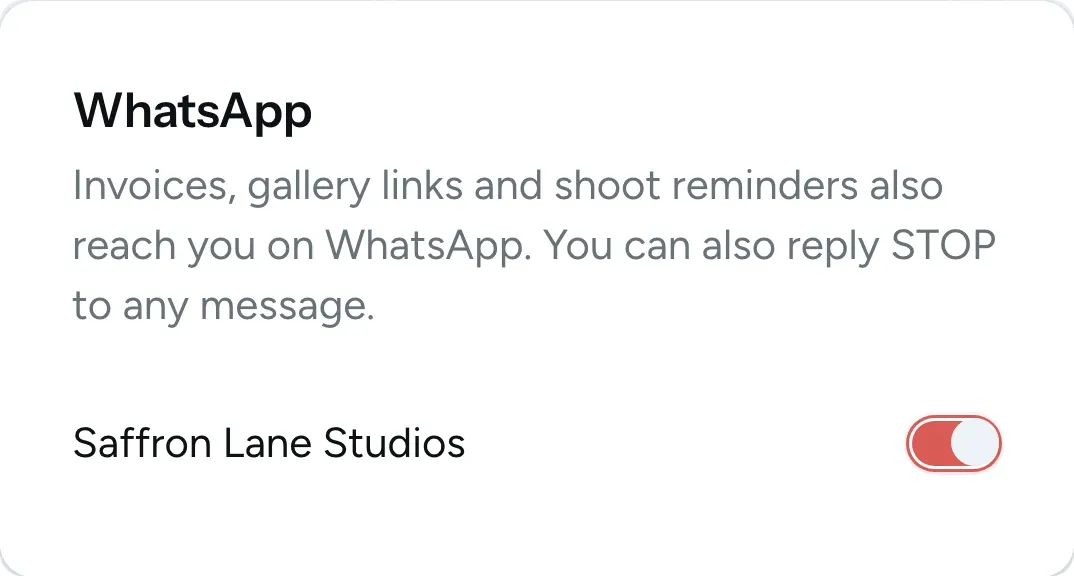
Your client is notified about new galleries, invoices, receipts and shoot reminders by email, on WhatsApp and through the notification bell in the portal. They can turn off WhatsApp messages from your studio, or reply STOP to any message.

Your client sees only their own project
Crew phone numbers, rates and your own notes stay private to your studio. When you remove someone's access, it ends immediately.
Visible to your client
- View your project details, schedule, and team.
- Galleries and files you've shared with them
- Quotes and invoices addressed to them
- Your studio's name, logo and contact details
Kept private in your studio
- Phone numbers of your crew and vendors
- Your internal notes and equipment
- Prices from your service catalog
- Other clients and their projects
Questions about the portal
Questions studios often ask before they invite their first couple.
Email us another question-
No. The portal opens in the browser on any phone, tablet or computer. Your client follows the link in their invite email and signs in with a code.
-
They sign in with their email address and a 6-digit code that we send them. There are no passwords. They can also see every device they're signed in on and sign out of any of them.
-
Only the main contact on the booking. If someone else should have access, make them the main contact, and the project moves to them. You can still share galleries and files with anyone else by email.
-
Only the venue details for each event: the venue name, a map link and an on-site contact. You get an email when they change them. Everything else can only be edited by you.
-
Not yet. Clients pay you directly using the payment details on the invoice, such as UPI or bank transfer. When you record the payment, they receive a receipt by email.
-
Yes. A studio owner can open any project exactly as its main contact sees it. This view is read-only, so you can look around without changing or downloading anything.
-
On every plan, each booking gets its own project page with the schedule, contract and bills. Galleries in the portal are included with Pro, Max and Ultra, and shared files with Max and Ultra.
Experience FlickPic
In a free 30-minute demo, we'll book a sample wedding and show you the portal your couple would get.